25
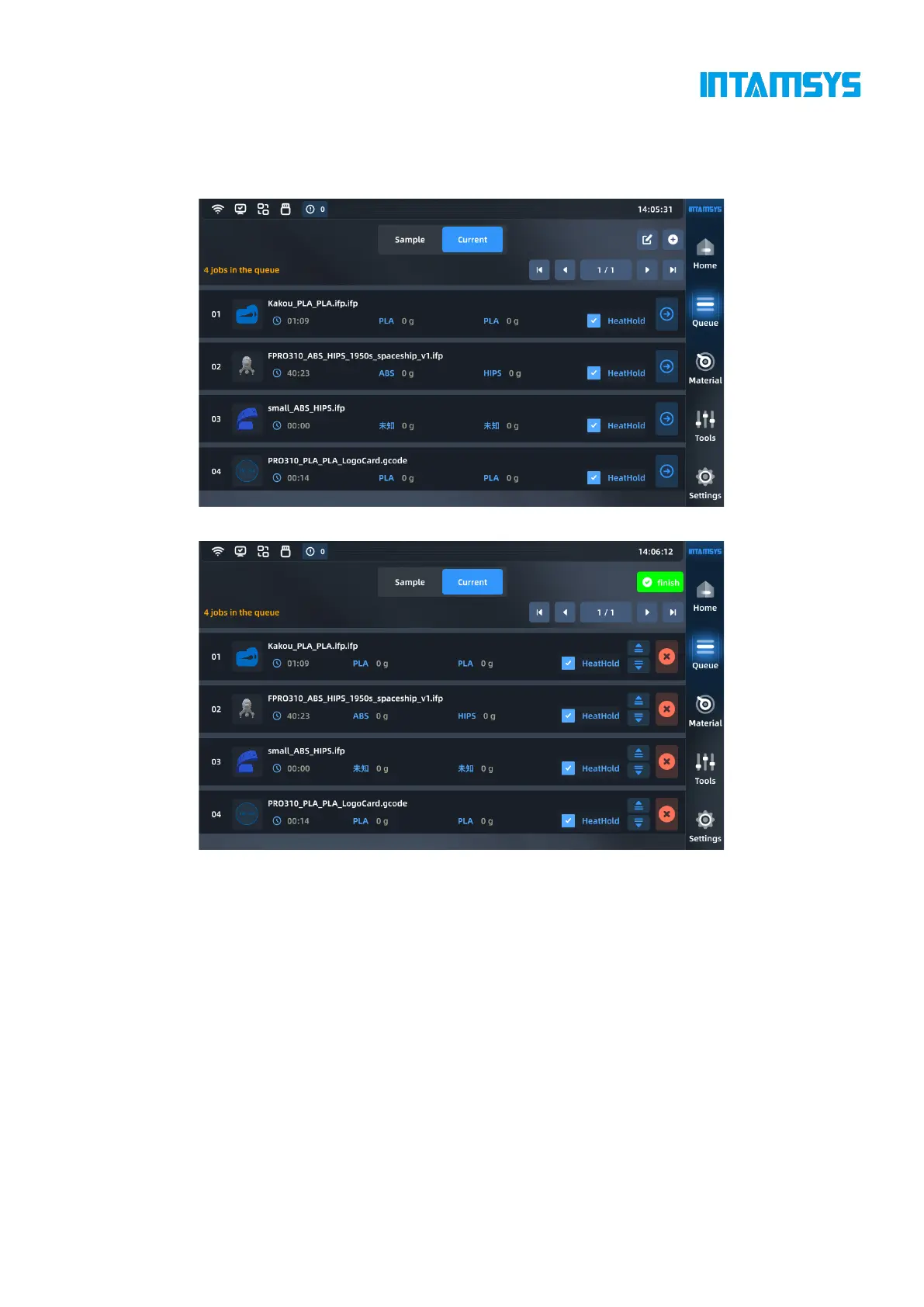
In the current task queue, import and edit commands are provided in the upper right corner. We can
add files or adjust the order of tasks. Once the current task is completed in the queue, the next task
will be automatically listed (refer to Section 4.2.4).
Fig. 4.12 Current Queue
Fig. 4.13 Edit Current Queue
4.4 Materials
You can carry out material setting, material loading and unloading, and material database
management on the material interface.



 To Next Page