61
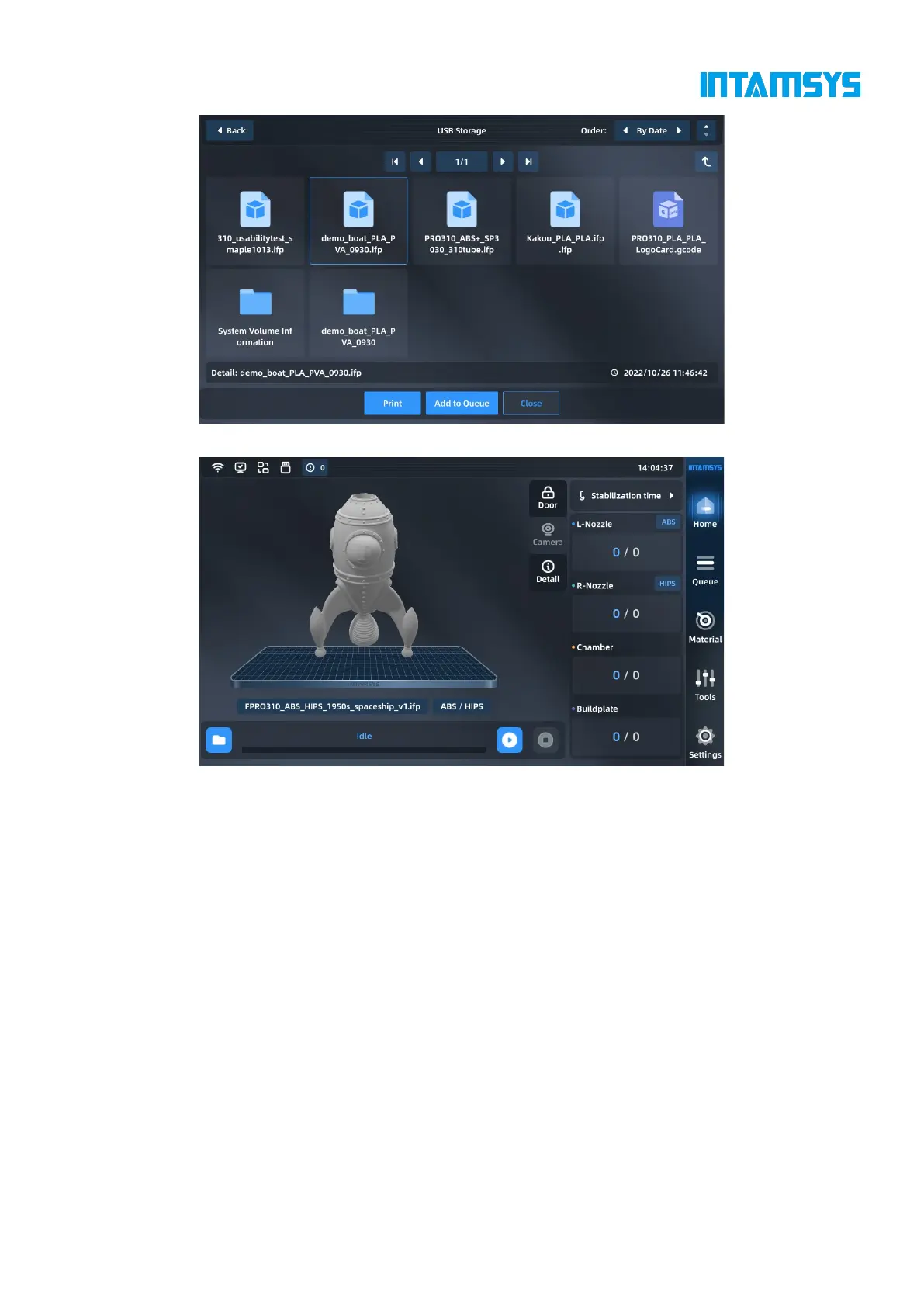
Fig. 5.15 Print File Interface
Fig. 5.16 Print File Loading Completion
5.4.4 Printing process
5.4.4.1 Main printing process
Click the "Start" button on the screen to start printing and prototyping. The printing and prototyping
process has three steps: "preheat - print - heat hold".
1. Preheat. Preheat the printing platform and the chamber before printing. The preheating
temperature and time are the platform temperature, chamber temperature and preheating time of the
material in the left extruder on the printer (it is necessary to confirm whether the material setting of
the material interface is consistent with Gcode). When the platform temperature and chamber
temperature reach the target values, preheating timer starts;
2. Print. After the preheating time runs out, the printer starts to read the G-code file to perform
formal printing.
3. Heat holding. After printing, the nozzle cools down and the print platform and chamber shall
maintain heated. The heat hold temperature and time are based on the platform heat hold temperature,



 To Next Page