21
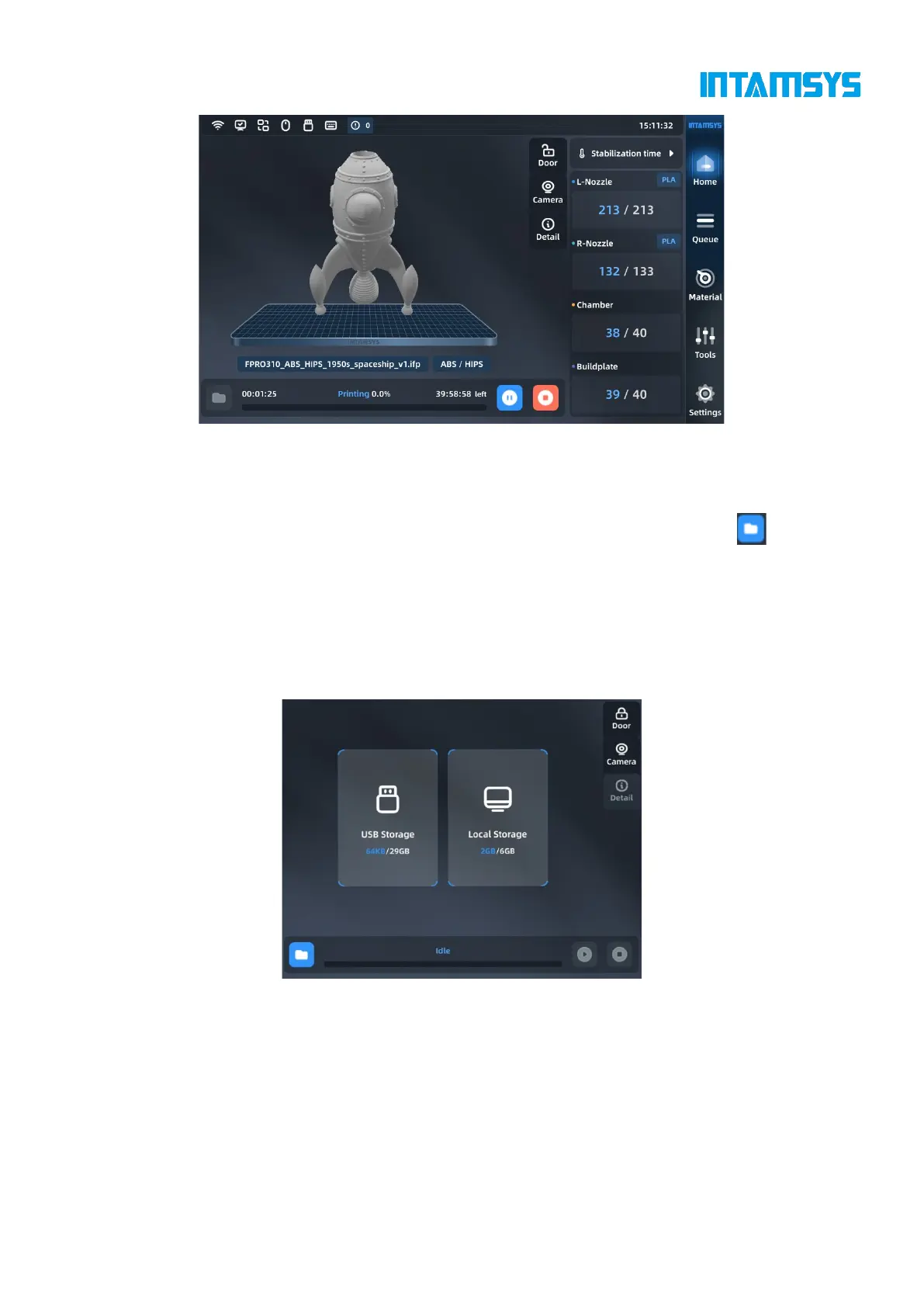
Fig. 4.5 Main Interface
4.2.1 Loading print files
FUNMAT PRO 310 provides two methods to load USB and locally stored print files. Click to
select the file acquisition method, and find the print file by reading USB storage or printer local
storage. You can choose to press "Print" to load the print file for immediate printing, or press "Add
to Queue" to load the file into the queue for subsequent printing.
The print file format can be .gcode or .ifp. For .ifp format file, you can preview the model shape
and the print progress can be displayed during printing.



 To Next Page