50
4.7 Other Interfaces
4.7.1 Warning prompt
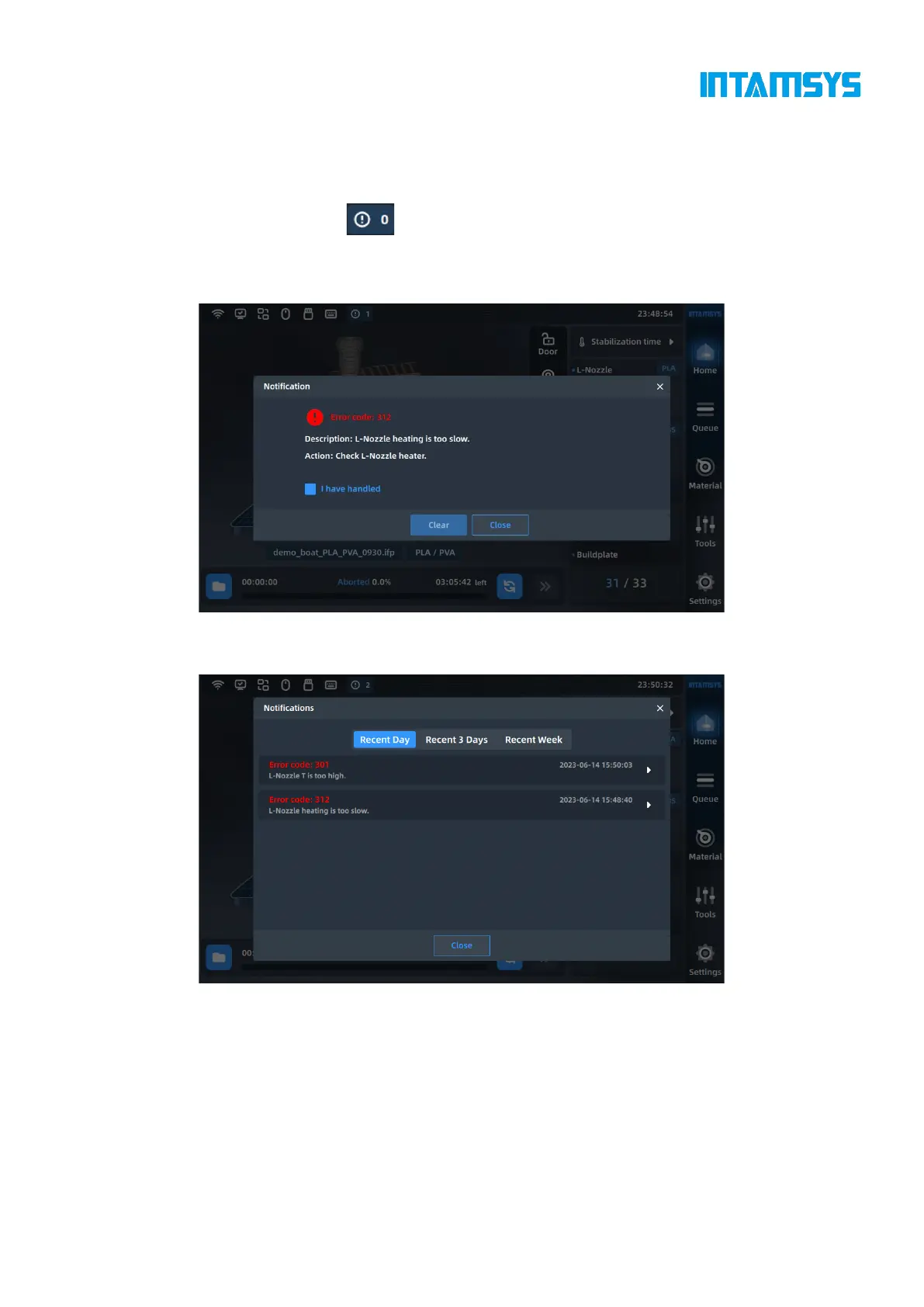
The warning information icon can be displayed in the status bar at the top of the main
interface. You can click to view the error code, and handle it according to the description and prompt
operations to clear the warning.
Fig. 4.44 Warning Prompt
You can view previous warning messages of the last day, last three days or last week.
Fig. 4.45 Warning Statistics
4.7.2 Resume print
If we get some error messages during printing, indicating that print can be resumed. You can operate
by simply following the steps in the wizard.



 To Next Page