49
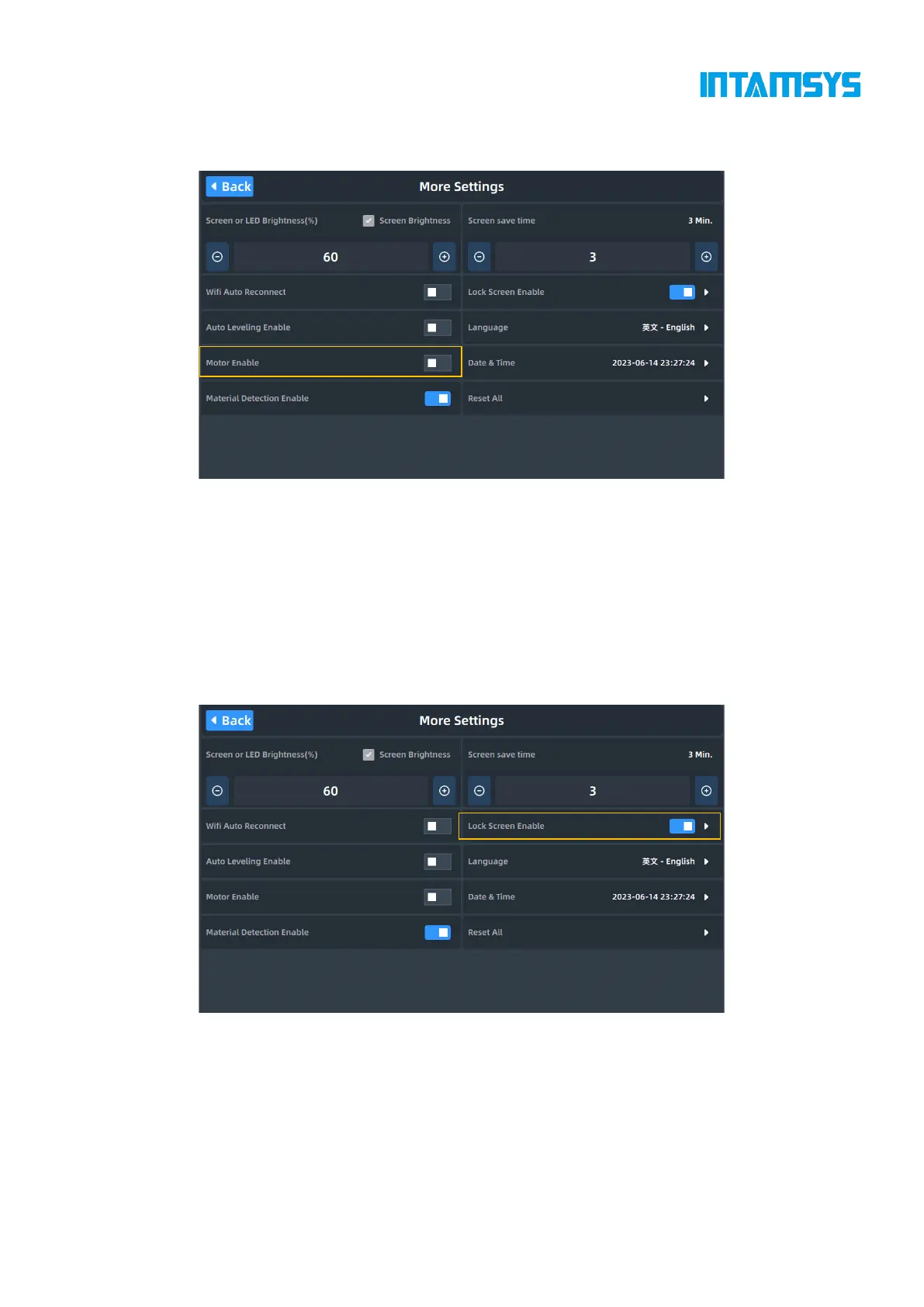
"On" means that all motors are powered on and "Off" means that all motors are powered off. After
it is disabled, you can push each motor to move freely for easy maintenance.
Fig. 4.42 Motor Control Interface
4.6.7 Screen lock password settings
"Lock Screen Enabled" is the enable button for screen lock. After this function is enabled, click the
"Screen Lock" button to enter the screensaver. To re-enter the screen, you need to enter the password.
Click "More Settings" in the Settings interface, and then click the button on the right side of the
"Lock Screen Enabled" to turn it On/Off. Blue indicates "On". Click to enter the password
modification interface. The default password is "intamsys".
Fig. 4.43 Lock Screen Enabled Option
After the "Lock Screen Enabled" is "On", a box indicating to enter the password will be prompted
after the system starts or when clicking on the upper right corner to restore the lock screen.



 To Next Page