10
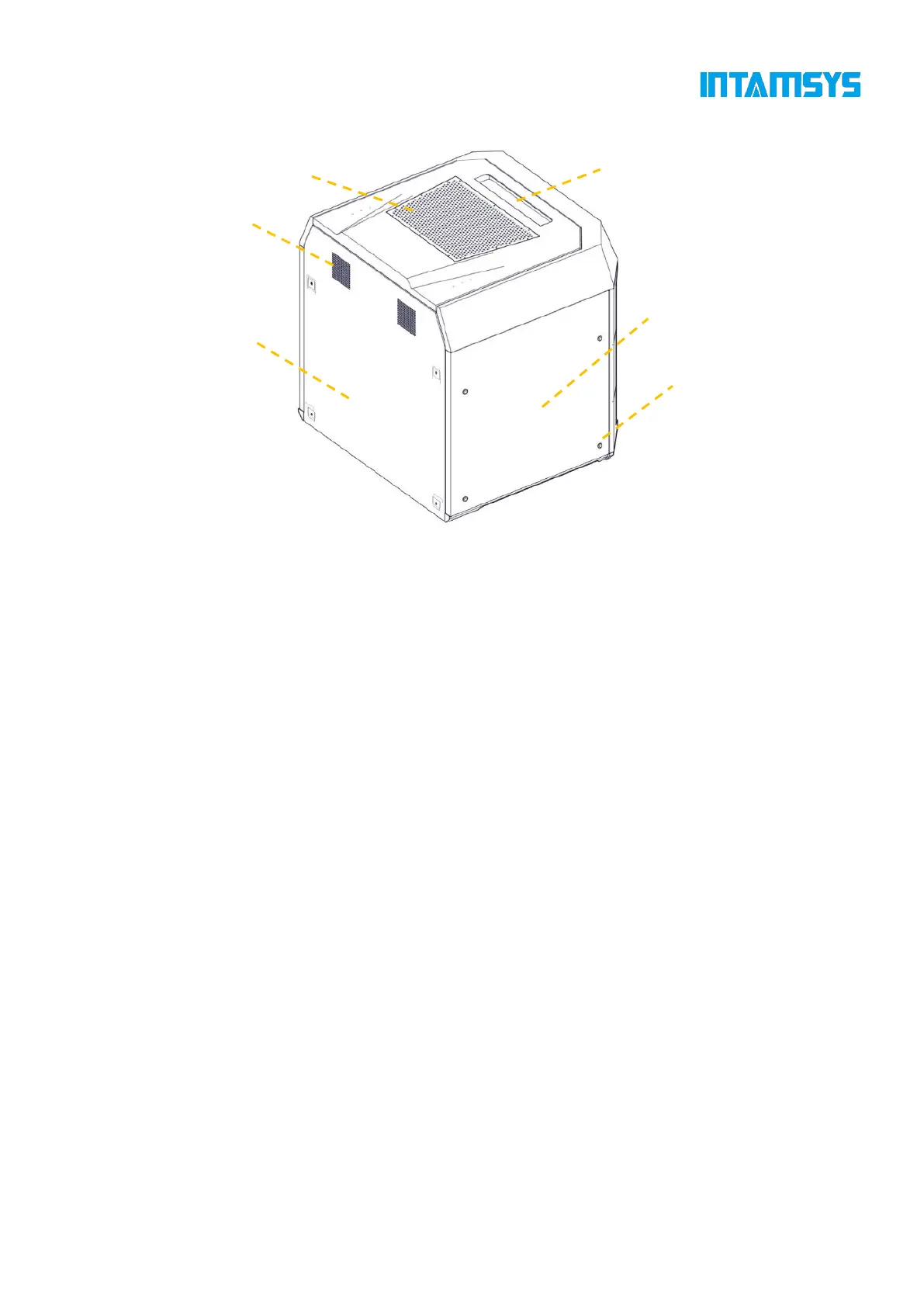
Fig. 3.2 Rear View of Printer
3.2 Top Door and User Operation Interface
Push the top door upward to observe the movement of extruder from above and for the maintenance
of XY rack and print head assembly.
By releasing the electromagnetic lock through screen operation, the top door can be pushed upward
and supported by damping hinges. The damping hinge can ensure that the top door stops at any
opening or closing position.
Below the top door is the user interaction area, which includes touch screen, USB interface and
ON/OFF switch.
Users can control the print part and obtain the machine status information through the touch screen.
The USB on the left is only used to connect to computers for printing and firmware upgrade, while
the USB on the right is used to insert a U-disk for printing. The ON/OFF switch is used for startup
and shutdown, as well as emergency shutdown.



 To Next Page