63
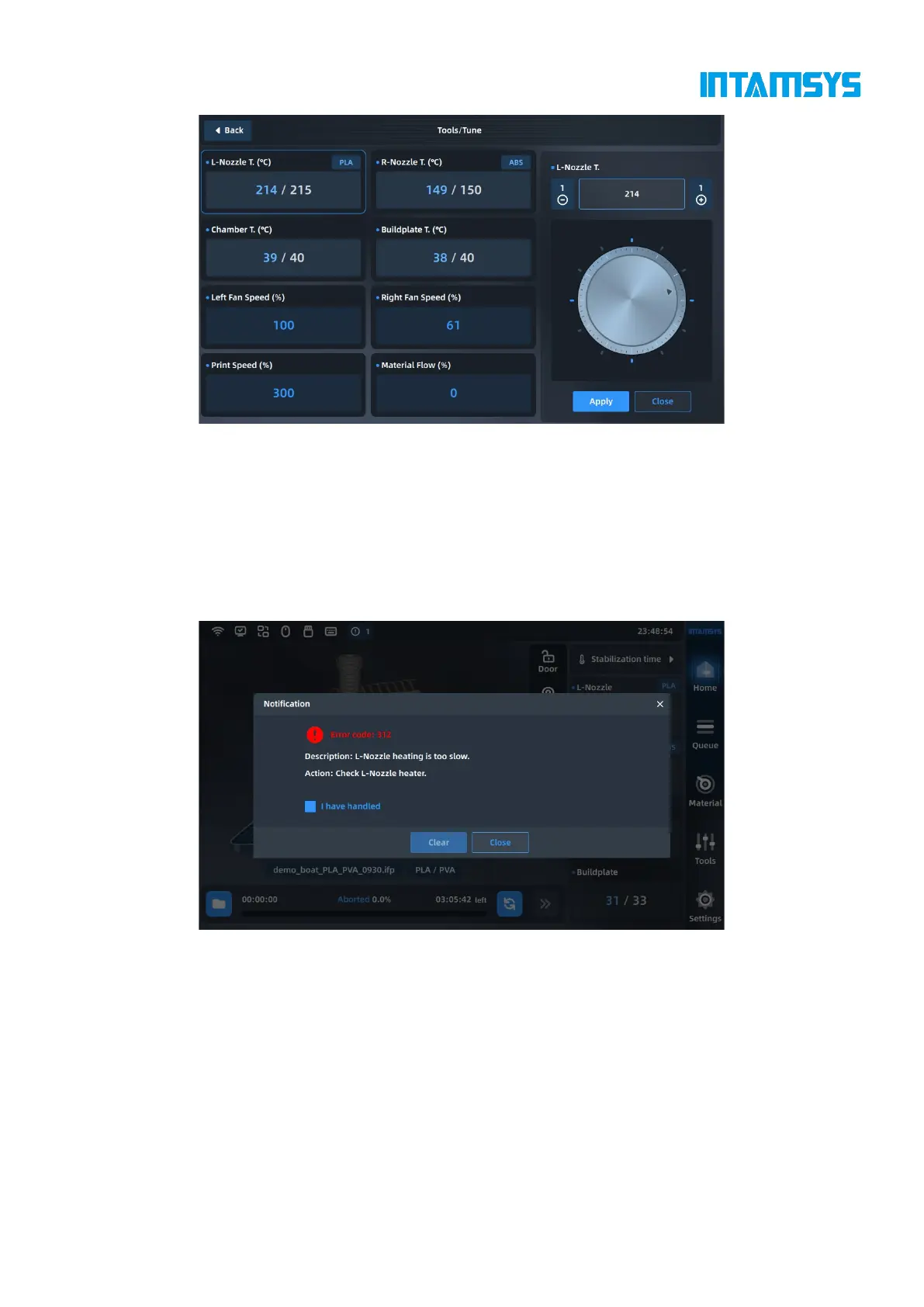
Fig. 5.18 Parameter Adjustment Interface
5.4.6 Printing alarm
If the printer detects a fault that might affect the printing, a warning will be given on the screen. The
alarm status button will turn yellow, orange, or red according to the warning severity.
When you press the alarm status button, a dialog box that indicates the alarm reason will pop up.
The dialog box shows information about the alarm reason.
Fig. 5.19 Error Alarm
In some cases, the alarm will prevent your attempted start to print, and the printing will not start
until you eliminate the error. Various warnings might be displayed when the printer performs print
tasks, and some warnings will pause and stop printing. Whether the prototyping process can be
restored depends on the warning severity.
See Chapter 8 for the fault alarm list and processing methods.
5.4.7 Pause printing
During printing, the Pause button on the main interface is activated. The printer can automatically



 To Next Page