16
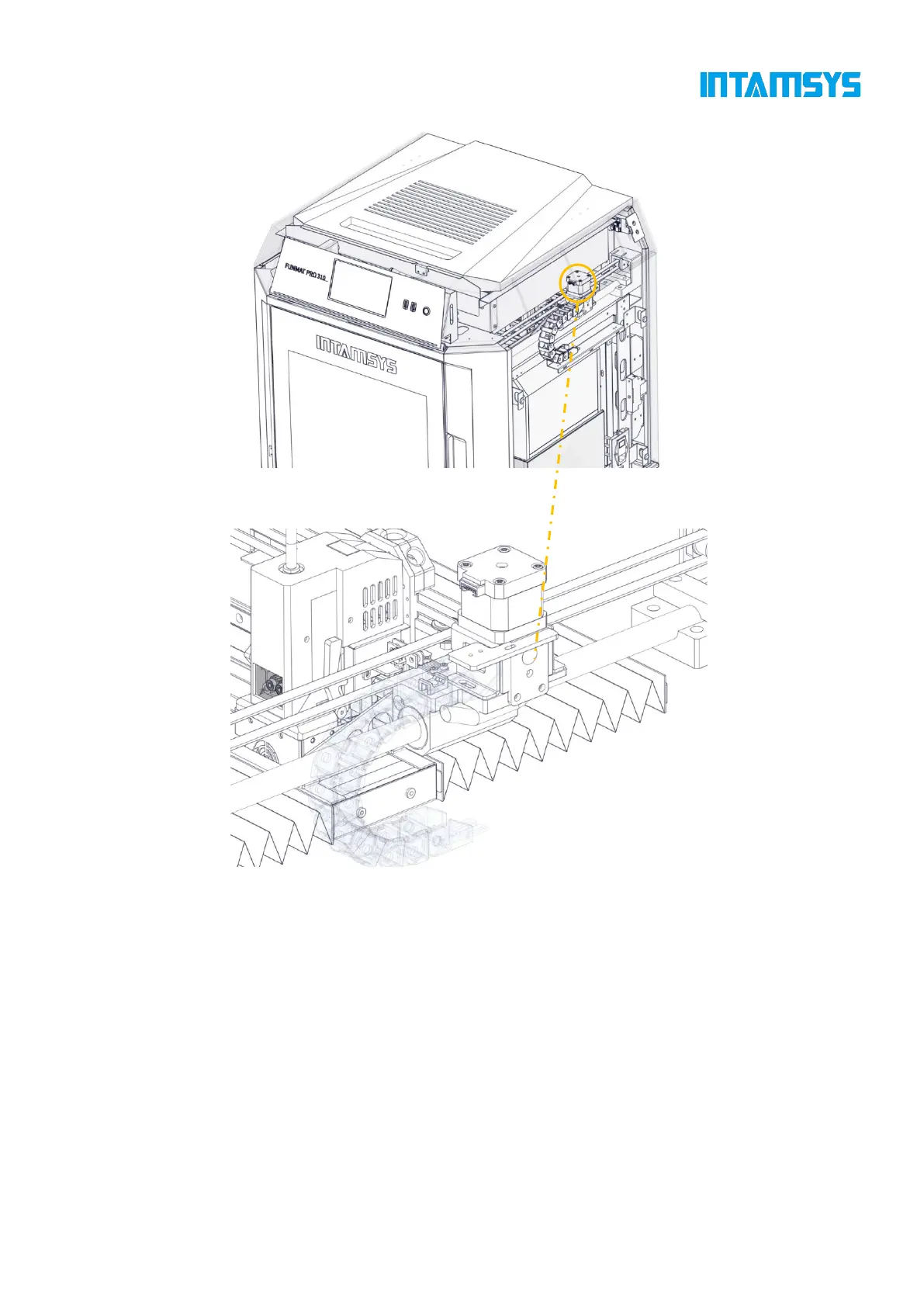
Fig. 3.13 Tension Adjustment of X-axis Synchronous Belt
3.6 Z-axis Components
The Z-axis components drives the hot bed to move up and down. Remove the back lateral plate to
maintain the Z-axis components when necessary.
The trigger plate of the photoelectric sensor is already in place and generally does not need to be
adjusted by the user. Only when problems are encountered with manual leveling of the hot bed may
it be necessary for the user to check and adjust the trigger plate position appropriately. Adjusting the
trigger plate of the photoelectric sensor upward enables the zero position of the hot bed to move
downward, and adjusting the trigger plate of the photoelectric sensor downward enables the zero
position of the hot bed to move upward.



 To Next Page