29
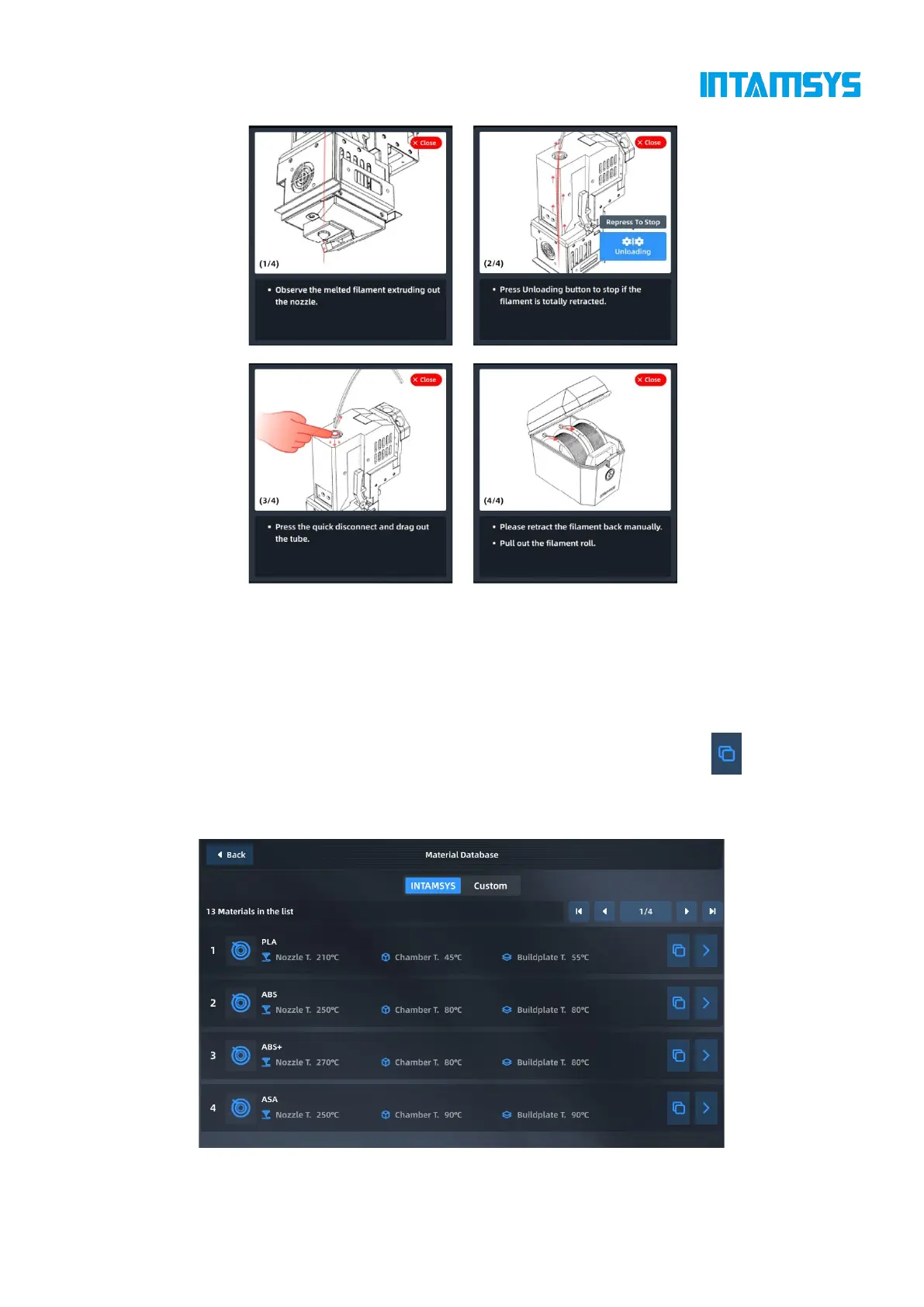
Fig. 4.18 Material Unloading Process
4.4.4 Material database management
Press "Material Database" in the upper right corner of the material interface to enter the material
database to view the details of built-in material attributes. The built-in material attributes of
INTAMSYS cannot be modified or deleted, but its copy can be generated by clicking . After
parameter modification and setting are completed, the new material process parameters will be
stored in the user-defined materials.



 To Next Page