14
factory and does not need to be re-adjusted during use. After a period of use, if the printing quality
is found to have degraded significantly, the likely cause is the synchronous belts becoming loose
due to various reasons. In this case, remove the left and right lateral plates of the printer and check
the tension of the left and right synchronous belts of Y-axis; After removing the rear housing, you
can adjust the tension of the Y-direction synchronous belt. Open the top door to see and check the
tension of the synchronous belt of X-axis. If the tension of a synchronous belt is found too small,
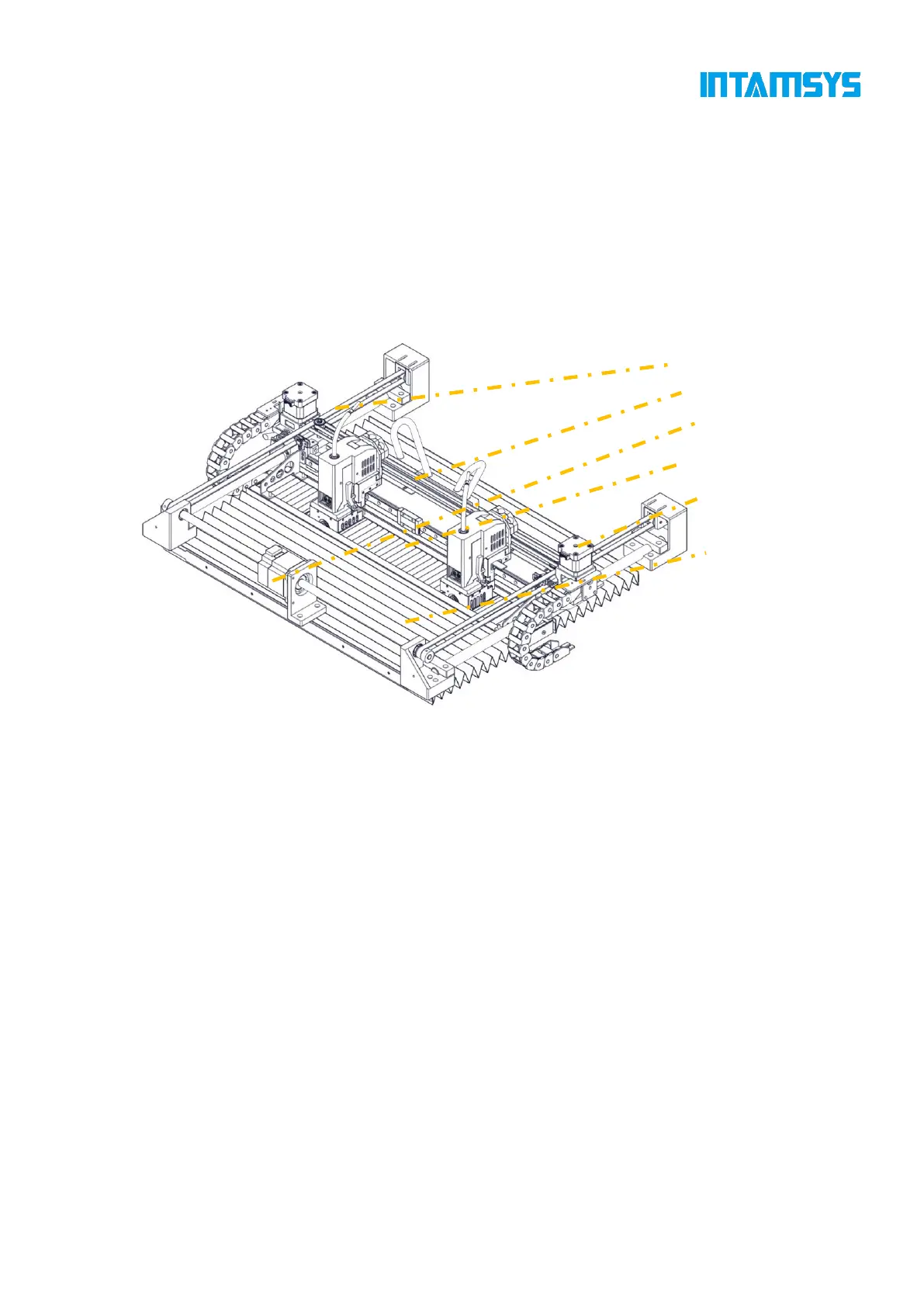
you can increase the tension using the method shown in the figure below. The left and right
synchronous belts of Y-axis shall keep a consistent tension.
Fig. 3.11 X-axis and Y-axis Components



 To Next Page