40
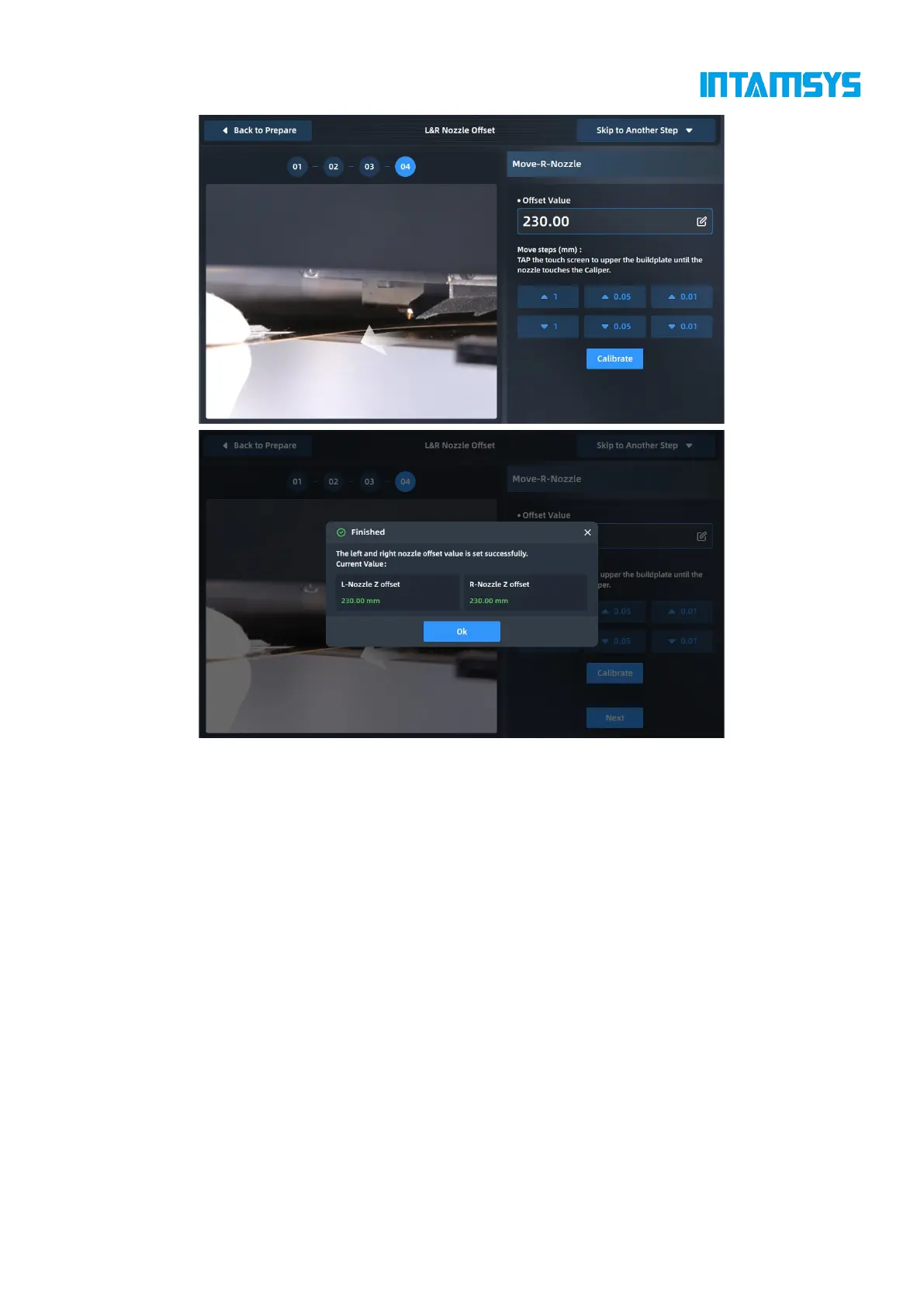
Fig. 4.30 L&R Nozzle Z Calibration
After the L-Nozzle calibration is completed, calibrate the R-Nozzle with the same method. The
offset value of the heights of the left and right extruders is displayed in a pop-up window. Click
"OK" to end Z-direction calibration.
4.5.2.4 Nozzle XY calibration
Following the steps below, the XY offset of the L&R Nozzle can be read through a printed scale for
compensation during printing. Follow the prompts on the screen to complete the operation in turn.



 To Next Page