- Digital Microscope VHX-5000 User’s Manual -
VHX-5000 Communication Software
14-9
Connecting to an External PC
Toolbar Menu [Settings]
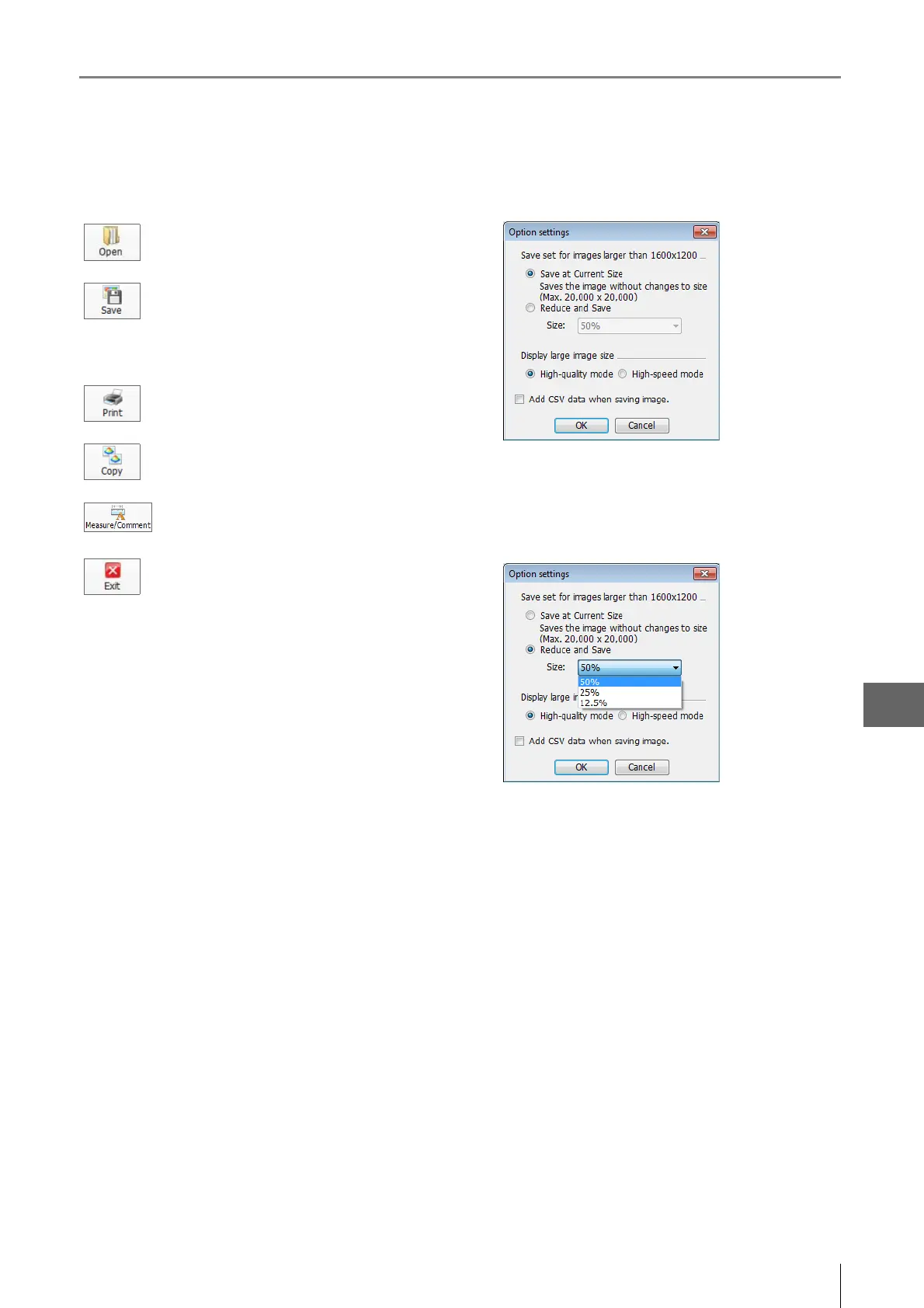
Save set for images larger than 1600x1200
Select the size to save the displayed image.
To reduce the image size, select [Reduce and Save] and
select a size from the drop down list box.
Display large image size
If the response time is slow when the display is [Highquality
mode], select [High-speed mode]. This will make
operations faster.
Add CSV data when saving image
This option exports saved CSV data to Excel for viewing the
measurement data on the image.
Select the image to display in a new window.
Saves the displayed image under a user-
specified name.
The size of the image can be set in the [Option
Settings].
Prints (Page 12-2) the displayed image via the
printer connected to the computer.
Copy the displayed image to the clipboard.
This command is used to measure the image
or add comments.
Stops playback.



 To Next Page