- Digital Microscope VHX-5000 User’s Manual -
VHX-5000 Communication Software
14-12
Connecting to an External PC
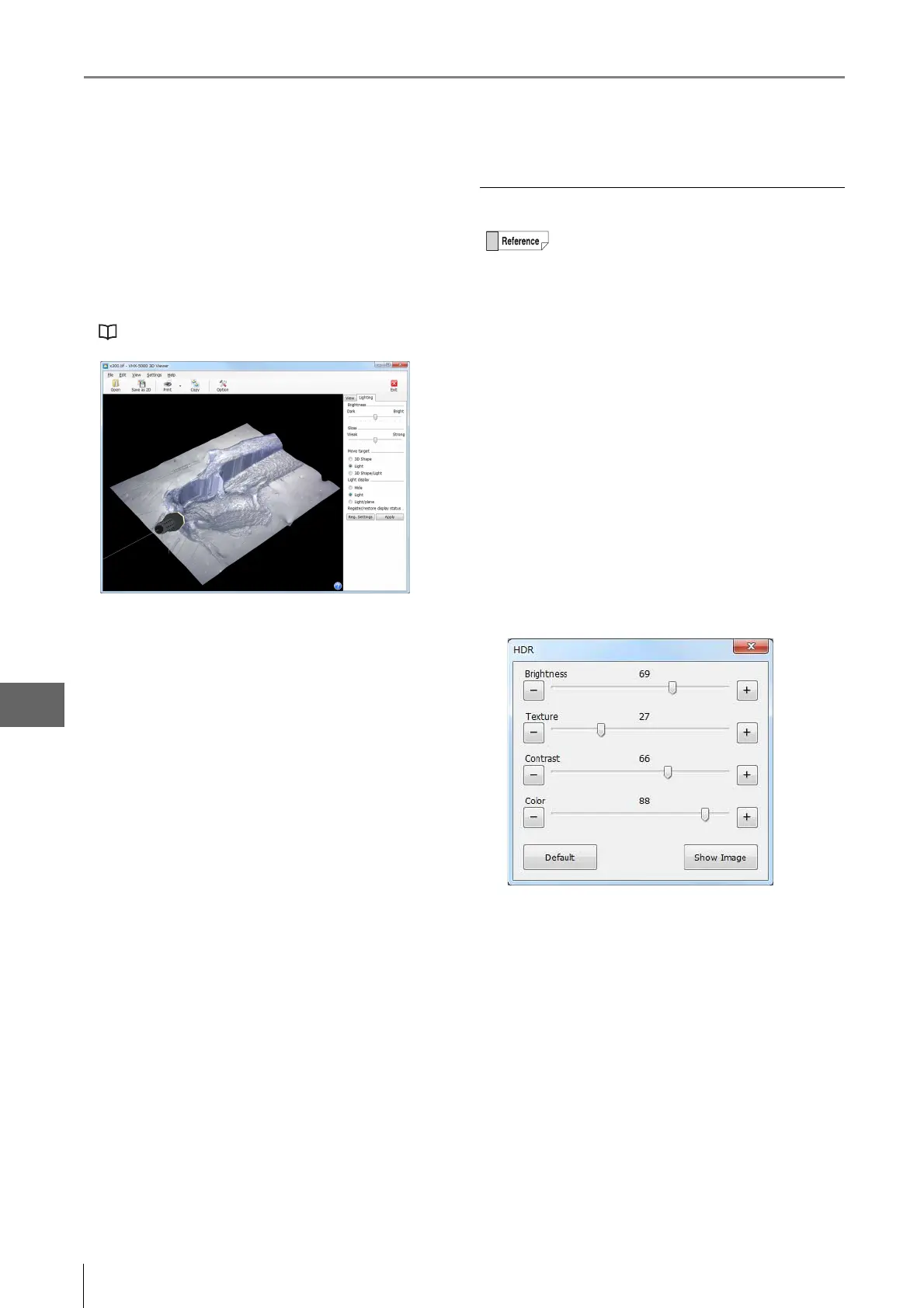
[Lighting] tab
Selecting the [Lighting] tab enables the lighting simulator
which can be used to apply lighting from any direction.
Drag the mouse to change the lighting direction. This
allows you to observe height differences on the image in
greater clarity.
"Lighting Simulations" (Page 10-23)
Playing HDR images/high resolution HDR
1 Select the HDR image file or high resolution HDR
file and click [Playback].
Confirmation message appears.
2 Click [HDR View] / [High Resolution HDR Playback].
This brings up the playback window and the [High
dynamic range] dialog box.
3 Adjust each setting while viewing the image.
The following can be adjusted: brightness, texture,
contrast, and color.
Click [Default] to return each setting to their optimum
values.
•Thumbnails of HDR image files will have a red
"H" symbol in the lower right.
•Thumbnails of high resolution HDR image files
will have a red "UH" symbol in the lower right.



 To Next Page