- Digital Microscope VHX-5000 User’s Manual -
Album
6-4
Playing and Editing Images
Preview area
The file preview area displays properties and a preview of
the image.
Preview image
The file preview area displays the selected image.
File properties display
Symbols are used to indicate basic information about the
selected file and its content, as well as information set in
the file properties (Page 6-11).
Using the preview area
Clicking a preview area (1 or 2) makes it the active preview.
The preview area shows the file selected from the files
window.
1 Click either the left or right preview area
The clicked preview area becomes active and an
orange frame appears.
2 Click the desired file in the files window to display it
in the preview area.
The preview image and file properties appear in the
preview area.
Menu bar
Playback
This button plays back an image file selected
from the files window. Clicking the [Playback]
button displays the file in the entire observation
window.
History
This command displays a history of the files that
have been previously played. These files can be
played by selecting them from the list.
Print
This command prints (Page 12-2) the currently
selected image using a preset printer, CP-30D.
To print to a different printer, temporarily disable
the system protection (Page 13-2) and install the
printer driver.
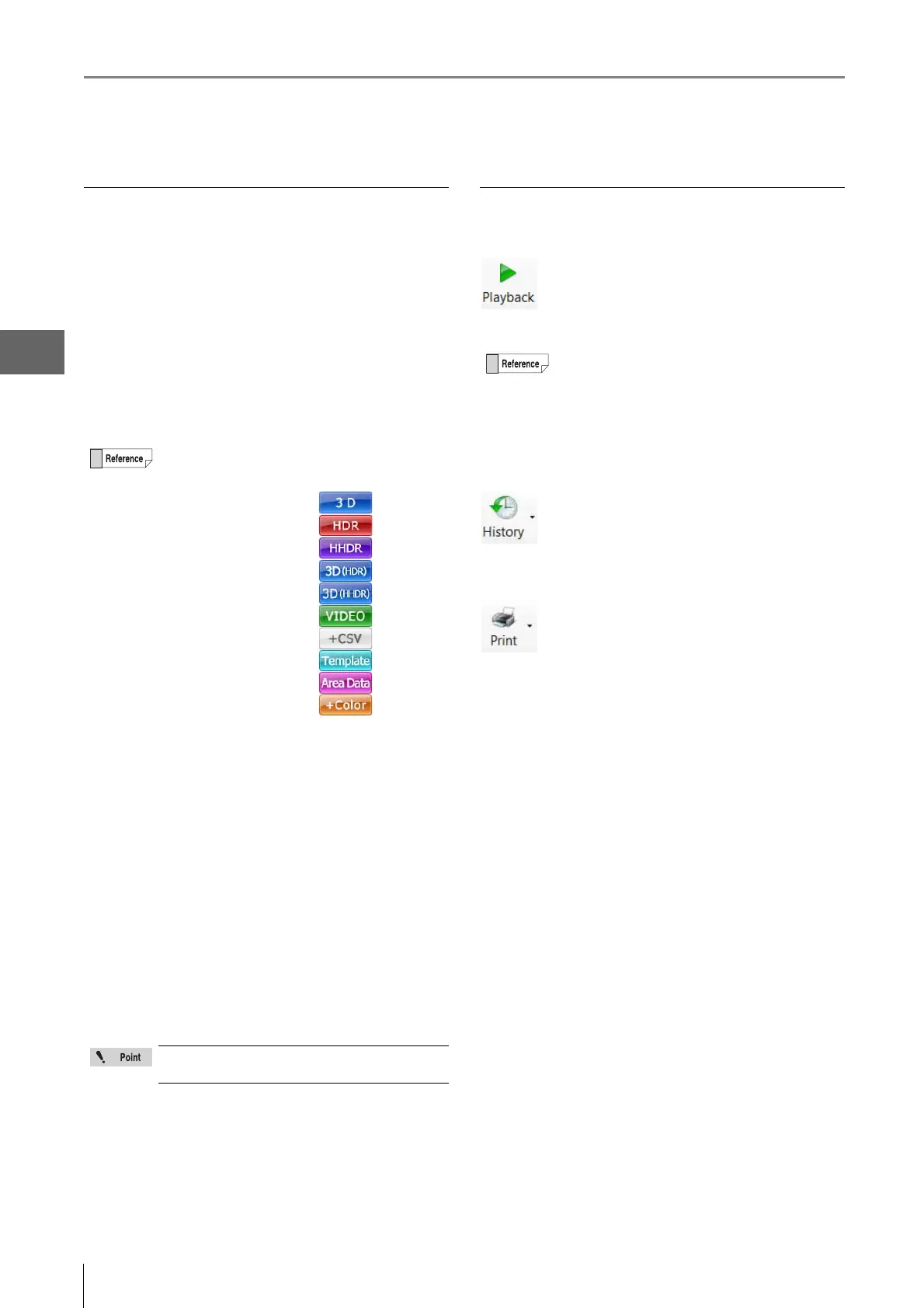
Symbols that indicate the contents of the file are
displayed under the properties display.
•3D file
• HDR file
• HHDR file
• 3D HDR file
• 3D HHDR file
• Video file
• File with CSV data
• Template file
•Automatic area
measurement data file
• Color composition file
If a CSV file is selected, only the basic file
information is displayed.
Yo u can also playback a file by double-clicking it in
the files window.
Or, you can right-click the file and click Playback on
the pop-up menu.
Playing a multiple selection of CSV files displays up
to four measure results side by side.



 To Next Page