- Digital Microscope VHX-5000 User’s Manual -
Album
6-10
Playing and Editing Images
Resize
The resolution of the video file can be reduced before
saving it. This reduces the file size.
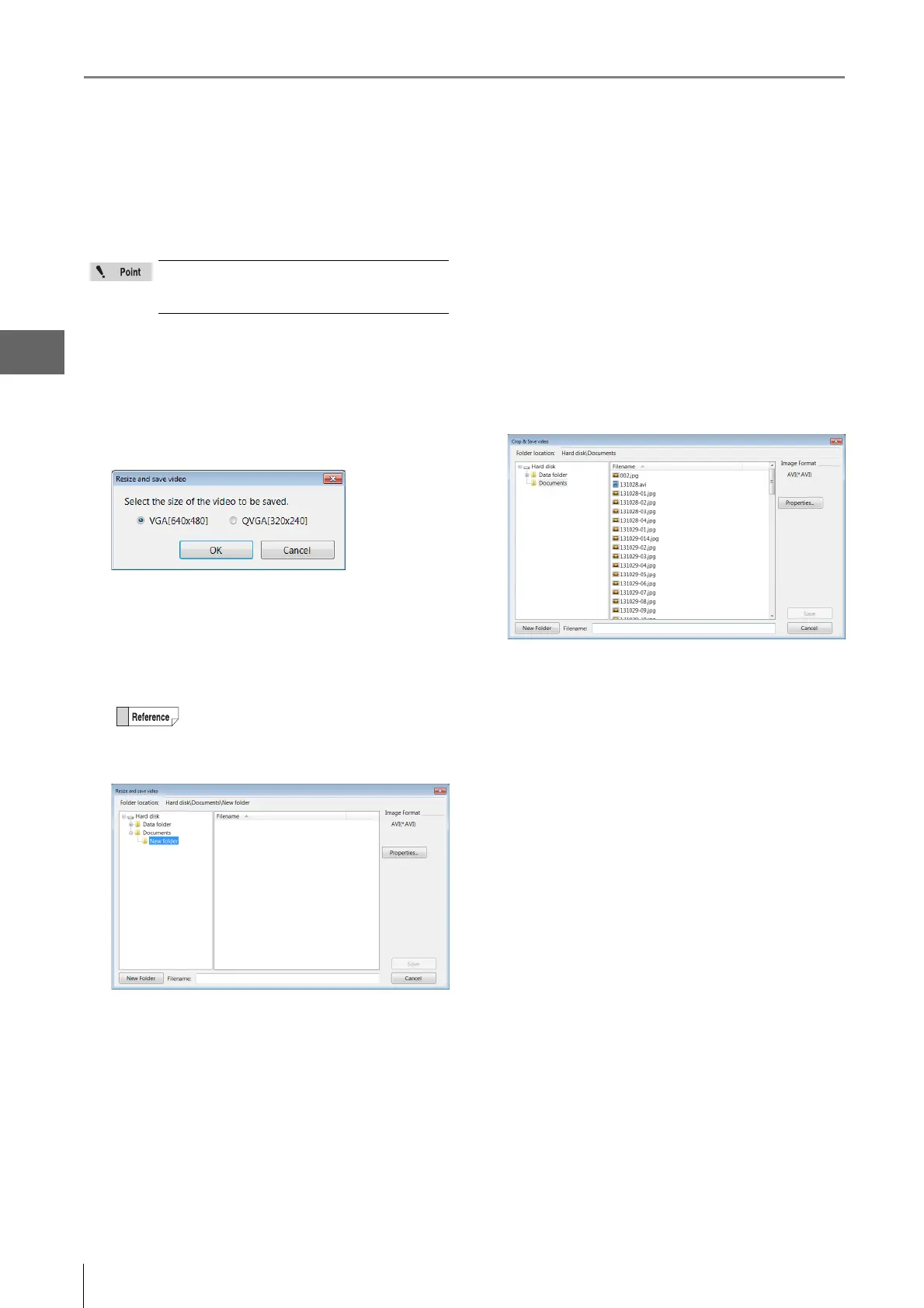
1 Click [Resize].
The [Resize] dialog box appears.
2 Select the size to save and click [OK].
The [Resize and save video] dialog box appears.
3 Enter the folder where the file is to be saved and
the file name, and click [Save].
The video is saved.
Saving still images
Specified frames can be saved as still images.
1 Play the video and pause at the frame to save.
2 Click [Captr Still...]
The [Rec] dialog box appears.
3 Enter the folder, image format, file name to save the
image, and click [Save].
This saves the still image.
Once the file is resized, it can no longer be
played on this microscope. It can be played
using a media player application on a PC.
Yo u can also created a new folder to save the
file.
Yo u can also enter file properties before
saving.



 To Next Page