2 User Interface
2.17 View Editor
In either case, one or more of the remaining windows resize to occupy the space
formerly occupied by the window you were dragging.
2.17.3 To Delete a Window from a View
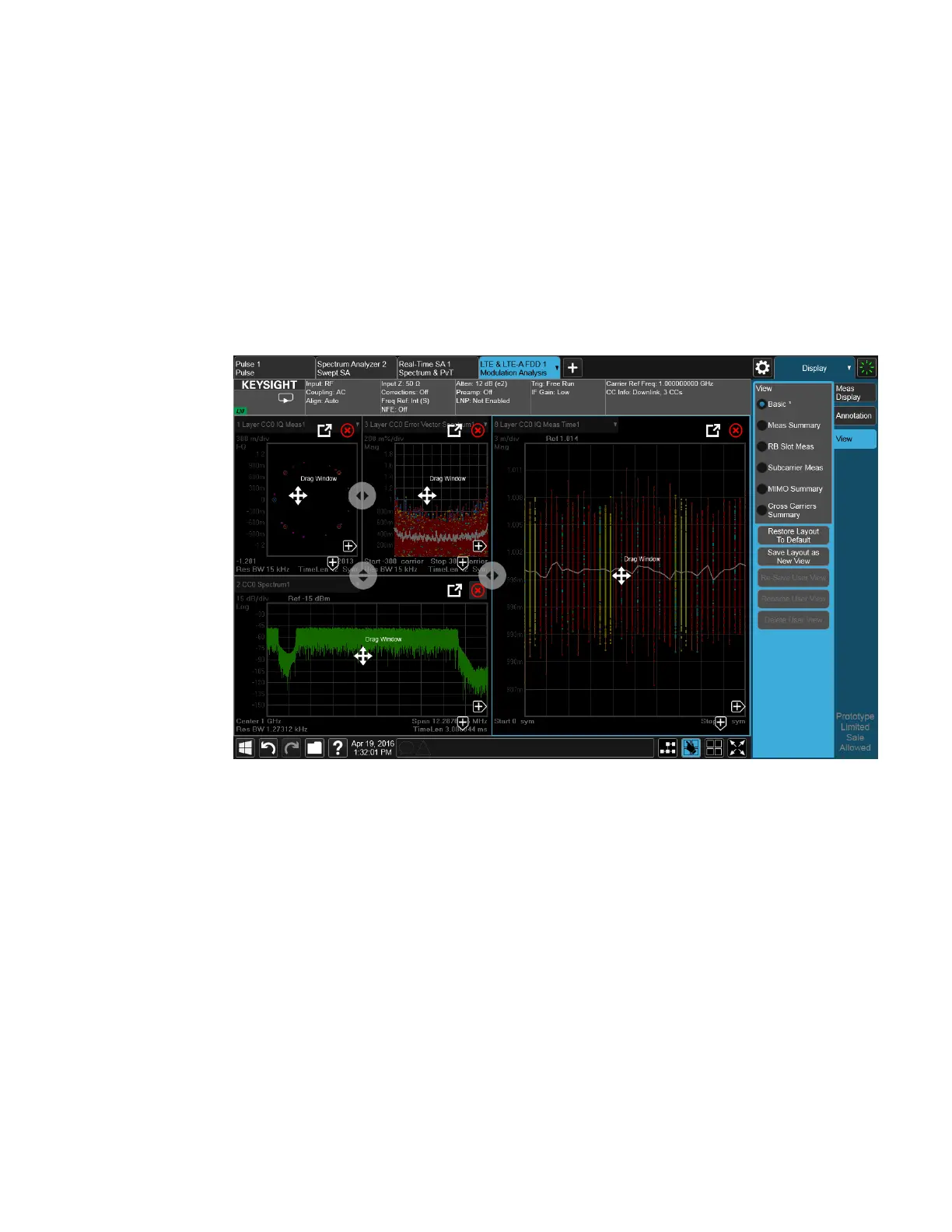
The View Editor also lets you delete a window. To do this, tap one of the circled red
X’s, as shown below.
There has to be more than one window for you to see the circled red Xs.
Now press the View Editor button (the blue hand) to exit the View Editor. At this
point, you have an edited Predefined View, as shown by the * next to Basic:
128 IQ Analyzer Mode User's &Programmer's Reference












 To Next Page