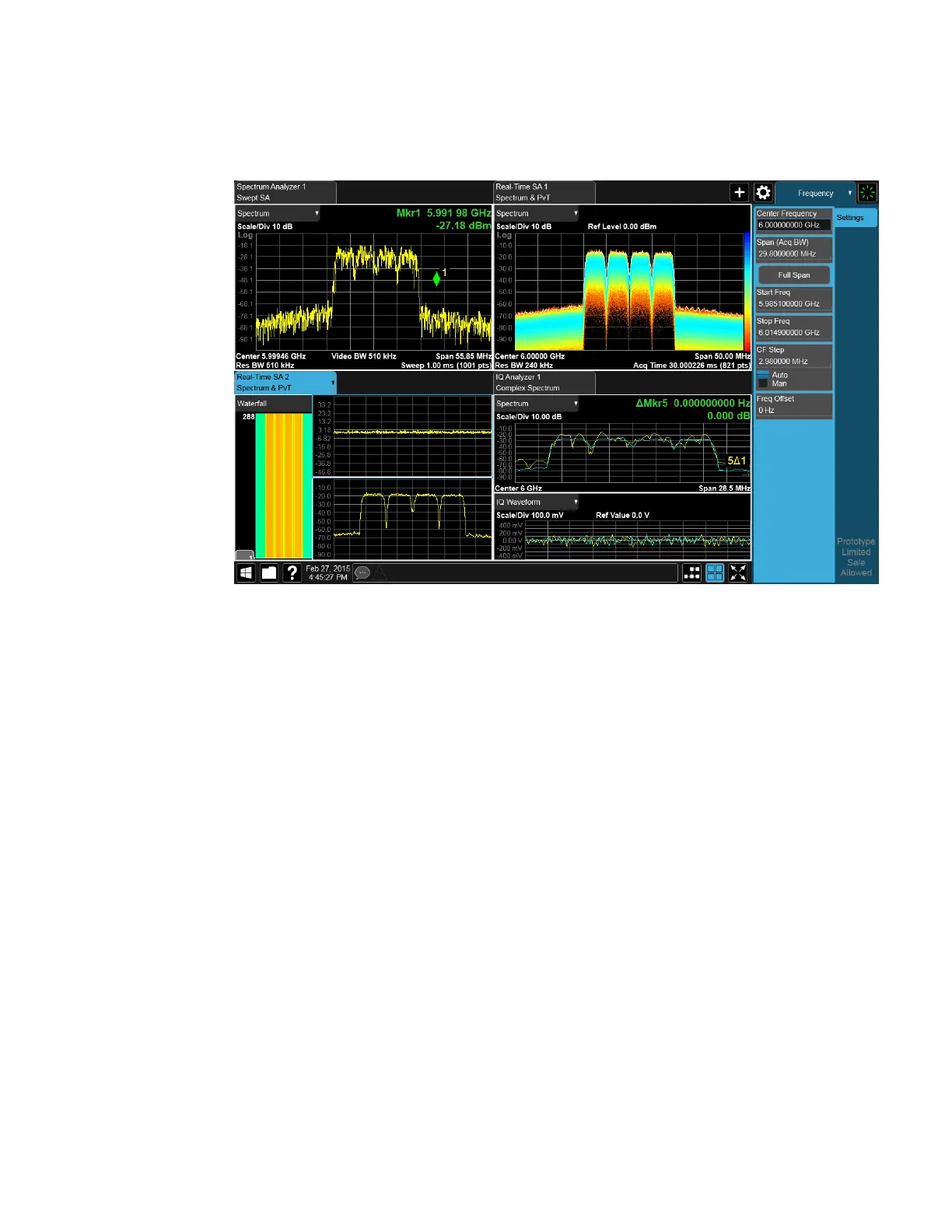
2 User Interface
2.1 Screen Tabs
The following topics provide more information:
–
"Mode/Meas/View Dialog" on page 49
–
"Add Screen" on page 66
–
"Multiscreen" on page 137
2.1.1 Mode/Meas/View Dialog
The Mode/Meas/View dialog opens when you press the selected (blue) Screen tab
(see "Screen Tabs" on page 48) or the Mode/Meas front panel key.
This dialog displays lists of available Modes, Measurements and Views, as well as
the "Sequencer" on page 60 control for configuring Screens.
IQ Analyzer Mode User's &Programmer's Reference 49












 To Next Page