4 System
4.3 Preload / Unload Modes
Preset This is unaffected by Preset but is set to LEFT by Restore Defaults > "User Interface" on page 481 or
Restore Defaults >"All" on page 483
State Saved Power On Persistent (survives shutdown and restart)
4.3.7.13 Hide Screen Tabs in Full Screen
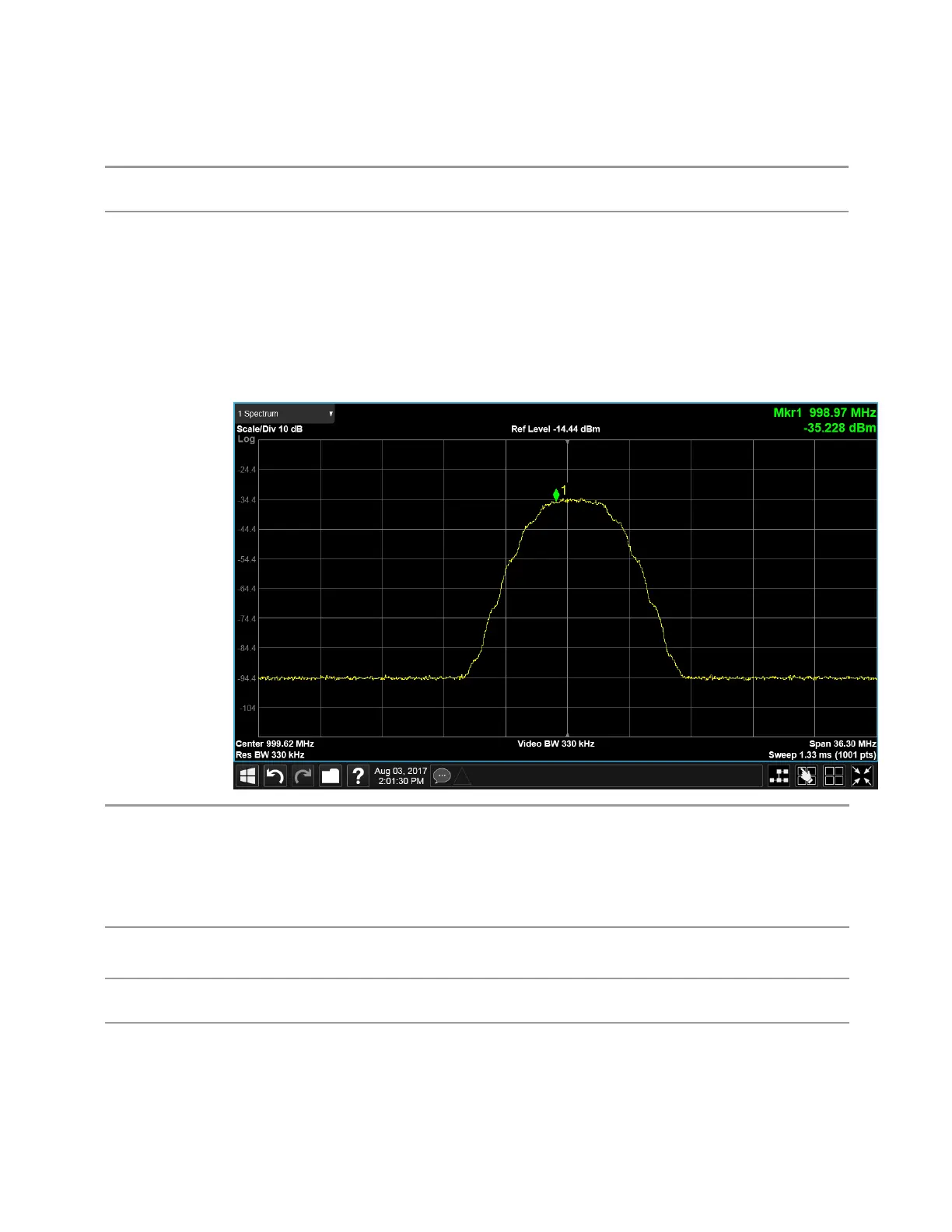
This switch, when in the ON position, causes the Screen Tabs to be hidden when in
Full Screen view, thus maximizing the display area available for results. By also
turning off the Meas Bar (in the Display, Annotation menu), you can maximize the
available area for results, as shown below:
Remote
Command
:DISPlay:UINTerface:HTABs ON | OFF | 1 | 0
:DISPlay:UINTerface:HTABs?
:DISPlay:UINTerface:STFScreen ON | OFF | 1 | 0
Implemented but with wrong sense; ON turns them off and OFF turns them on; so, don’t document to
customer
Example
:DISP:UINT:HTAB ON
Hide the tabs in full screen
Preset This is unaffected by Preset but is set to OFF by Restore Defaults > "User Interface" on page 481 or
Restore Defaults >"All" on page 483
State Saved Power On Persistent (survives shutdown and restart)
462 IQ Analyzer Mode User's &Programmer's Reference












 To Next Page