6 Input/Output
6.4 Data Source
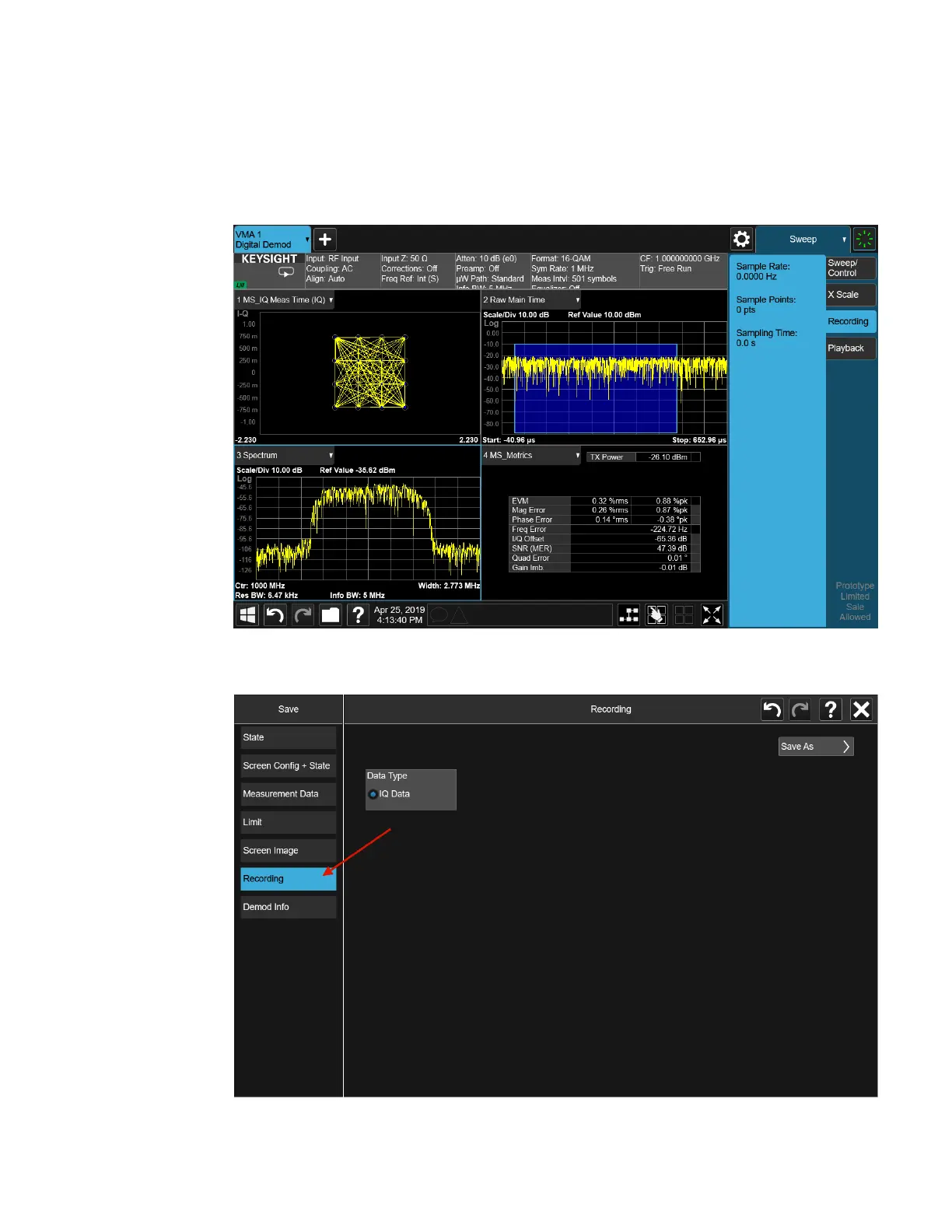
If you press the Recording tab in the Sweep menu, you will see a certain number of
parameters displayed on the menu panel. Before you save a Recording, these
parameters are all 0, as shown below:
To save the data for the current measurement, press the Save hardkey (or the Save
icon in the File panel) and press the Recording tab on the left side of the Save panel:
790 IQ Analyzer Mode User's &Programmer's Reference












 To Next Page