C
HAPTER
4
| Configuring the Switch
Configuring Security
– 110 –
PARAMETERS
These parameters are displayed:
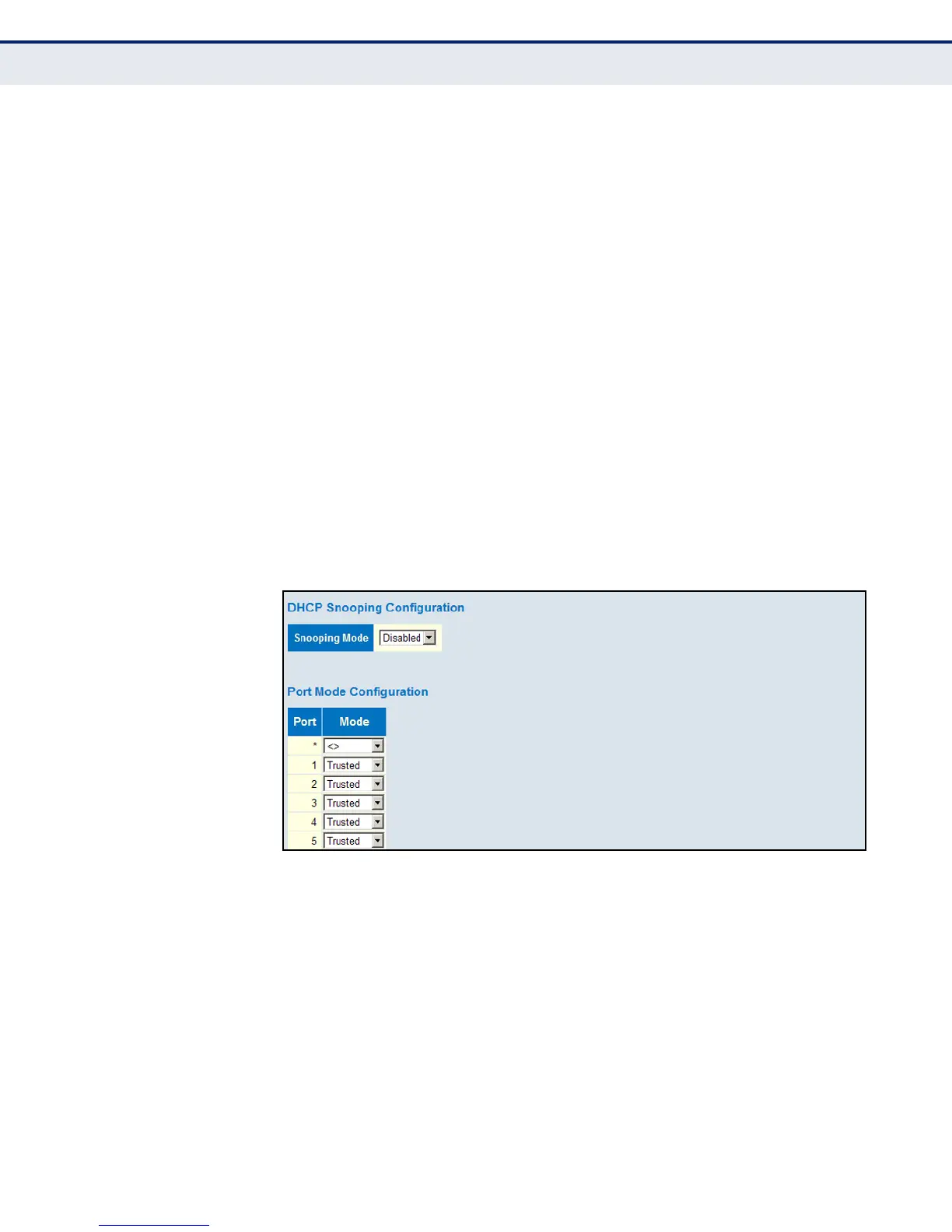
◆ Snooping Mode – Enables DHCP snooping globally. When DHCP
snooping is enabled, DHCP request messages will be forwarded to
trusted ports, and reply packets only allowed from trusted ports.
(Default: Disabled)
◆ Port – Port identifier
◆ Mode – Enables or disables a port as a trusted source of DHCP
messages. (Default: Trusted)
WEB INTERFACE
To configure DHCP Snooping:
1. Click Advanced Configuration, Security, Network, DHCP, Snooping.
2. Set the status for the global DHCP snooping process, and set any ports
within the local network or firewall to trusted.
3. Click Apply
Figure 35: DHCP Snooping Configuration













 To Next Page