C
HAPTER
5
| Monitoring the Switch
Displaying Information About Flow Sampling
– 277 –
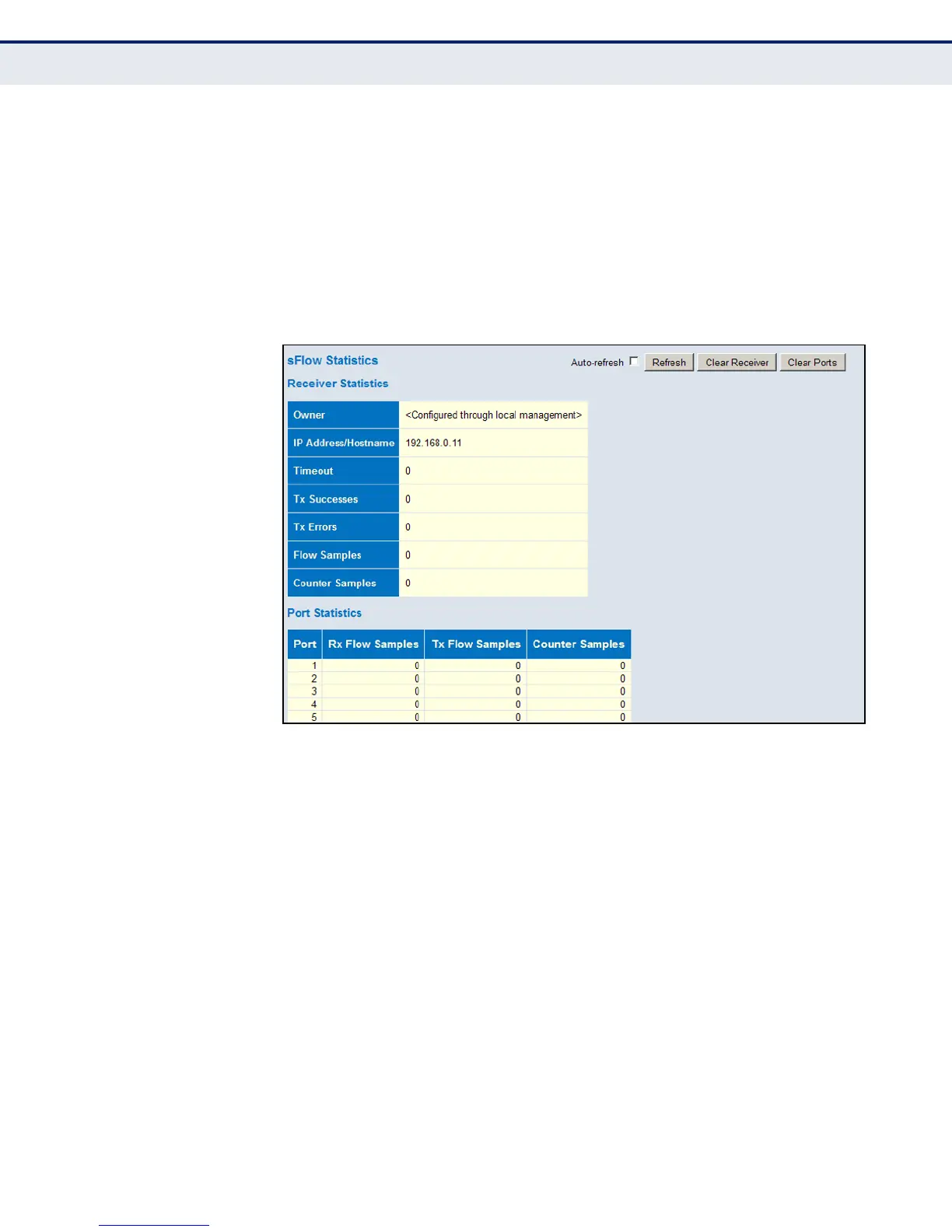
packets that were sampled upon reception (ingress) on the port and Tx
flow samples contains the number of packets that were sampled upon
transmission (egress) on the port.
◆ Counter Samples – The total number of counter samples sent to the
sFlow receiver originating from this port.
WEB INTERFACE
1. To display information on sampled traffic, click Monitor, sFlow.
Figure 145: Showing sFlow Statistics













 To Next Page