C
HAPTER
7
| Performing System Maintenance
Restoring Factory Defaults
– 284 –
RESTORING FACTORY DEFAULTS
Use the Factory Defaults page to restore the original factory settings. Note
that the LAN IP Address, Subnet Mask and Gateway IP Address will be
reset to their factory defaults.
PATH
Maintenance, Restart Device
WEB INTERFACE
To restore factory defaults:
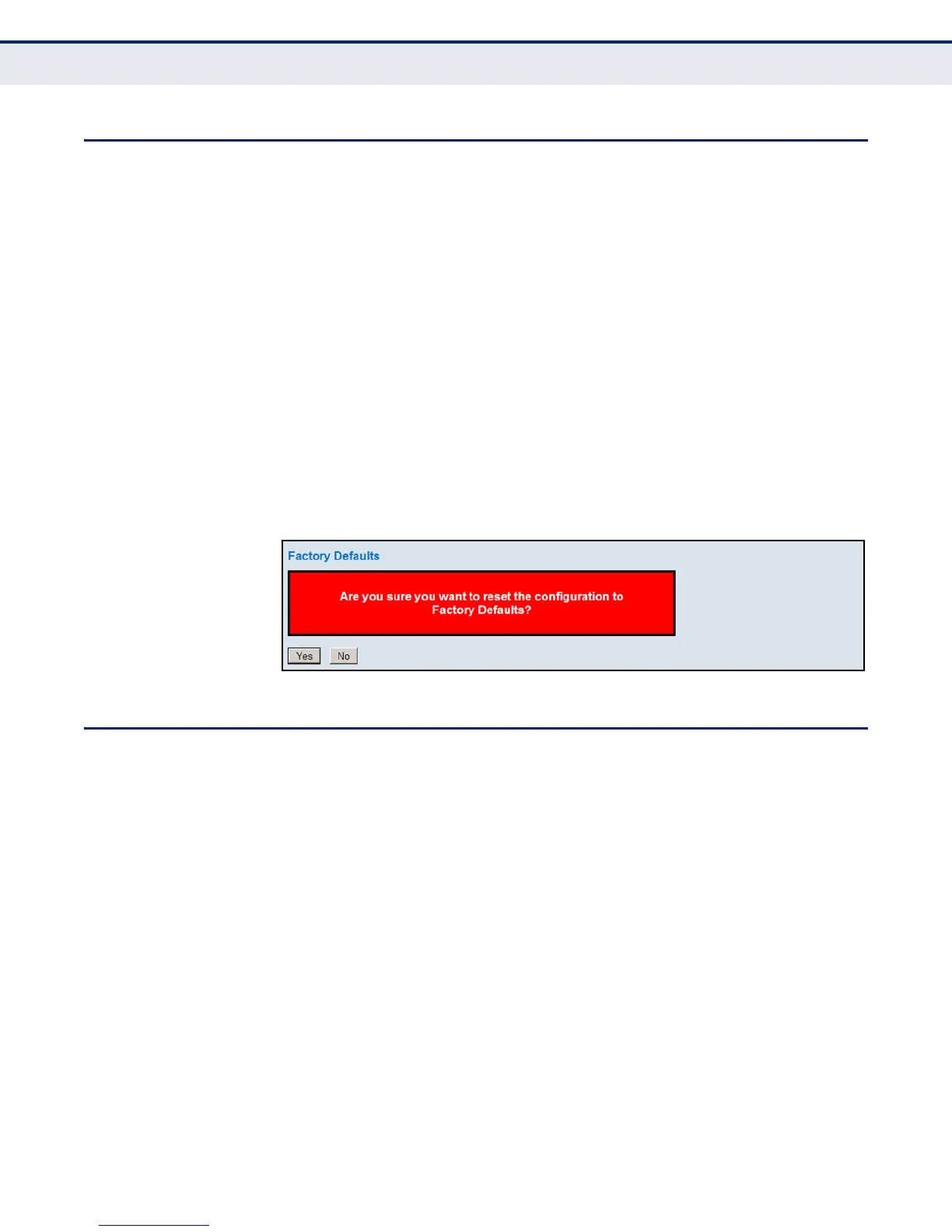
1. Click Maintenance, Factory Defaults.
2. Click Yes.
The factory defaults are immediately restored, which means that no reboot
is necessary.
Figure 149: Factory Defaults
UPGRADING FIRMWARE
Use the Software Upload page to upgrade the switch’s system firmware by
specifying a file provided by LevelOne. You can download firmware files for
your switch from the Support section of the LevelOne web site at
http://www.level1.com
PATH
Maintenance, Software Upload
WEB INTERFACE
To upgrade firmware:
1. Click Maintenance, Software Upload.
2. Click the Browse button, and select the firmware file.
3. Click the Upload button to upgrade the switch’s firmware.













 To Next Page