C
HAPTER
4
| Configuring the Switch
Configuring Security
– 120 –
WEB INTERFACE
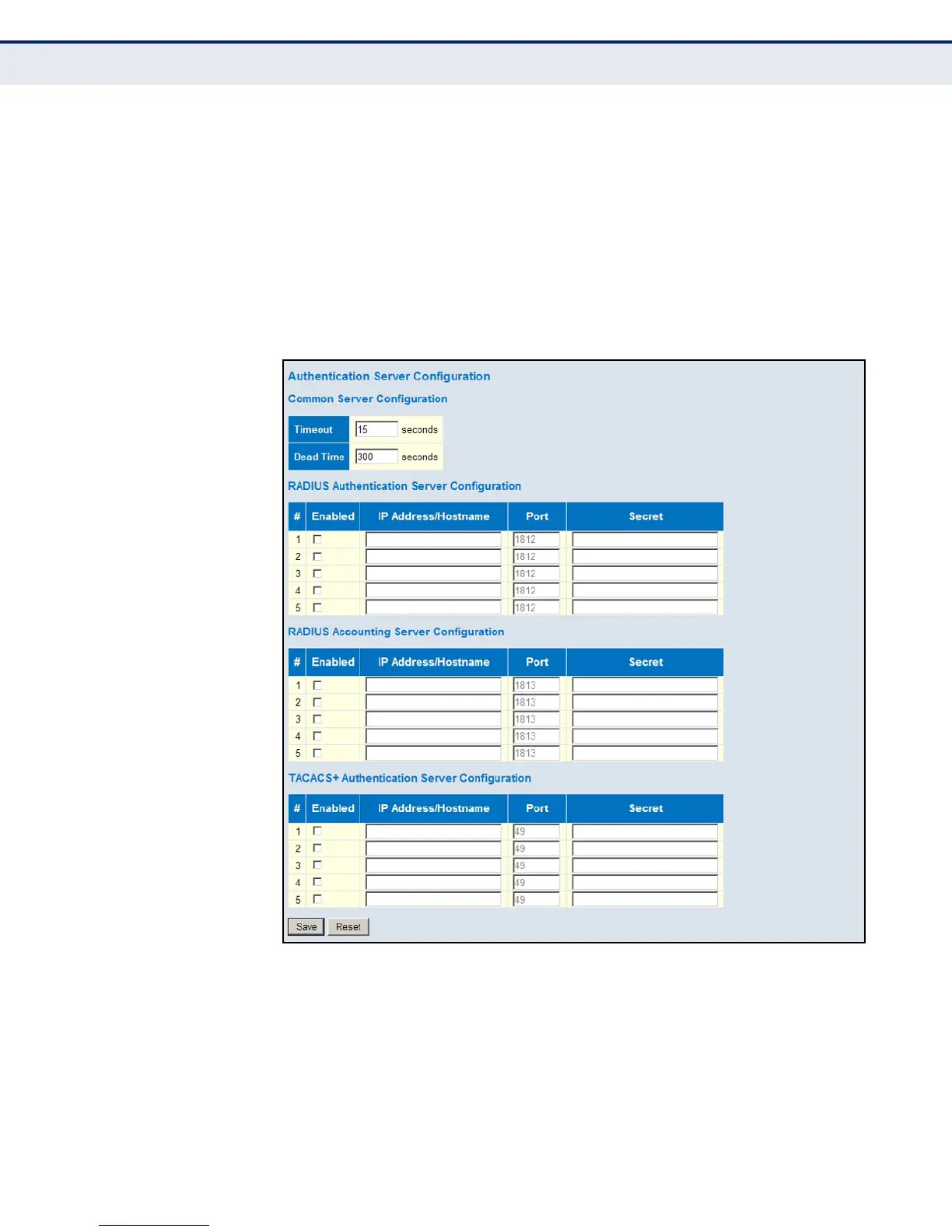
To configure authentication for management access in the web interface:
1. Click Advanced Configuration, Security, AAA.
2. Configure the authentication method for management client types, the
common server timing parameters, and address, UDP port, and secret
key for each required RADIUS or TACACS+ server.
3. Click Save.
Figure 41: Authentication Configuration













 To Next Page