C
HAPTER
4
| Configuring the Switch
Quality of Service
– 195 –
3. Click Save.
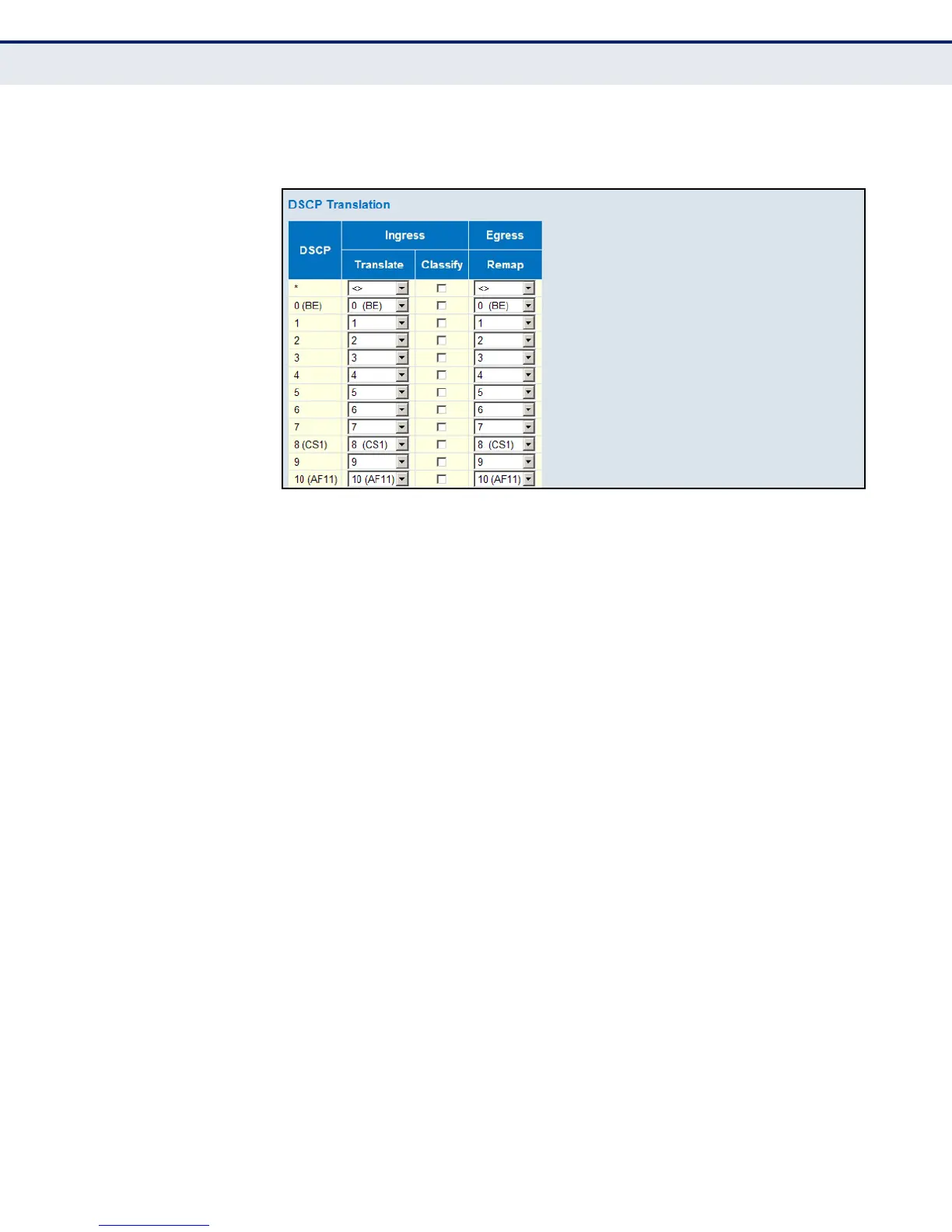
Figure 82: Configuring DSCP Translation and Re-mapping
CONFIGURING DSCP
CLASSIFICATION
Use the DSCP Classification page to map DSCP values to a QoS class.
PATH
Advanced Configuration, QoS, DSCP Classification
PARAMETERS
These parameters are displayed:
◆ QoS Class – Shows the mapping options for QoS class values.
◆ DSCP – DSCP value. (Range: 0-63)
WEB INTERFACE
To map DSCP values to a QoS class and drop precedence level:
1. Click Advanced Configuration, QoS, DSCP Classification.
2. Map key DSCP values to a corresponding QoS class.
3. Click Save.













 To Next Page