C
HAPTER
4
| Configuring the Switch
Configuring Security
– 87 –
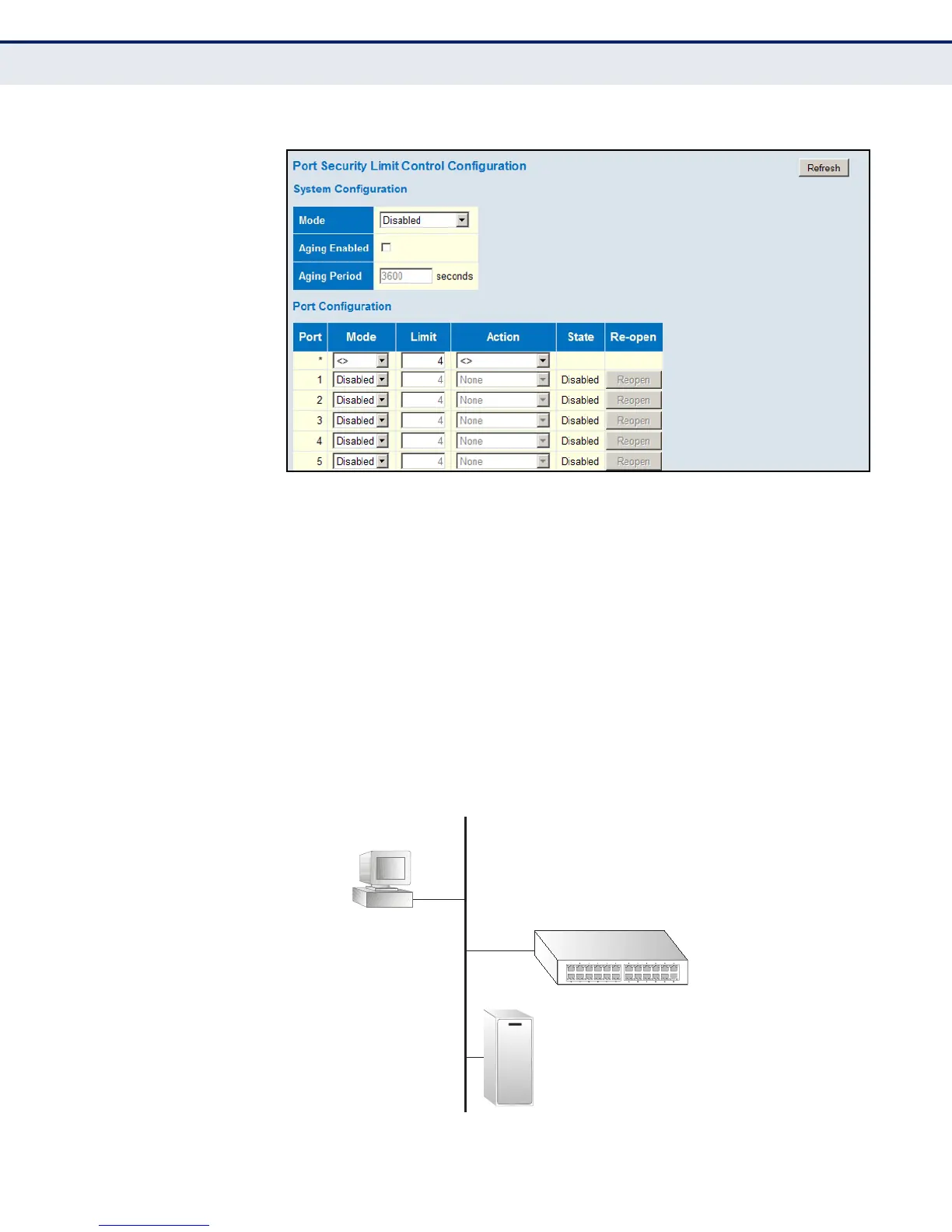
Figure 29: Port Security Limit Control Configuration
CONFIGURING
AUTHENTICATION
THROUGH NETWORK
ACCESS SERVERS
Network switches can provide open and easy access to network resources
by simply attaching a client PC. Although this automatic configuration and
access is a desirable feature, it also allows unauthorized personnel to easily
intrude and possibly gain access to sensitive network data.
Use the Network Access Server Configuration page to configure IEEE
802.1X port-based and MAC-based authentication settings. The 802.1X
standard defines a port-based access control procedure that prevents
unauthorized access to a network by requiring users to first submit
credentials for authentication. Access to all switch ports in a network can
be centrally controlled from a server, which means that authorized users
can use the same credentials for authentication from any point within the
network.
Figure 30: Using Port Security
802.1x
client
RADIUS
server
1. Client attempts to access a switch port.
2. Switch sends client an identity request.
3. Client sends back identity information.
4. Switch forwards this to authentication server.
5. Authentication server challenges client.
6. Client responds with proper credentials.
7. Authentication server approves access.
8. Switch grants client access to this port.













 To Next Page