C
HAPTER
4
| Configuring the Switch
Quality of Service
– 187 –
■
Weight – A weight assigned to each of the queues (and thereby to
the corresponding traffic priorities). This weight sets the frequency
at which each queue is polled for service, and subsequently affects
the response time for software applications assigned a specific
priority value. (Range: 1-100; Default: 17)
■
Percent – The weight as a percentage for this queue.
◆ Port Shaper – Sets the rate at which traffic can egress this queue.
■
Enable – Enables or disables port shaping. (Default: Disabled)
■
Rate – Controls the rate for the port shaper. The default value is
500. This value is restricted to 100-1000000 kbps, or 1-3300 Mbps
■
Unit – Controls the unit of measure for the port shaper rate as
“kbps” or “Mbps.” (Default: kbps)
WEB INTERFACE
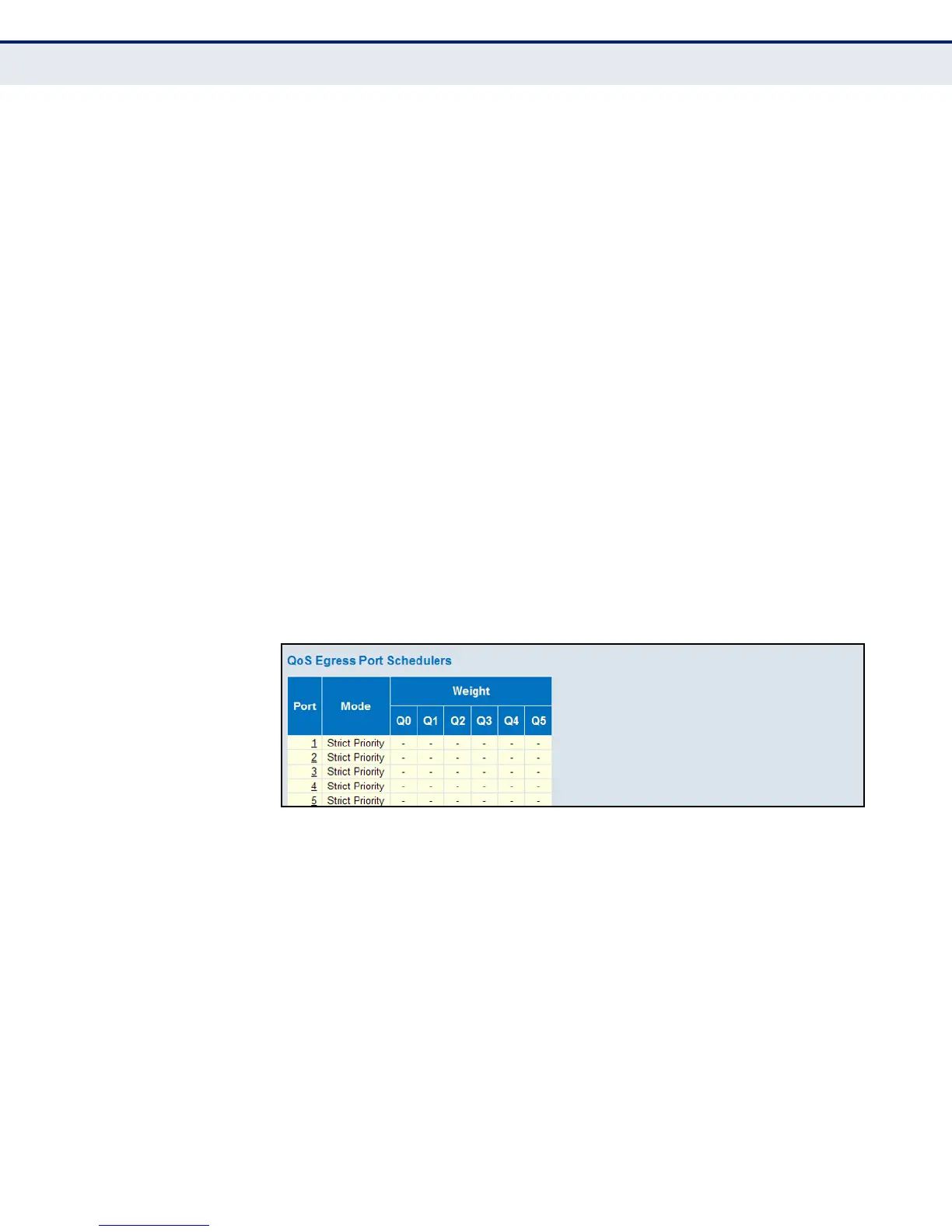
To show an overview of the queue mode and weight used by egress ports:
1. Click Configuration, QoS, Port Scheduler.
2. Click on any enter under the Port field to configure the Port Scheduler
and Shaper.
Figure 75: Displaying Egress Port Schedulers
To configure the scheduler mode, the egress queue mode, queue shaper,
and port shaper used by egress ports:
1. Click Advanced Configuration, QoS, Port Scheduler.
2. Click on any of the entries in the Port field.
3. Set the scheduler mode, the queue shaper, queue scheduler (when the
scheduler mode is set to Weighted), and the port shaper.
4. Click Save.













 To Next Page