C
HAPTER
5
| Monitoring the Switch
Showing IGMP Snooping Information
– 260 –
WEB INTERFACE
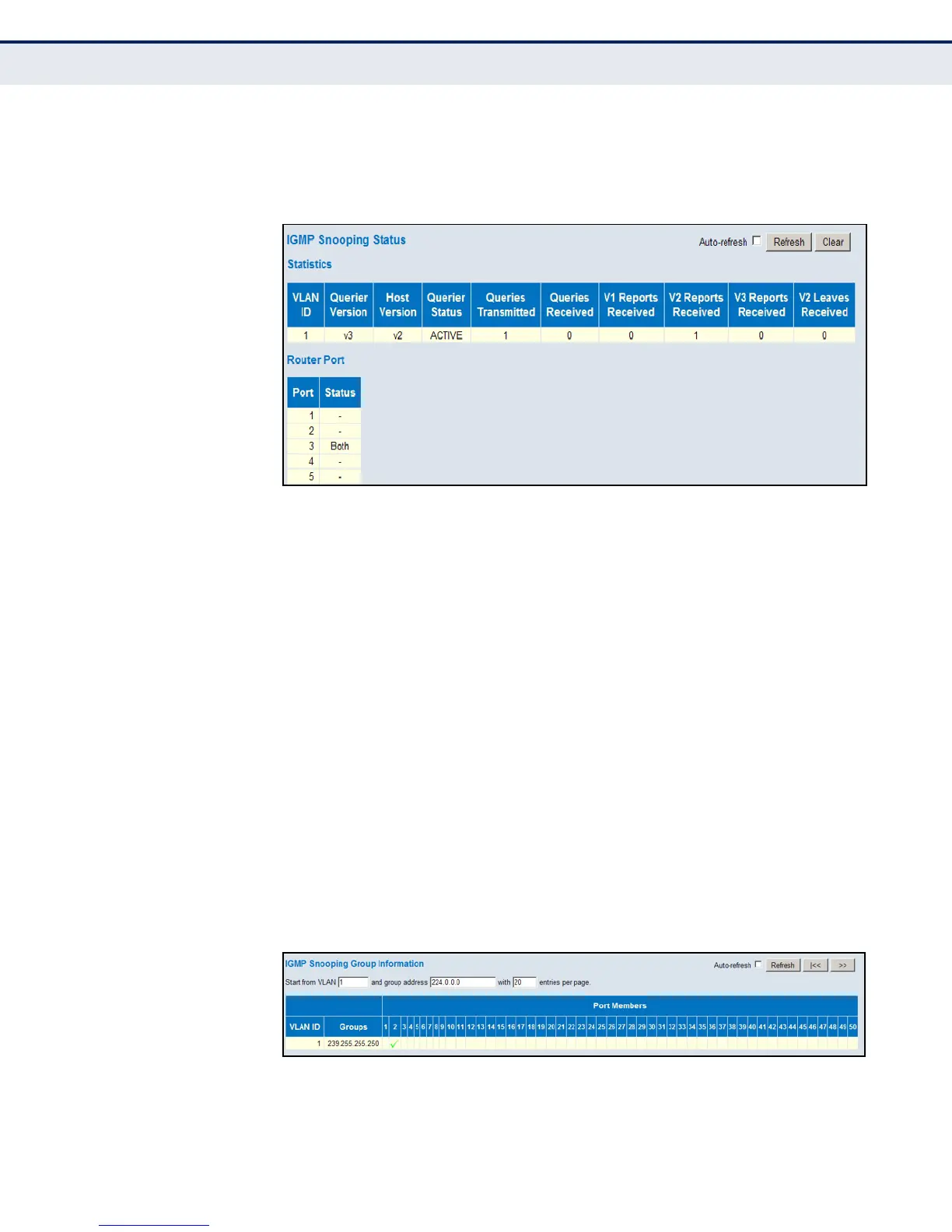
To display IGMP snooping status information, click Monitor, IGMP Snooping,
Status.
Figure 131: IGMP Snooping Status
SHOWING IGMP
SNOOPING GROUP
INFORMATION
Use the IGMP Snooping Group Information page to display the port
members of each service group.
PATH
Monitor, IPMC, IGMP Snooping, Group Information
PARAMETERS
These parameters are displayed:
◆ VLAN ID – VLAN Identifier.
◆ Groups – The IP address for a specific multicast service.
◆ Port Members – The ports assigned to the listed VLAN which
propagate a specific multicast service.
WEB INTERFACE
To display the port members of each service group, click Monitor, IGMP
Snooping, Group Information.
Figure 132: IGMP Snooping Group Information













 To Next Page