C
HAPTER
4
| Configuring the Switch
Configuring the MAC Address Table
– 166 –
WEB INTERFACE
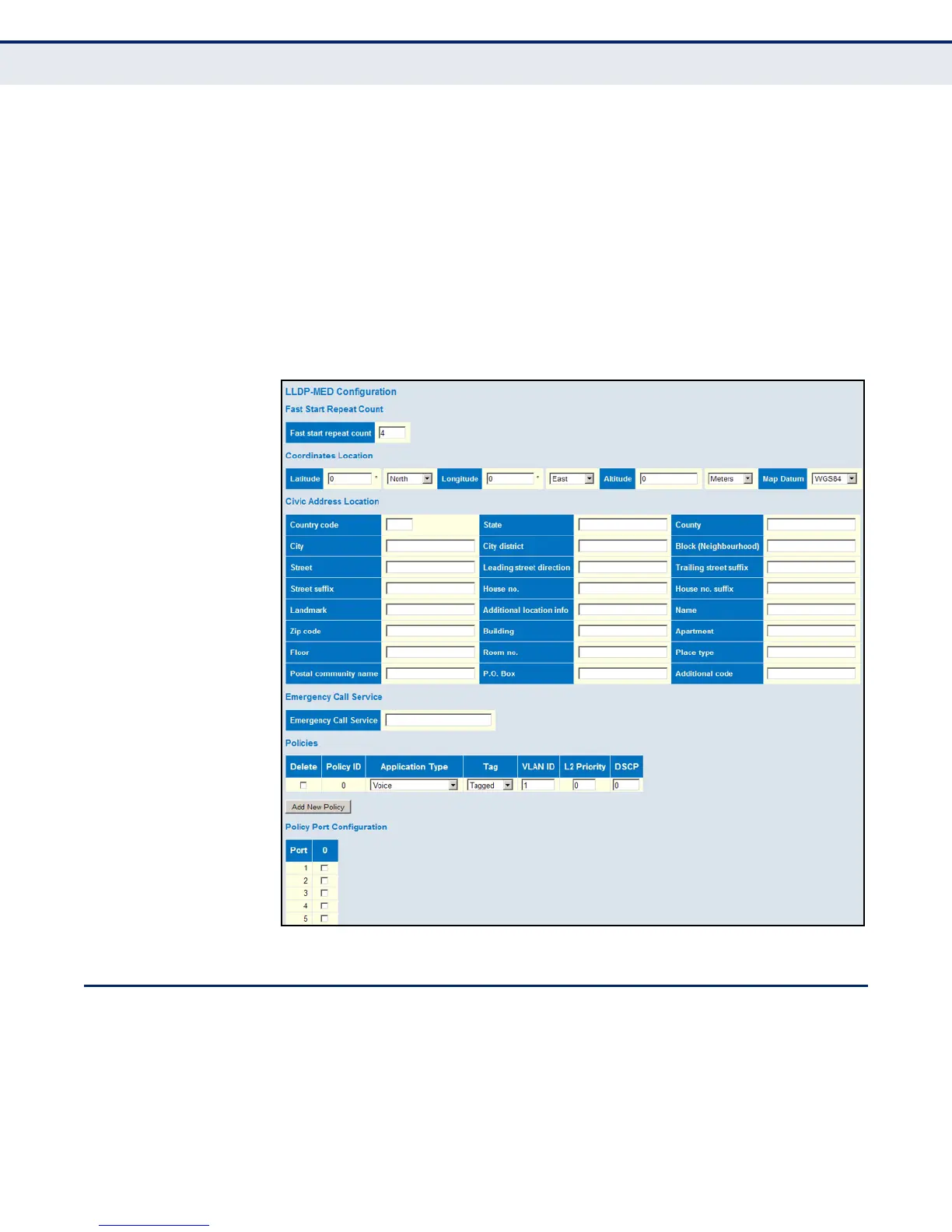
To configure LLDP-MED TLVs:
1. Click Configuration, LLDP-MED.
2. Modify any of the timing parameters as required.
3. Set the fast start repeat count, descriptive information for the end-
point device, and policies applied to selected ports.
4. Click Save.
Figure 62: LLDP-MED Configuration
CONFIGURING THE MAC ADDRESS TABLE
Use the MAC Address Table Configuration page to configure dynamic
address learning or to assign static addresses to specific ports.
Switches store the addresses for all known devices. This information is
used to pass traffic directly between the inbound and outbound ports. All
the addresses learned by monitoring traffic are stored in the dynamic













 To Next Page