C
HAPTER
4
| Configuring the Switch
Using Port Isolation
– 173 –
USING PORT ISOLATION
Use the Port Isolation Configuration page to prevent communications
between customer ports within the same VLAN.
Port Isolation can be used to prevent communications between ports within
the same VLAN. An isolated port cannot forward any unicast, multicast, or
broadcast traffic to any other ports in the same VLAN.
PATH
Advanced Configuration, Private VLANs, Port Isolation
PARAMETERS
These parameters are displayed:
◆ Port Number - Port identifier.
WEB INTERFACE
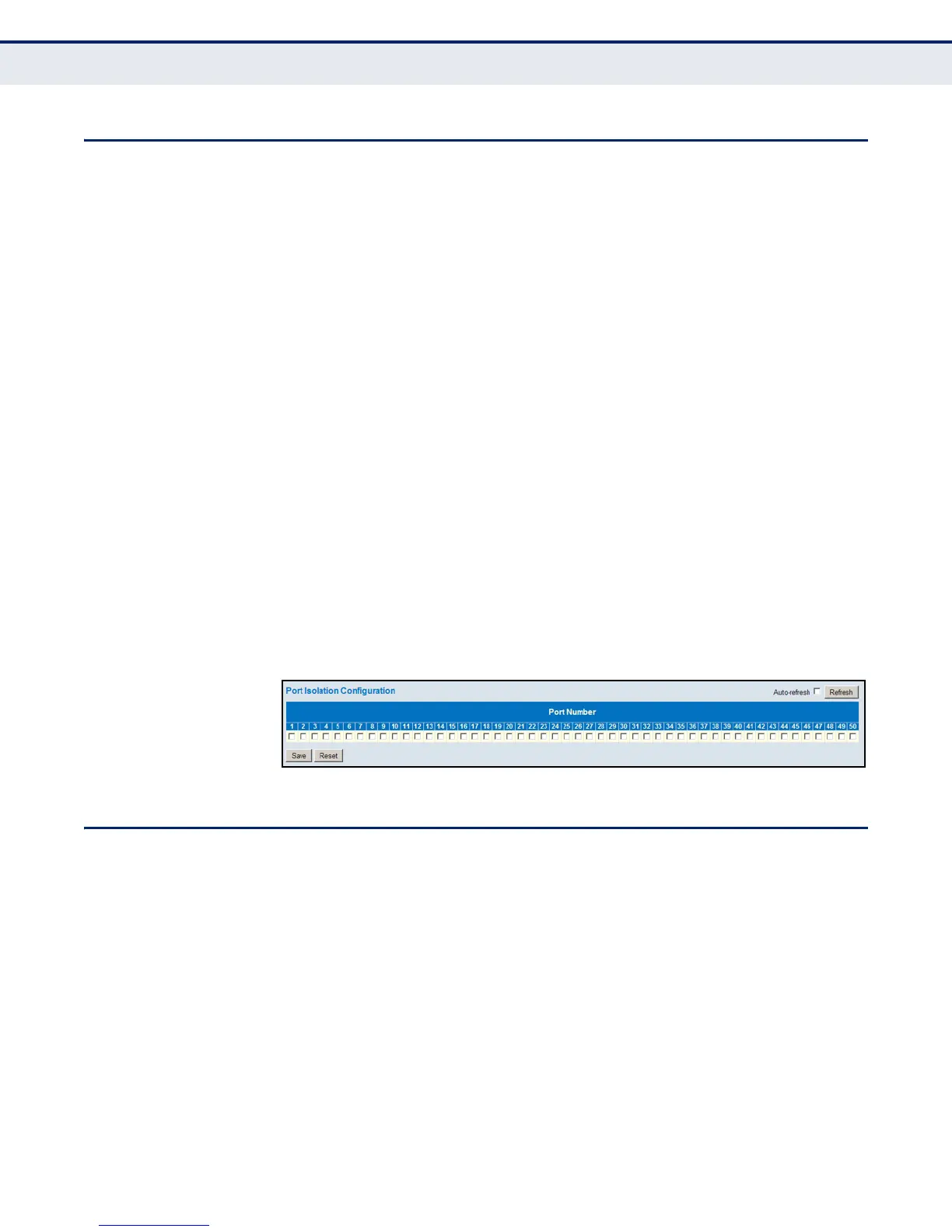
To configure isolated ports:
1. Click Configuration, Private VLANs, Port Isolation.
2. Mark the ports which are to be isolated from each other.
3. Click Save.
Figure 66: Port Isolation Configuration
CONFIGURING MAC-BASED VLANS
Use the MAC-based VLAN Membership Configuration page to configure
VLAN based on MAC addresses. The MAC-based VLAN feature assigns VLAN
IDs to ingress untagged frames according to the source MAC addresses.
When MAC-based VLAN classification is enabled, untagged frames received
by a port are assigned to the VLAN which is mapped to the frame’s source
MAC address. When no MAC address is matched, untagged frames are
assigned to the receiving port’s native VLAN ID (PVID).
PATH
Advanced Configuration, VCL, MAC-based VLANs
COMMAND USAGE
◆ Source MAC addresses can be mapped to only one VLAN ID.













 To Next Page