C
HAPTER
5
| Monitoring the Switch
Displaying Information on RMON
– 247 –
WEB INTERFACE
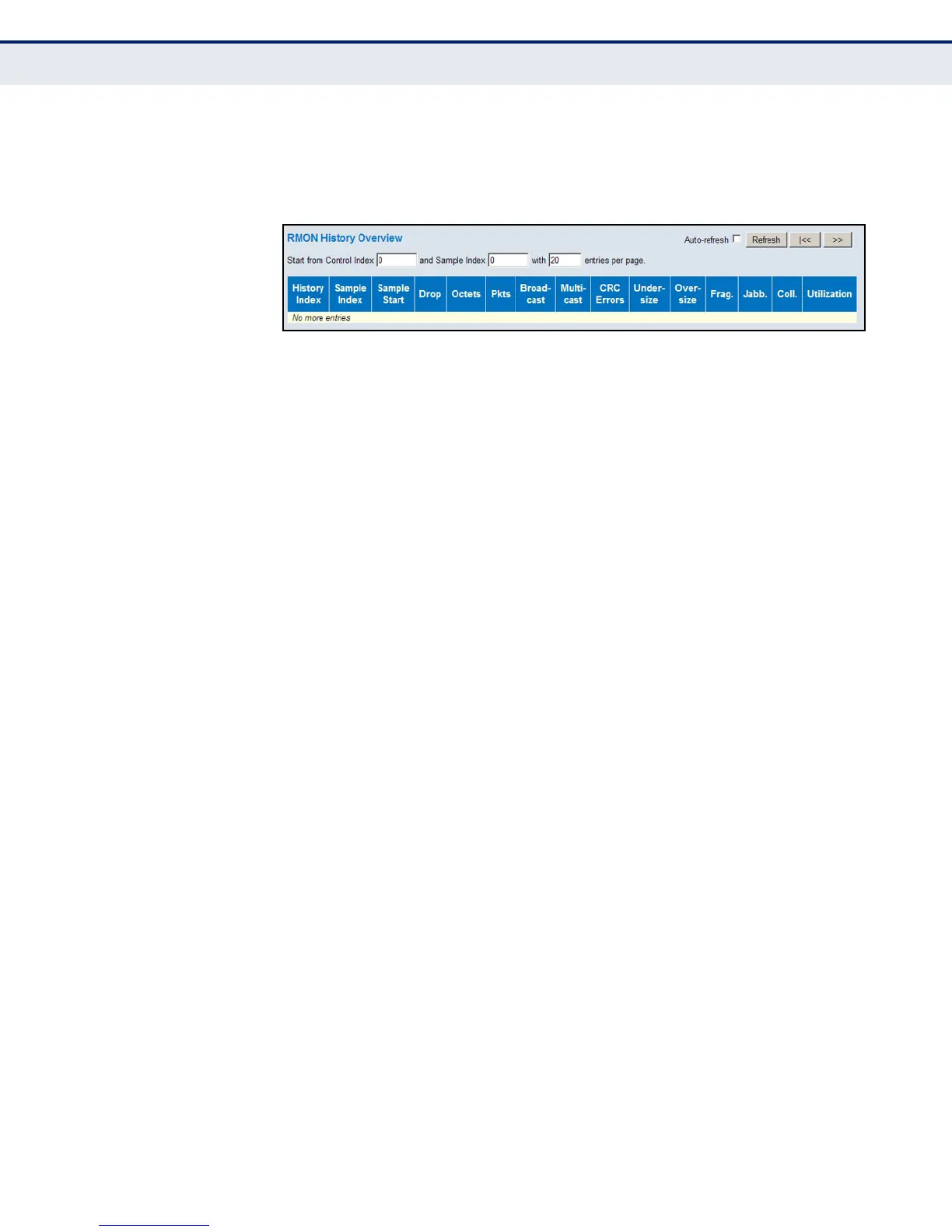
To display RMON historical samples, click Monitor, Security, Switch, RMON,
History.
Figure 118: RMON History Overview
DISPLAYING RMON
ALARM SETTINGS
Use the RMON Alarm Overview page to display configured alarm settings.
PATH
Monitor, Security, Switch, RMON, Alarm
PARAMETERS
These parameters are displayed:
◆ ID – Index of Alarm control entry.
◆ Interval – Interval in seconds for sampling and comparing the rising
and falling threshold.
◆ Variable – MIB object to be sampled.
◆ Sample Type – The method of sampling the selected variable and
calculating the value to be compared against the thresholds. For more
information, see "Configuring RMON Alarms" on page 81.
◆ Value – The value of the statistic during the last sampling period.
◆ Startup Alarm – The alarm that may be triggered when this entry is
first set to valid.
◆ Rising Threshold – If the current value is greater than the rising
threshold, and the last sample value was less than this threshold, then
an alarm will be generated.
◆ Rising Index – The index of the event to use if an alarm is triggered
by monitored variables crossing above the rising threshold.
◆ Falling Threshold – If the current value is less than the falling
threshold, and the last sample value was greater than this threshold,
then an alarm will be generated.
◆ Falling Index – The index of the event to use if an alarm is triggered
by monitored variables crossing below the falling threshold.













 To Next Page