– 283 –
7 PERFORMING SYSTEM MAINTENANCE
This chapter describes how to perform basic maintenance tasks including
upgrading software, restoring or saving configuration settings, and
resetting the switch.
RESTARTING THE SWITCH
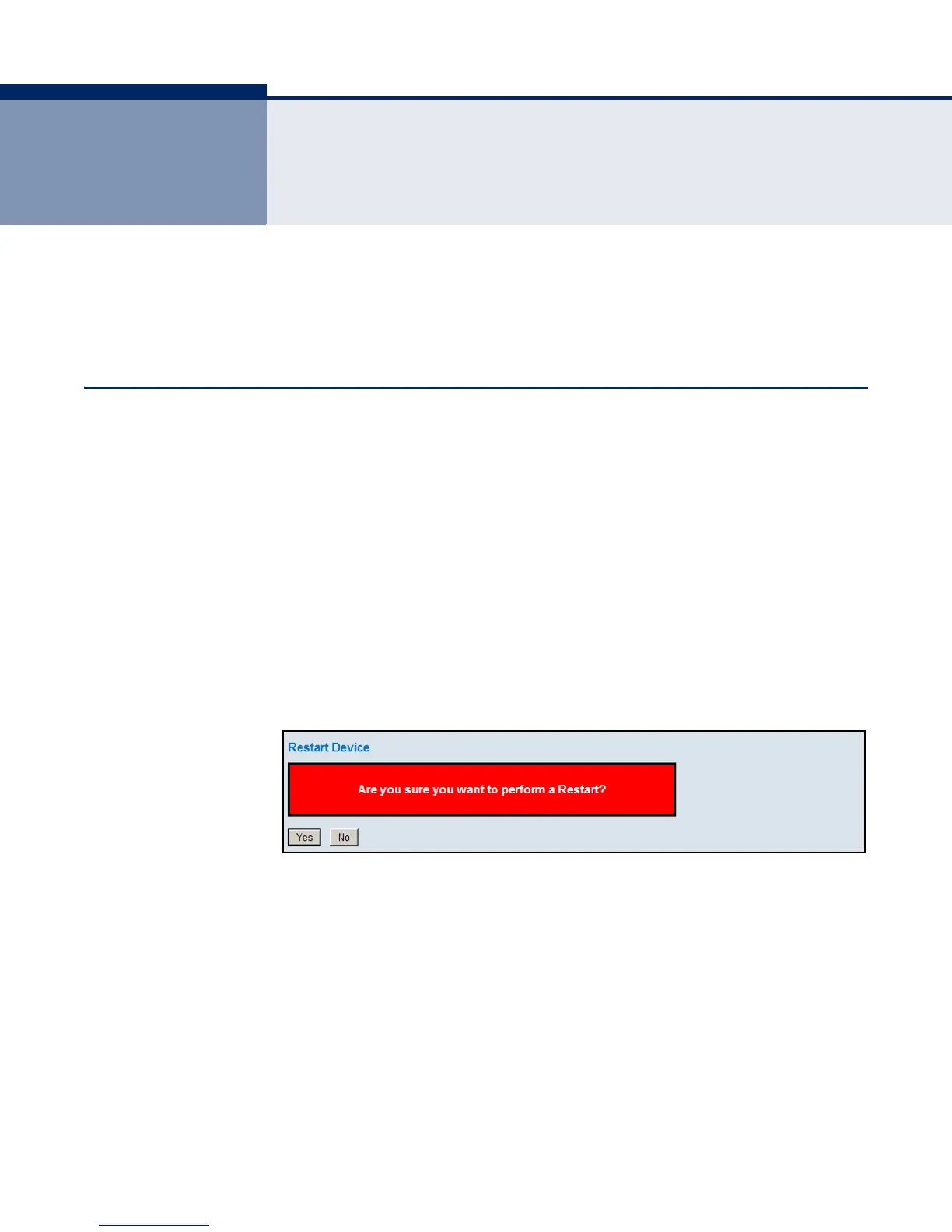
Use the Restart Device page to restart the switch.
PATH
Maintenance, Restart Device
WEB INTERFACE
To restart the switch
1. Click Maintenance, Restart Device.
2. Click Yes.
The reset will be complete when the user interface displays the login page.
Figure 148: Restart Device













 To Next Page