C
HAPTER
4
| Configuring the Switch
Configuring Remote Port Mirroring
– 209 –
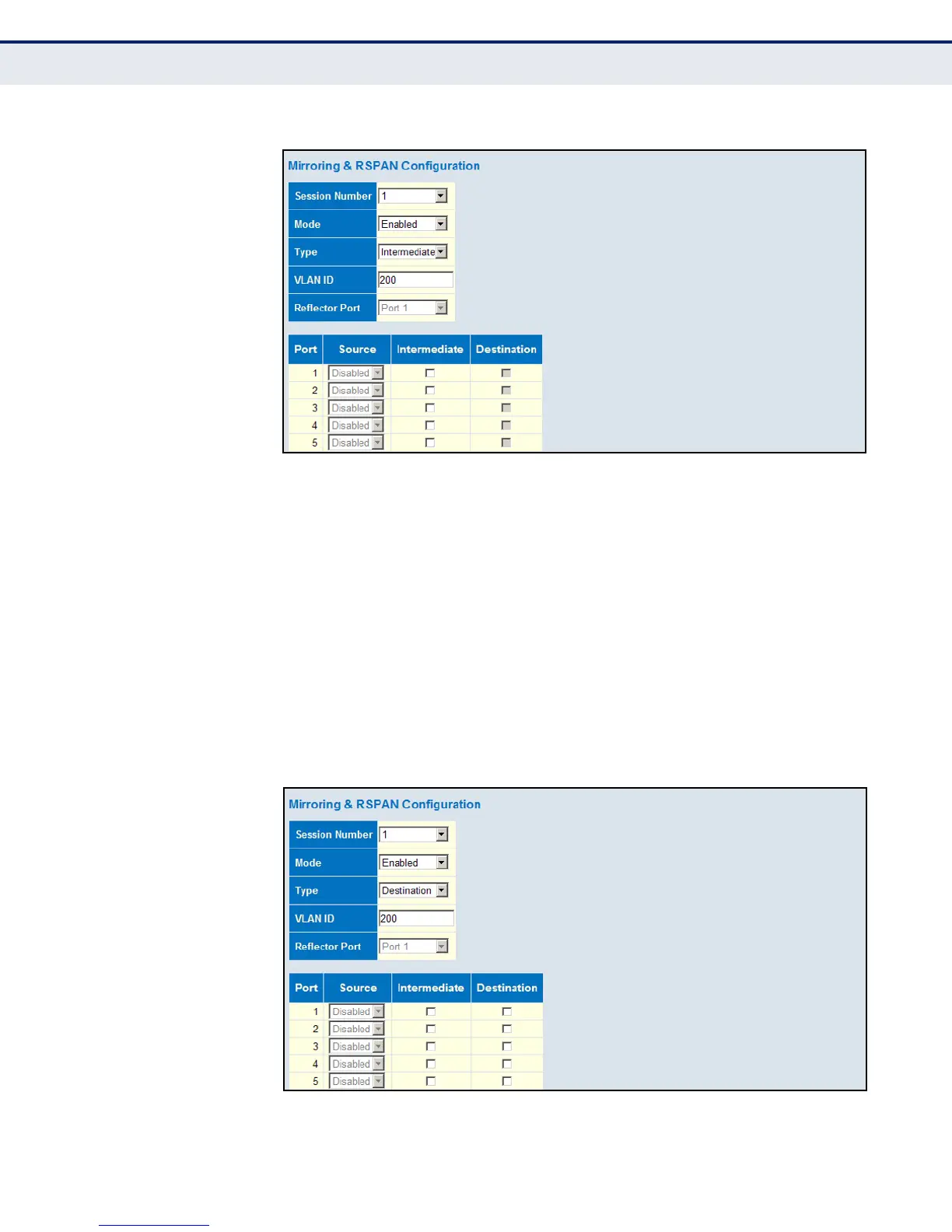
Figure 92: Mirror Configuration (Intermediate)
To configure remote port mirroring for an RSPAN destination switch:
1. Click Basic/Advanced Configuration, Mirroring & RSPAN.
2. Set the Mode to Enabled, and the Type to destination.
3. Select the intermediate ports to add to the RSPAN VLAN, which will
then pass traffic on to the destination ports.
4. Select the destination ports which are to monitor the traffic mirrored
from the source switch, through any intermediate switches, and finally
through the intermediate ports on the destination switch.
5. Click Save.
Figure 93: Mirror Configuration (Destination)













 To Next Page