C
HAPTER
4
| Configuring the Switch
Quality of Service
– 196 –
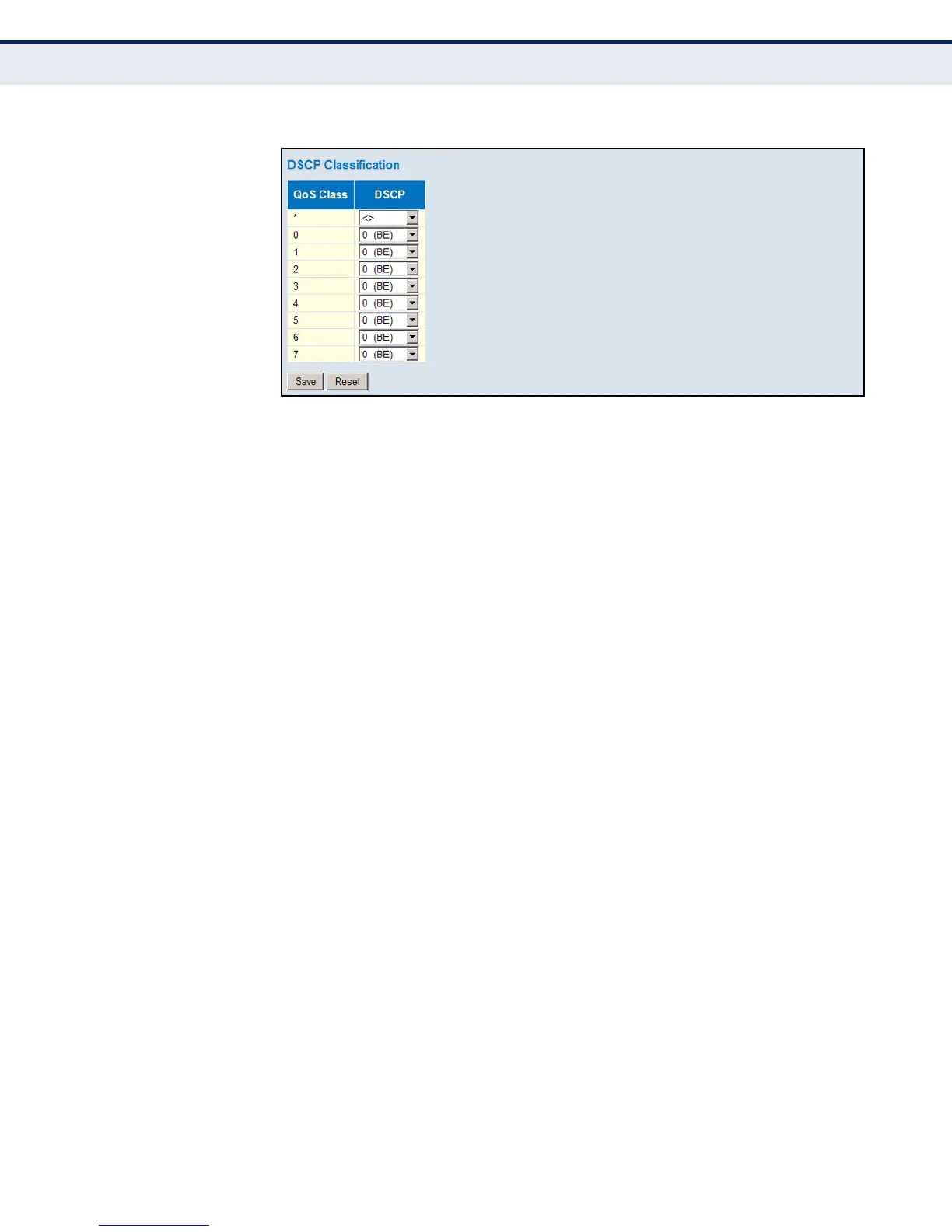
Figure 83: Mapping DSCP to CoS Values
CONFIGURING QOS
CONTROL LISTS
Use the QoS Control List Configuration page to configure Quality of Service
policies for handling ingress packets based on Ethernet type, VLAN ID,
TCP/UDP port, DSCP, ToS, or VLAN priority tag.
Once a QCE is mapped to a port, traffic matching the first entry in the QoS
Control List is assigned to the QoS class, drop precedence level, and DSCP
value defined by that entry. Traffic not matching any of the QCEs are
classified to the default QoS Class for the port.
PATH
Advanced Configuration, QoS, QoS Control List
PARAMETERS
These parameters are displayed:
QoS Control List
◆ QCE – Quality Control Entry index.
◆ Port - Port identifier.
◆ Frame Type – Indicates the type of frame to look for in incoming
frames. Possible frame types are: Any, Ethernet, LLC, SNAP, IPv4, IPv6.
◆ SMAC - The OUI field of the source MAC address, i.e. the first three
octets (bytes) of the MAC address.
◆ DMAC - The type of destination MAC address. Possible values are: Any,
Broadcast, Multicast, Unicast.
◆ VID – VLAN identifier. (Range: 1-4095)
◆ PCP – Priority Code Point (User Priority). (Specific value: 0, 1, 2, 3, 4,
5, 6, 7; Range 0-1, 2-3, 4-5, 6-7, 0-3, 4-7; or Any)
◆ DEI – Drop Eligible Indicator. (Options: 0, 1 or Any)













 To Next Page