C
HAPTER
4
| Configuring the Switch
Quality of Service
– 184 –
CONFIGURING PORT
CLASSIFICATION
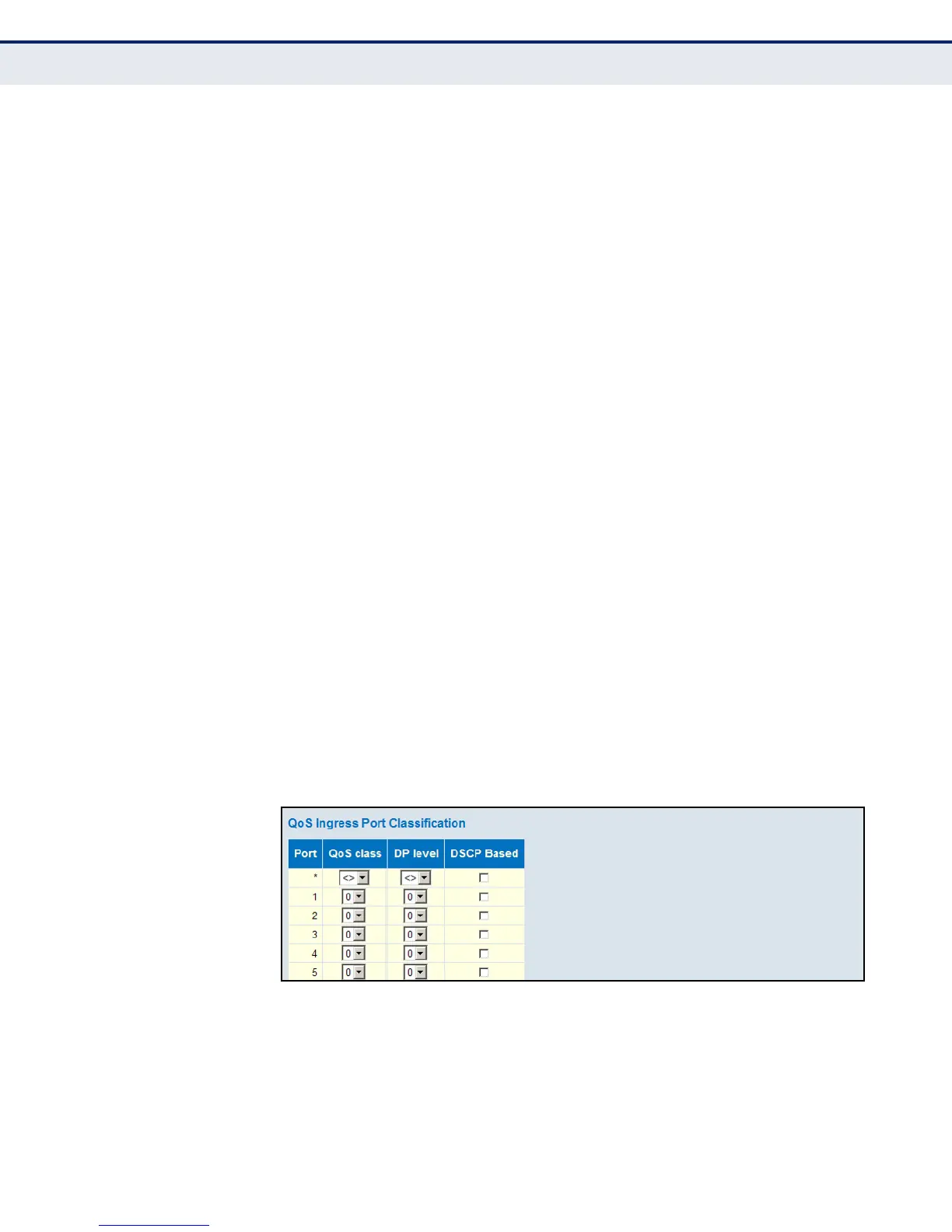
Use the QoS Ingress Port Classification page to set the basic QoS
parameters for a port, including the default traffic class, DP level (IEEE
802.1p), and DSCP-based QoS classification.
PATH
Advanced Configuration, QoS, Port Classification
PARAMETERS
These parameters are displayed:
QoS Ingress Port Classification
◆ Port – Port identifier.
◆ QoS class – Controls the default QoS class, i.e., the QoS class for
frames not classified in any other way. There is a one to one mapping
between QoS class, queue and priority. A QoS class of 0 (zero) has the
lowest priority. (Range: 0-7; Default: 0)
◆ DP level – Controls the default drop priority for frames not classified in
any other way. (Range: 0-1; Default: 0)
◆ DSCP Based – Click to Enable DSCP Based QoS Ingress Port
Classification (see page 193).
WEB INTERFACE
To set the basic QoS parameters for a port:
1. Click Advanced Configuration, QoS, Port Classification.
2. Set any of the ingress port QoS classification parameters.
3. Click Save.
Figure 73: Configuring Ingress Port QoS Classification













 To Next Page