C
HAPTER
4
| Configuring the Switch
Multicast VLAN Registration
– 143 –
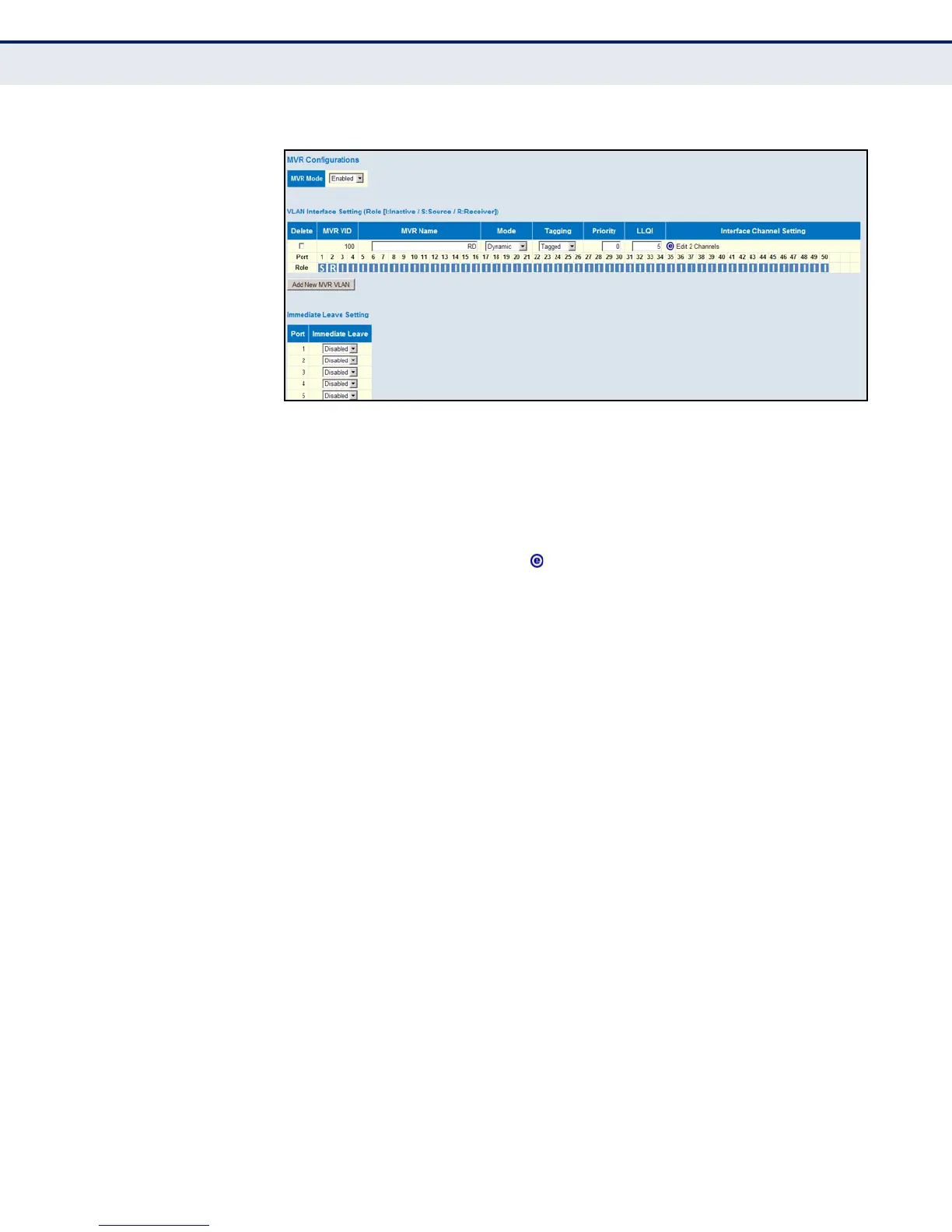
Figure 53: Configuring General MVR Settings
CONFIGURING MVR
CHANNEL SETTINGS
Use the MVR Channel Configuration page to view dynamic multicast group
bindings for a multicast VLAN, or to configure static bindings for a multicast
VLAN.
PATH
C
OMMAND USAGE
◆ Use the Navigate Channel Setting fields to specify the MVR VLAN and
number of entries to display per page. Then use the arrow keys to scroll
through the list of associated channels.
◆ Static bindings should only be used to receive long-term multicast
streams associated with a stable set of hosts
◆ Only IGMP version 2 or 3 hosts can issue multicast join or leave
messages. If MVR must be configured for an IGMP version 1 host, the
multicast groups must be statically assigned using this configuration
page.
◆ The IPv4 address range from 224.0.0.0 to 239.255.255.255 is used for
multicast streams. MVR group addresses cannot fall within the reserved
IP multicast address range of 224.0.0.x.
◆ All IPv6 addresses must be specified according to RFC 2373 “IPv6
Addressing Architecture,” using 8 colon-separated 16-bit hexadecimal
values. One double colon may be used in the address to indicate the
appropriate number of zeros required to fill the undefined fields. (Note
that the IP address ff02::X is reserved.)
PARAMETERS
These parameters are displayed:
◆ VLAN ID - Displays the Multicast VLAN identifier.
◆ VLAN Name - Displays the Multicast VLAN name.
Advanced Configuration, MVR ( MVR Channel Configuration)













 To Next Page