C
HAPTER
4
| Configuring the Switch
Configuring Security
– 60 –
WEB INTERFACE
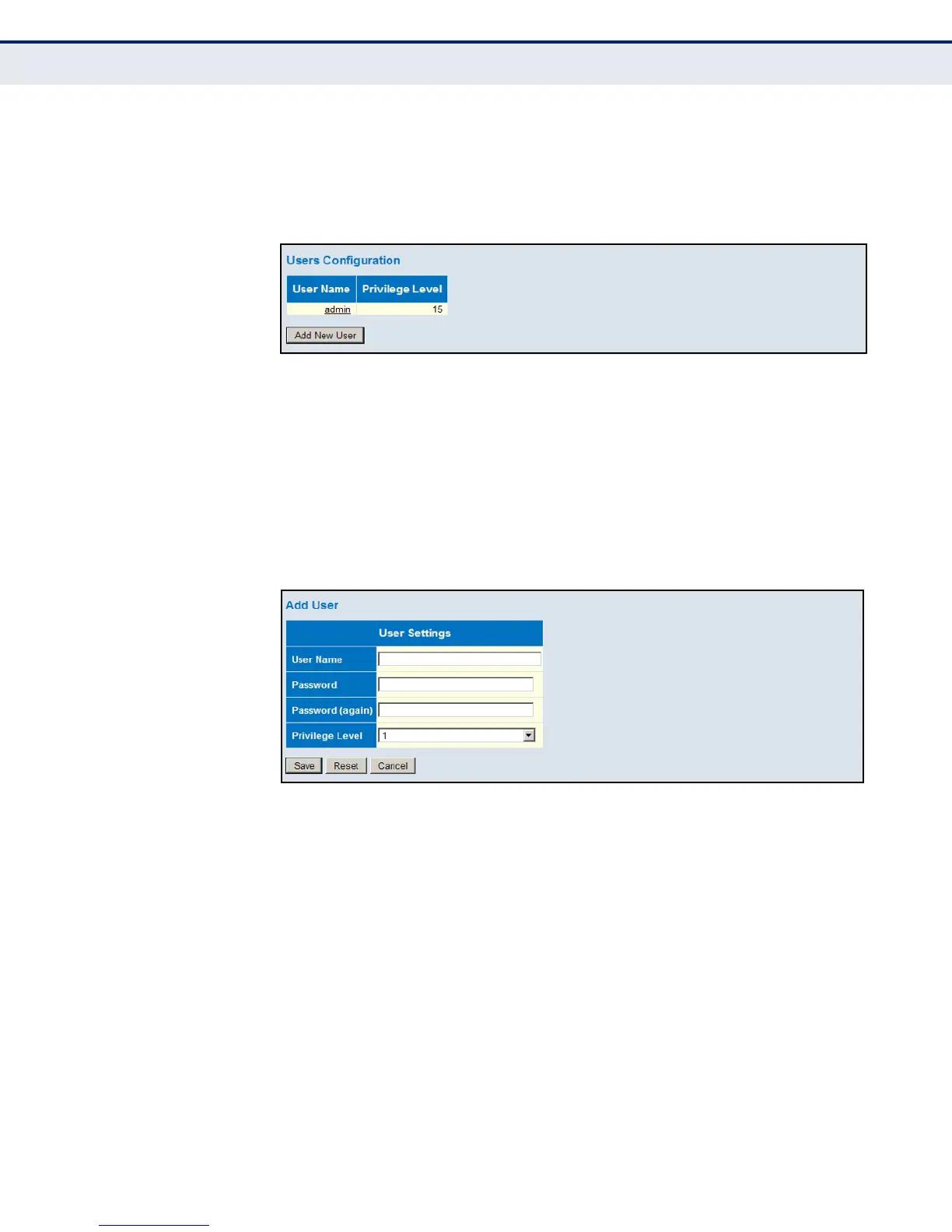
To show user accounts:
1. Click Advanced Configuration, Security, Switch, Users.
Figure 11: Showing User Accounts
To configure a user account:
1. Click Advanced Configuration, Security, Switch, Users.
2. Click “Add new user.”
3. Enter the user name, password, and privilege level.
4. Click Save.
Figure 12: Configuring User Accounts
CONFIGURING USER
PRIVILEGE LEVELS
Use the Privilege Levels page to set the privilege level required to read or
configure specific software modules or system settings.
PATH
Advanced Configuration, Security, Switch, Privilege Levels
PARAMETERS
These parameters are displayed:
◆ Group Name – The name identifying a privilege group. In most cases,
a privilege group consists of a single module (e.g., LACP, RSTP or QoS),
but a few groups contains more than one module. The following
describes the groups which contain multiple modules or access to
various system settings:
■
System: Contact, Name, Location, Timezone, Log.













 To Next Page