C
HAPTER
4
| Configuring the Switch
Configuring Security
– 80 –
◆ The information collected for each entry includes: drop events, input
octets, packets, broadcast packets, multicast packets, CRC alignment
errors, undersize packets, oversize packets, fragments, jabbers,
collisions, and frames of various sizes.
PARAMETERS
The following parameters are displayed:
◆ ID - Index to this entry. (Range: 1-65535)
◆ Data Source – Port identifier.
WEB INTERFACE
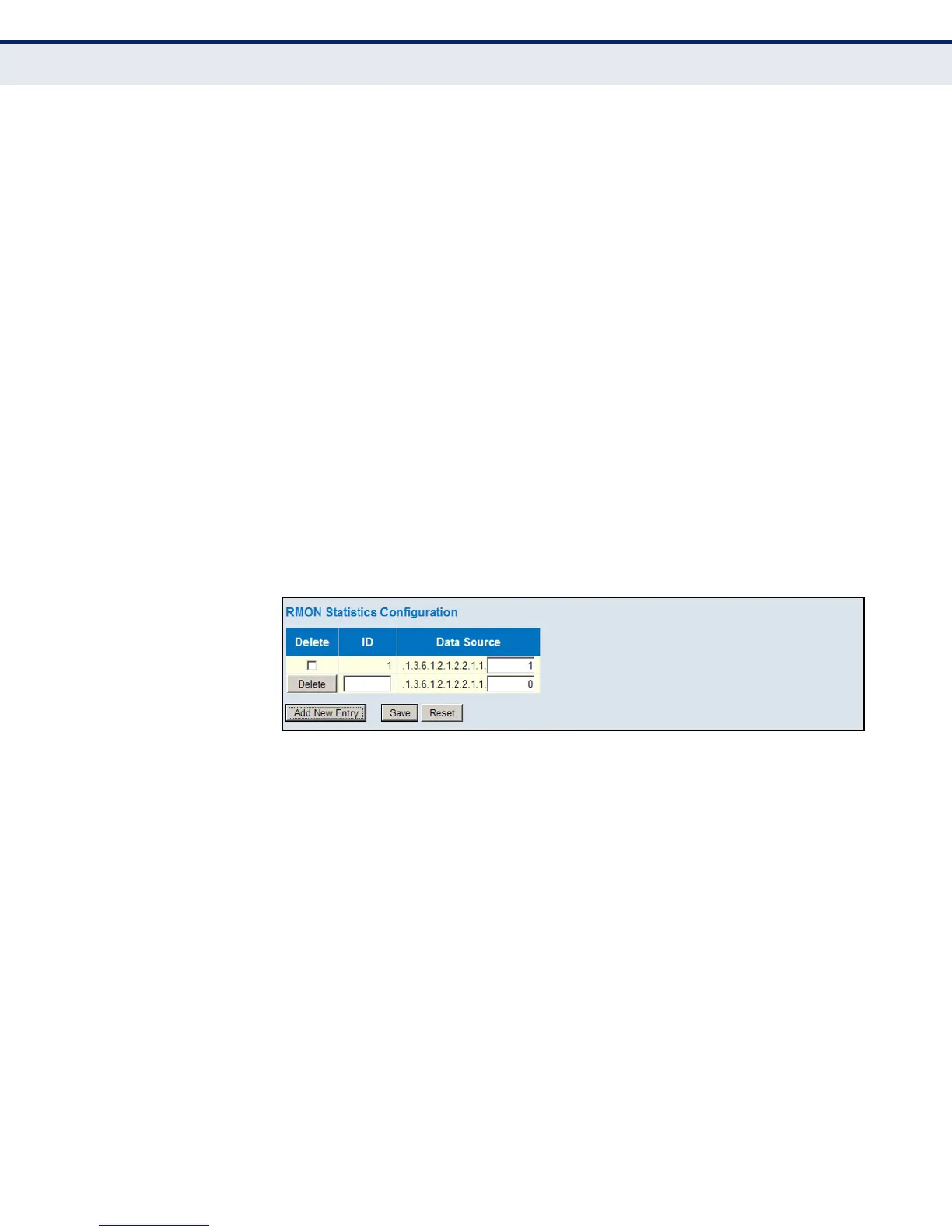
To enable regular sampling of statistics on a port:
1. Click Advanced Configuration, Security, Switch, RMON, Statistics.
2. Click Add New Entry.
3. Enter the index identifier and port number.
4. Click Save.
Figure 25: RMON Statistics Configuration
CONFIGURING RMON HISTORY SAMPLES
Use the RMON History Configuration page to collect statistics on a physical
interface to monitor network utilization, packet types, and errors. A
historical record of activity can be used to track down intermittent
problems. The record can be used to establish normal baseline activity,
which may reveal problems associated with high traffic levels, broadcast
storms, or other unusual events. It can also be used to predict network
growth and plan for expansion before your network becomes too
overloaded.
PATH
Advanced Configuration, Security, RMON, History
COMMAND USAGE
The information collected for each sample includes: drop events, input
octets, packets, broadcast packets, multicast packets, CRC alignment
errors, undersize packets, oversize packets, fragments, jabbers, collisions,
and network utilization.













 To Next Page