C
HAPTER
4
| Configuring the Switch
Quality of Service
– 194 –
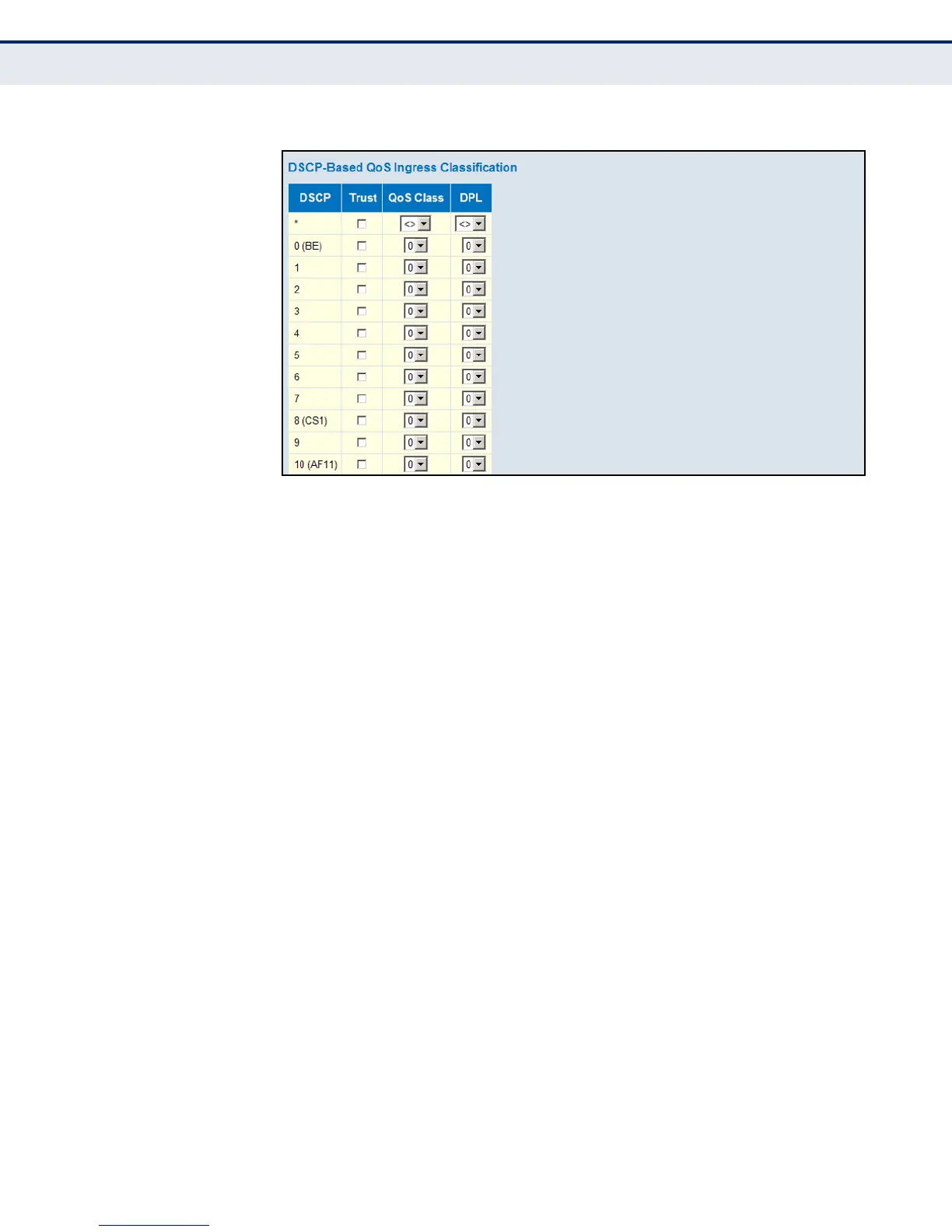
Figure 81: Configuring DSCP-based QoS Ingress Classification
CONFIGURING DSCP
TRANSLATION
Use the DSCP Translation page to configure DSCP translation for ingress
traffic or DSCP re-mapping for egress traffic.
PATH
Advanced Configuration, QoS, DSCP Translation
PARAMETERS
These parameters are displayed:
◆ DSCP – DSCP value. (Range: 0-63)
◆ Ingress Translate – Enables ingress translation of DSCP values based
on the specified classification method.
◆ Ingress Classify – Enable Classification at ingress side as defined in
the QoS Port DSCP Configuration table (see page 192).
◆ Egress Remap DP0 – Re-maps DP0 field to selected DSCP value. DP0
indicates a drop precedence with a low priority.
◆ Egress Remap DP1 – Re-maps DP1 field to selected DSCP value. DP1
indicates a drop precedence with a high priority.
WEB INTERFACE
To configure DSCP translation or re-mapping:
1. Click Advanced Configuration, QoS, DSCP Translation.
2. Set the required ingress translation and egress re-mapping
parameters.













 To Next Page