C
HAPTER
4
| Configuring the Switch
Configuring Security
– 114 –
dynamic clients is equal 0, the switch will only forward IP packets that
are matched in static entries for a given port. (Default: Unlimited)
WEB INTERFACE
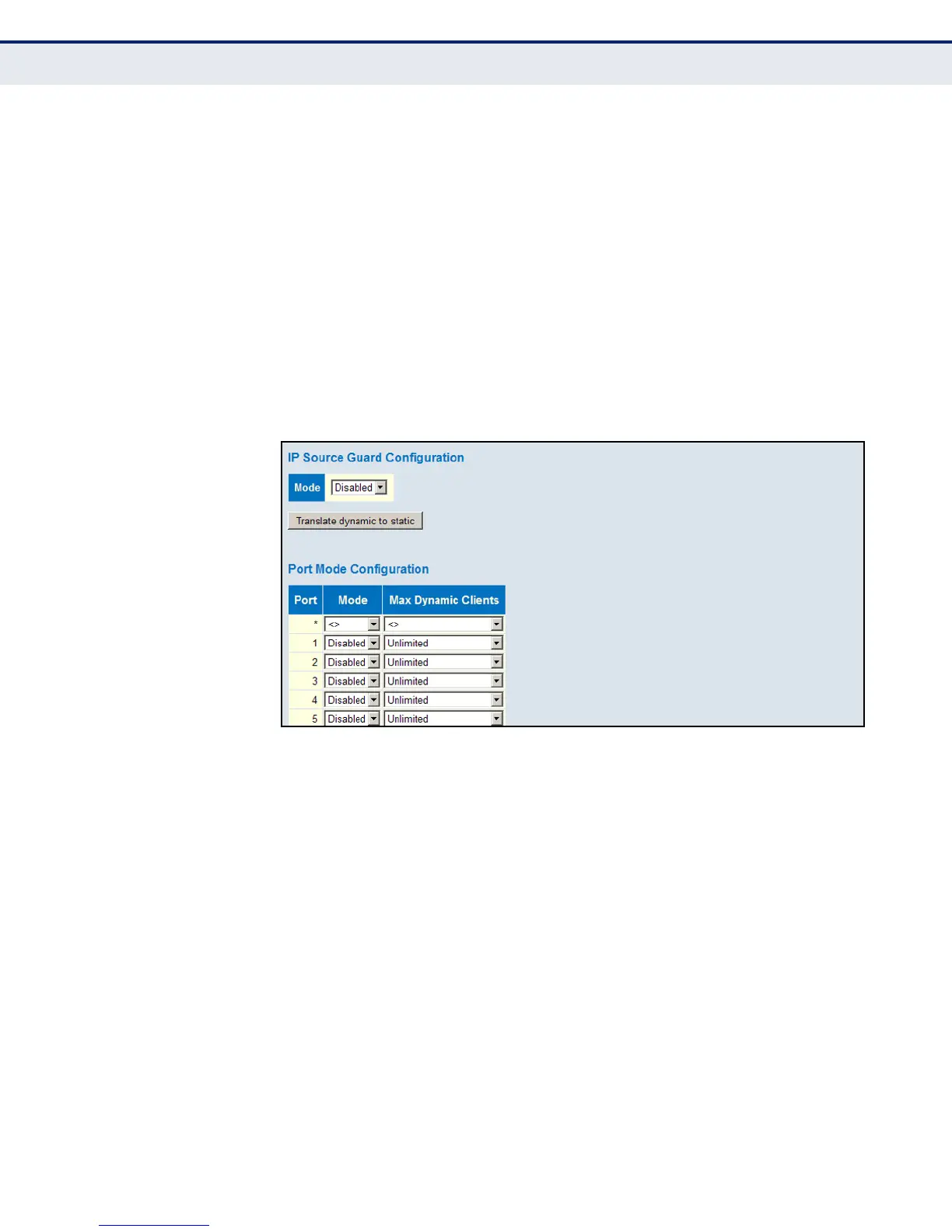
To set the IP Source Guard filter for ports:
1. Click Advanced Configuration, Security, Network, IP Source Guard,
Configuration.
2. Enable or disable IP Source Guard globally and for any given ports.
3. Set the maximum number of dynamic clients for any port.
4. Click Save.
Figure 37: Configuring Global and Port-based Settings for IP Source Guard
CONFIGURING STATIC BINDINGS FOR IP SOURCE GUARD
Use the Static IP Source Guard Table to bind a static address to a port.
Table entries include a port identifier, VLAN identifier, IP address, and
subnet mask. All static entries are configured with an infinite lease time.
PATH
Advanced Configuration, Security, Network, IP Source Guard, Static Table
COMMAND USAGE
◆ Static addresses entered in the source guard binding table are
automatically configured with an infinite lease time. Dynamic entries
learned via DHCP snooping are configured by the DHCP server itself.
◆ Static bindings are processed as follows:
■
If there is no entry with the same VLAN ID and MAC address, a new
entry is added to the static IP source guard binding table.













 To Next Page