C
HAPTER
5
| Monitoring the Switch
Displaying Information on RMON
– 248 –
WEB INTERFACE
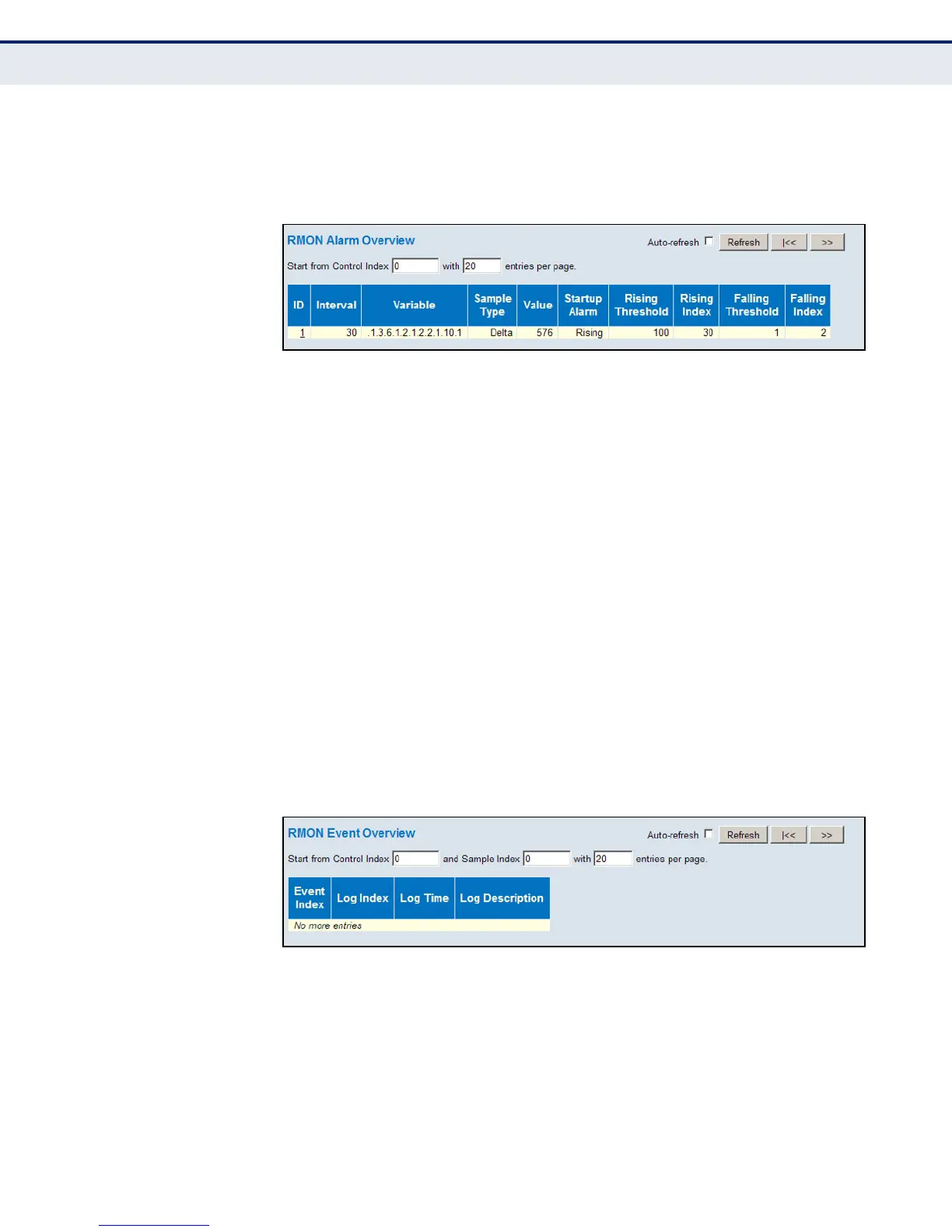
To display RMON alarm settings, click Monitor, Security, Switch, RMON,
Alarm.
Figure 119: RMON Alarm Overview
DISPLAYING RMON
EVENT SETTINGS
Use the RMON Alarm Event page to display configured event settings.
PATH
Monitor, Security, Switch, RMON, Event
PARAMETERS
These parameters are displayed:
◆ Event Index – Index of the event entry.
◆ Log Index – Index of the log entry.
◆ Log Time – Event log time.
◆ Log Description – Event description.
WEB INTERFACE
To display RMON event settings, click Monitor, Security, Switch, RMON,
Event.
Figure 120: RMON Event Overview













 To Next Page