C
HAPTER
4
| Configuring the Switch
Configuring Security
– 84 –
◆ Type – Specifies the type of event to initiate:
■
none – No event is generated.
■
log – Generates an RMON log entry when the event is triggered.
Log messages are processed based on the current configuration
settings for event logging (see "Configuring Remote Log Messages"
on page 53).
■
snmptrap – Sends a trap message to all configured trap managers
(see "Configuring SNMP System and Trap Settings" on page 69).
■
logandtrap – Logs the event and sends a trap message.
◆ Community – A password-like community string sent with the trap
operation to SNMP v1 and v2c hosts.
Although the community string can be set on this configuration page, it
is recommended that it be defined on the SNMP trap configuration page
(see "Setting SNMPv3 Community Access Strings" on page 73) prior to
configuring it here. (Range: 0-127 characters)
◆ Last Event Time – The value of sysUpTime when an event was last
generated for this entry.
WEB INTERFACE
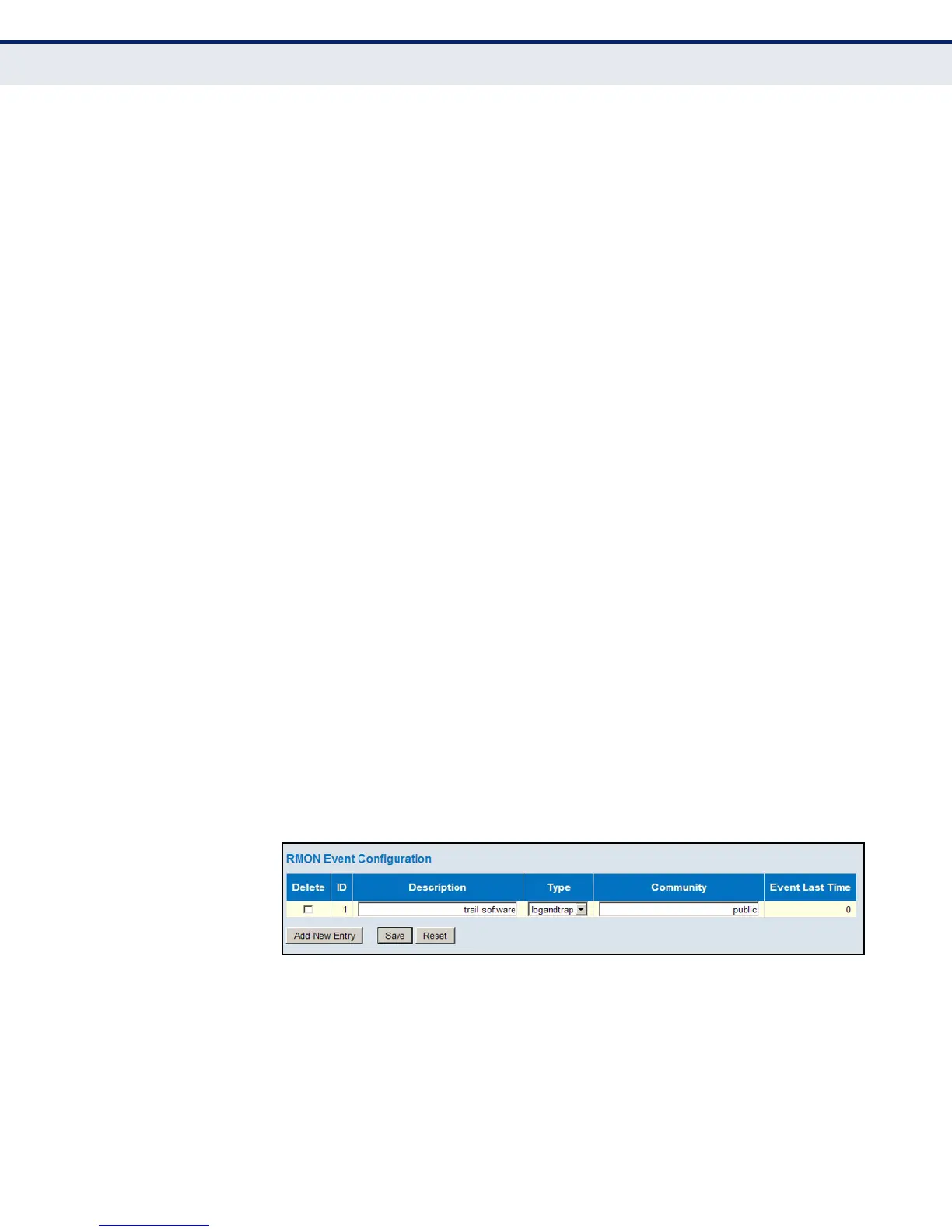
To configure an RMON event:
1. Click Advanced Configuration, Security, Switch, RMON, Event.
2. Click Add New Entry.
3. Enter an index number, a brief description of the event, the type of
event to initiate, and the community string to send with trap messages.
4. Click Save.
Figure 28: RMON Event Configuration
CONFIGURING PORT
LIMIT CONTROLS
Use the Port Security Limit Control Configuration page to limit the number
of users accessing a given port. A user is identified by a MAC address and
VLAN ID. If Limit Control is enabled on a port, the maximum number of
users on the port is restricted to the specified limit. If this number is
exceeded, the switch makes the specified response.













 To Next Page