C
HAPTER
4
| Configuring the Switch
Configuring MAC-based VLANs
– 174 –
◆ Configured MAC addresses cannot be broadcast or multicast addresses.
◆ When MAC-based and protocol-based VLANs are both enabled, priority
is applied in this sequence, and then port-based VLANs last.
PARAMETERS
These parameters are displayed:
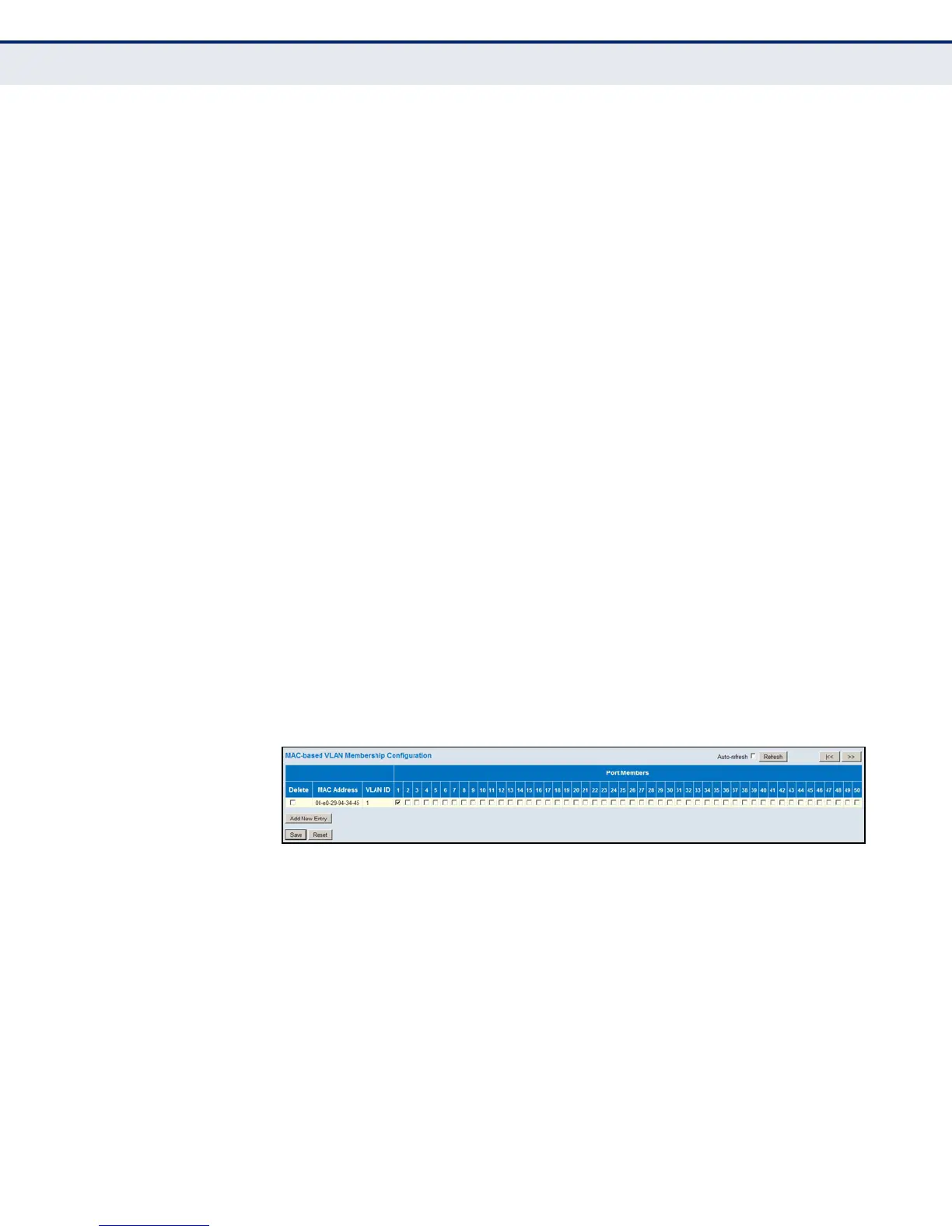
◆ MAC Address – A source MAC address which is to be mapped to a
specific VLAN. The MAC address must be specified in the format xx-xx-
xx-xx-xx-xx.
◆ VLAN ID – VLAN to which ingress traffic matching the specified source
MAC address is forwarded. (Range: 1-4093)
◆ Port Members – The ports assigned to this VLAN.
WEB INTERFACE
To map a MAC address to a VLAN:
1. Click Configuration, VCL, MAC-based VLANs.
2. Enter an address in the MAC Address field.
3. Enter an identifier in the VLAN field. Note that the specified VLAN need
not already be configured.
4. Specify the ports assigned to this VLAN.
5. Click Save.
Figure 67: Configuring MAC-Based VLANs













 To Next Page