© 2011 LPKF AG HB V2.0/Dez-11 47
5.3.1 Installation
The installation of the circuit board plotter must be done in four steps:
Remove the transport lock
Connection of the mains cable
Connection of the dust extraction
5.3.1.1 Remove the transport lock
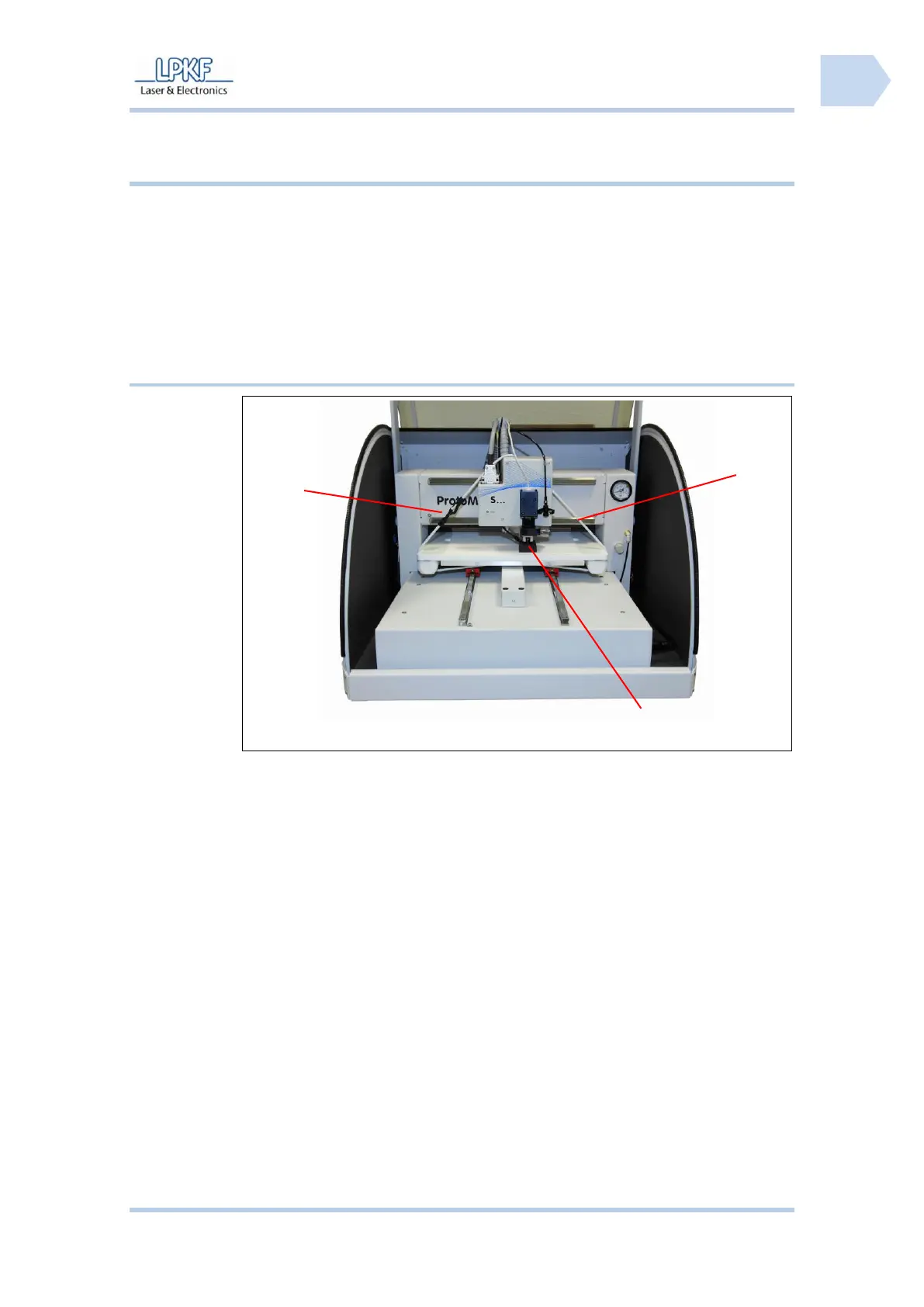
■ Remove the transport lock
1. Open the carabiner lock /1/ and remove the safety strap /3/.
2. Remove the foam plastic pad /2/.
3. Put the safety strap and the foam plastic pad into the transport box.
♦ The transport locks are removed.



 To Next Page