© 2011 LPKF AG HB V2.0/Dez-11 69
Pos: 25 /ED_Tec hnische_Doku mentation/2_Be dienungsanleit ung/Maschine/R P_Fräsbohrplotter/ ProtoMat_S _Serie/ProtoMat _S_Serie_IIG /Kapitel_6_Be dienung/6_05_W erkzeug_einri chten @ 1\ mod_1318239717 551_2058.doc x @ 37334 @ 2 333 @ 1
6.5 Tool setup
Any change of tools is performed manually for circuit board
plotters without tool exchange appliance. These machines
will be delivered without tool magazine.
6.5.1 Manual tool change procedure
According to the individual project requirements the tools must be changed
manually if the used machine is not equiped with a tool magazine and do not
support the automatically tool change procedure.
■ Insert tool
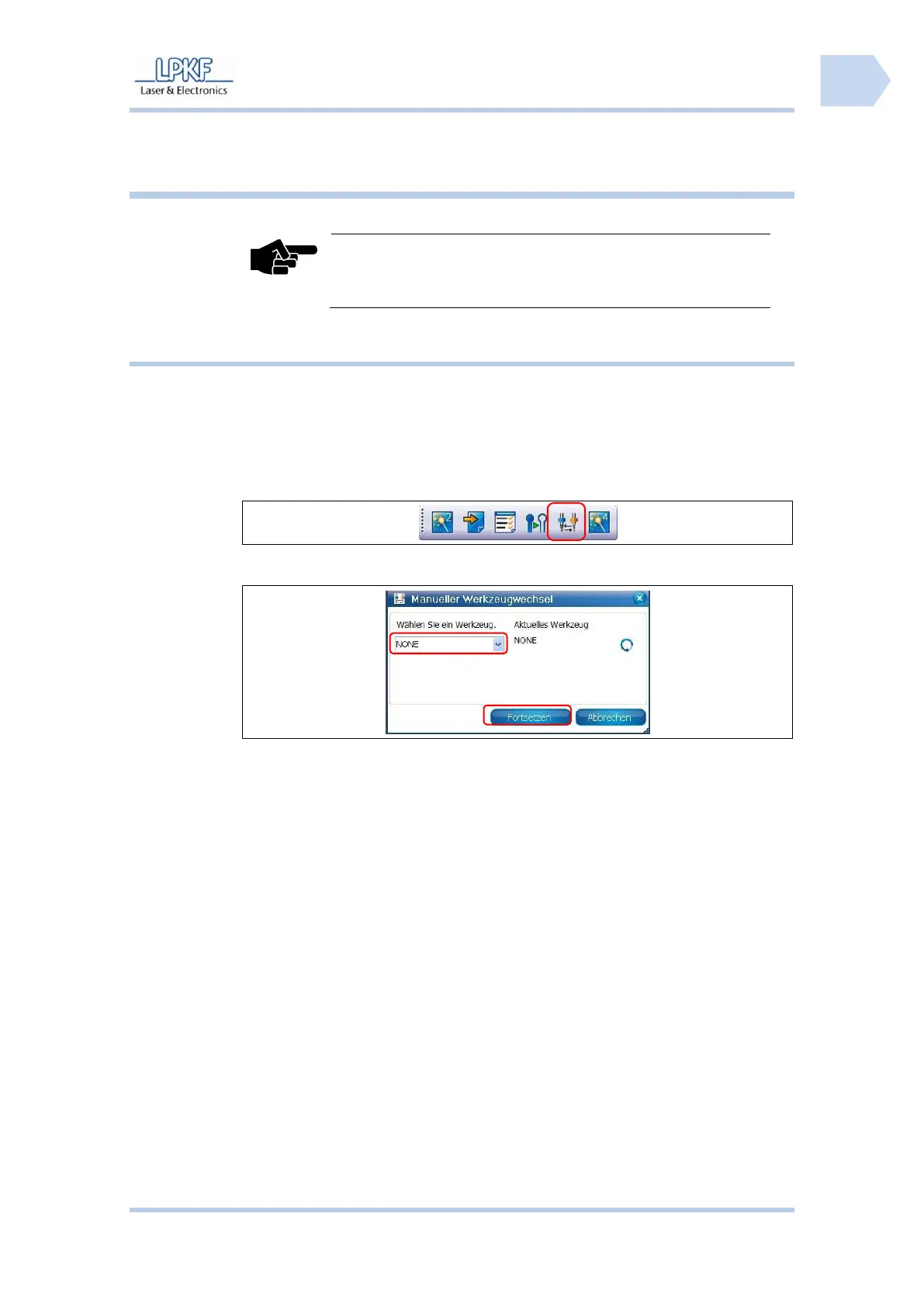
1. Click on [Chnage tool].
➨ The following window is displayed:
2. Take the tool gripper and insert the required tool.
3. Open the collet chuck by turning the rotary knob of the mill/drill head.
4. Insert the tool into the collet chuck.
5. Close the collet chuck by turning the rotary knob of the mill/drill head
and place the tool gripper aside.
6. Click into the field \Select tool\ and edit the new tool.
7. Click on [Continue].
♦ The tool is configured.



 To Next Page