© 2011 LPKF AG HB V2.0/Dez-11 93
Pos: 30 /ED_Tec hnische_Doku mentation/2_Be dienungsanleit ung/Maschine/R P_Fräsbohrplotter/ ProtoMat_S _Serie/Prot oMat_S_Serie_IIG /Kapitel_6_Be dienung/6_10_S ystem_aussch alten @ 0\mo d_125490432 1722_2058.docx @ 3683 @ 2 33343 @ 1
6.10 Shutdown the System
Always proceed in the same sequence when shutdown the system:
Save the current CBF file
Switch off the circuit board plotter
Shutdown and switch off the PC
Switch off the dust extraction
6.10.1 Saving the CBF file
Always save the current production data.
It is possible to save the current production data under the same file name or
under a new file name as well.
■ Saving the CBF file
All existing data will be overwritten!
1. Click File>Save.
♦ The production data was saved by using the current file name.
■ Saving a new CBF file
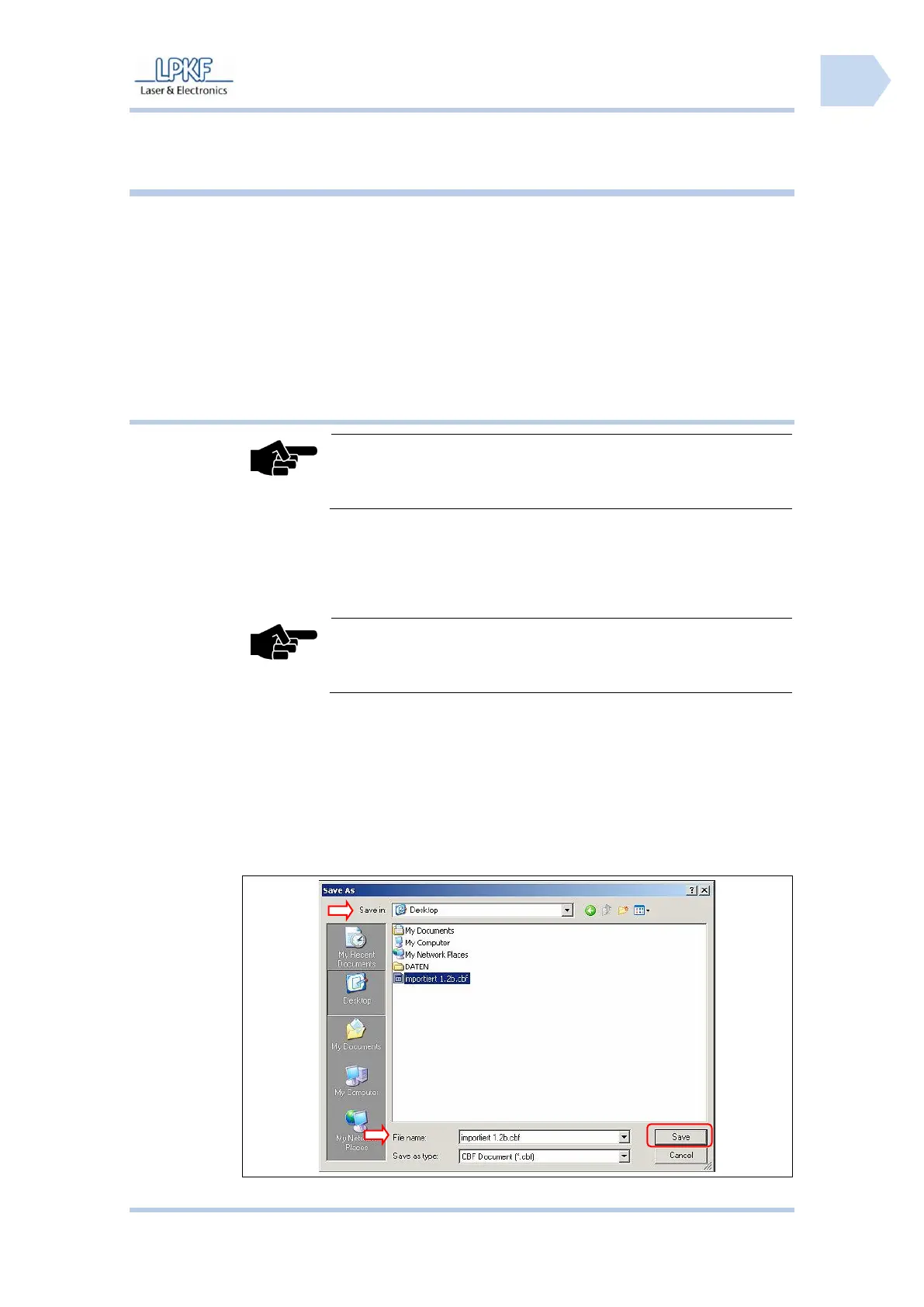
1. Click File>Save as….
➨ The window “Save as…” is shown:



 To Next Page