EasyManua.ls Logo

LPKF ProtoMat S - Function Bar

Default Icon
112 pages
Print Icon
To Next Page IconTo Next Page
To Previous Page IconTo Previous Page
Loading...
Operation
ProtoMat S
58 HB V2.0/Dez-11 © 2011 LPKF AG
6
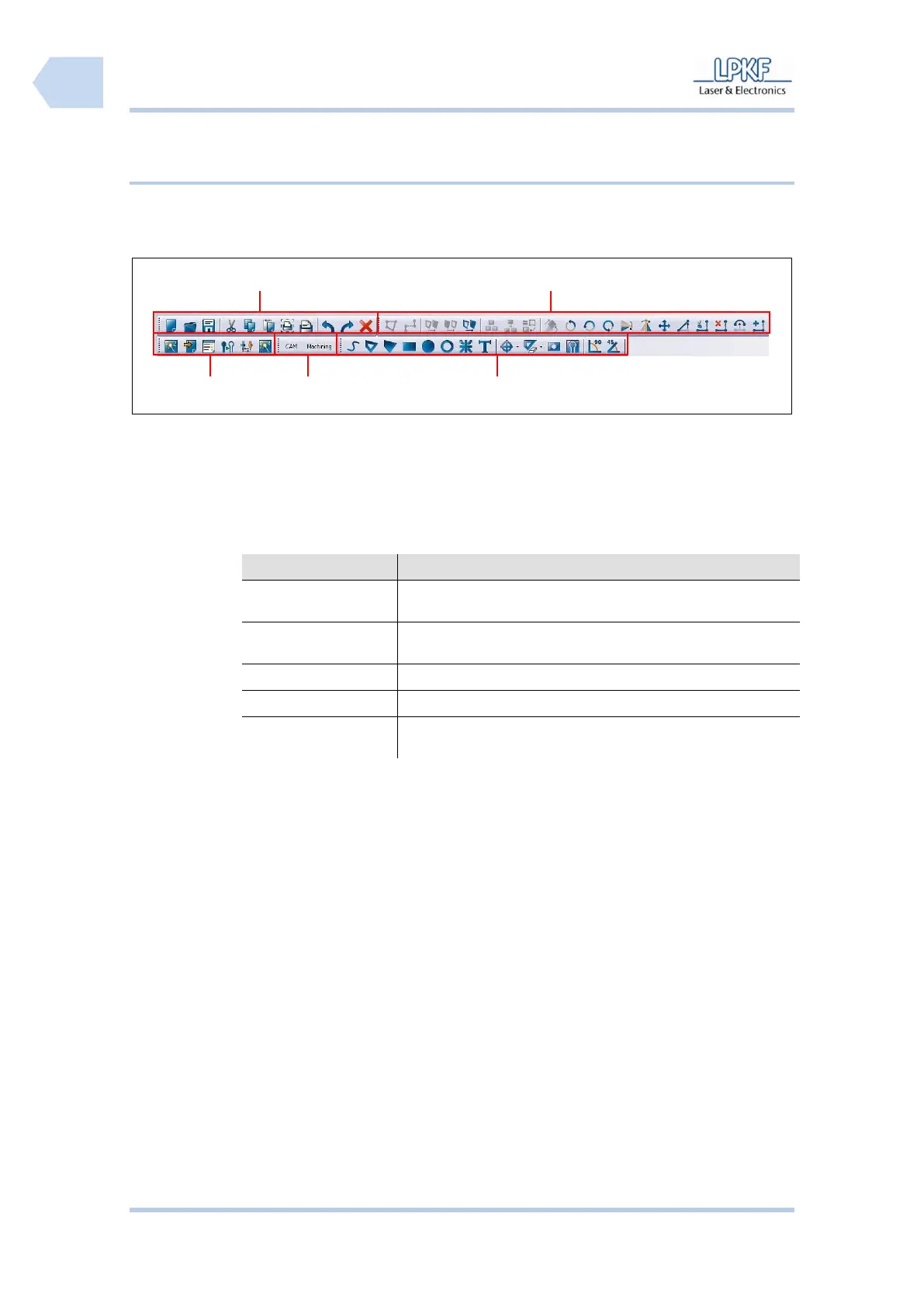
6.2.2.2 Function bar
Tab. 11: Function
bars
Function
Description
Processing functions
General processing functions like starting the wizards, tool
change operations and isolate operations.
View
Change-over the mains window by switching between CAM
and Machining view.
Object processing
General object editing and processing functions.
Toolpath functions
General functions to edit or process a tool or processing path.
File operating
functions
General operating functions like Undo, Redo, Cut, Copy an
Insert.
Fig. 27: Function
bar
/1/ Processing functions
/4/ Toolpath functions
/2/ Views
/5/ File operating functions
/3/ Object processing
1
4
2
3
5

Table of Contents

Related product manuals