64 HB V2.0/Dez-11 © 2011 LPKF AG
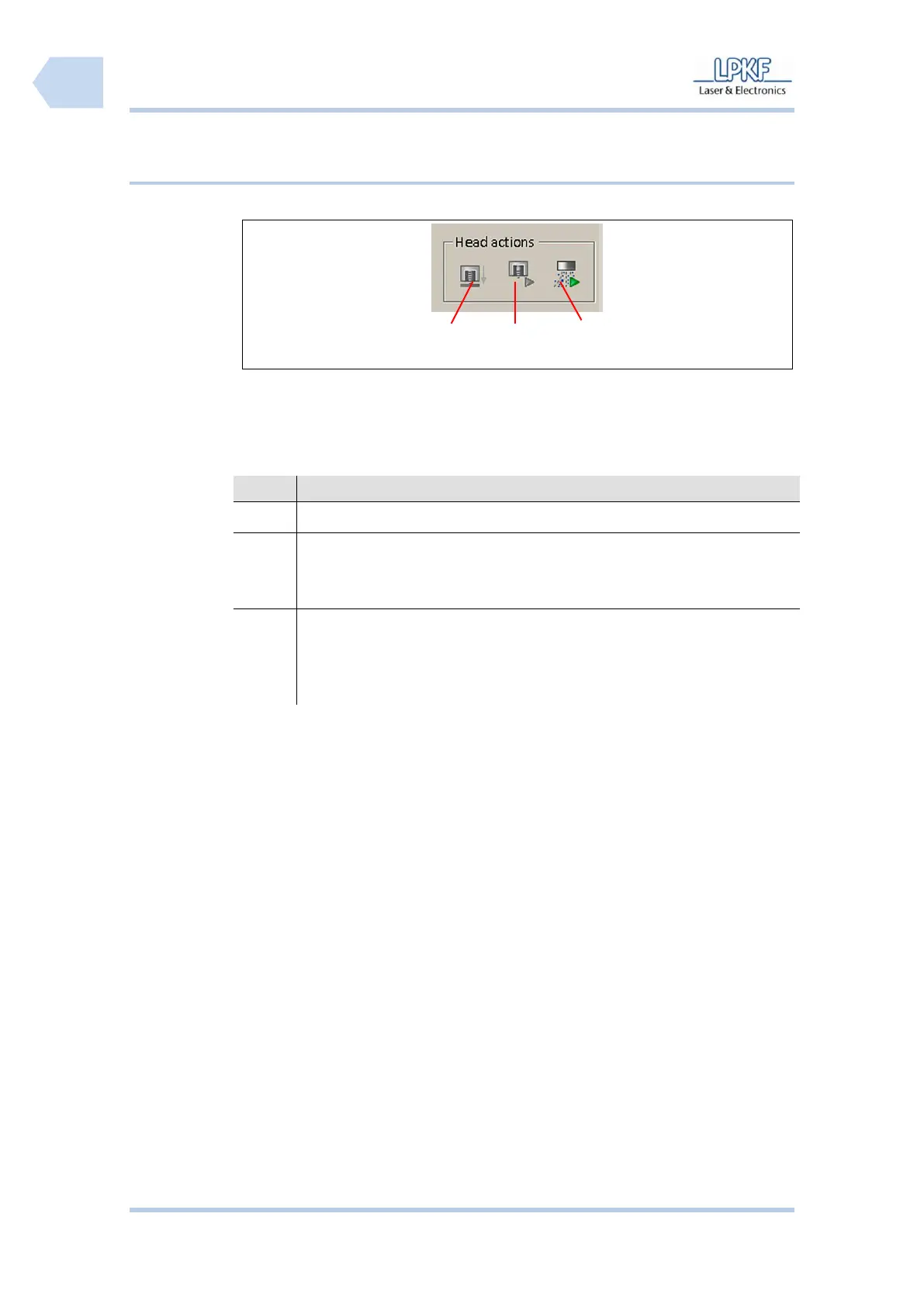
6.2.3.5 Head actions
/1/ Lift mill/drill head up/down
/3/ Dust extraction unit on/off
The individual buttons have the following functions:
Click [Lift head up/down] to lower the mill/drill head.
Click [Motor on/off] to start or stop the motor.
The symbol changes correspondingly from a green triangle (90°
position) to a red rectangle.
Click [Exhaust unit on/off] to activate/deactivate the dust extraction unit
by the operator.
The symbol changes correspondingly from a green triangle (90°
position) to a red rectangle.



 To Next Page