82 HB V2.0/Dez-11 © 2011 LPKF AG
6.8.1 Specify production type
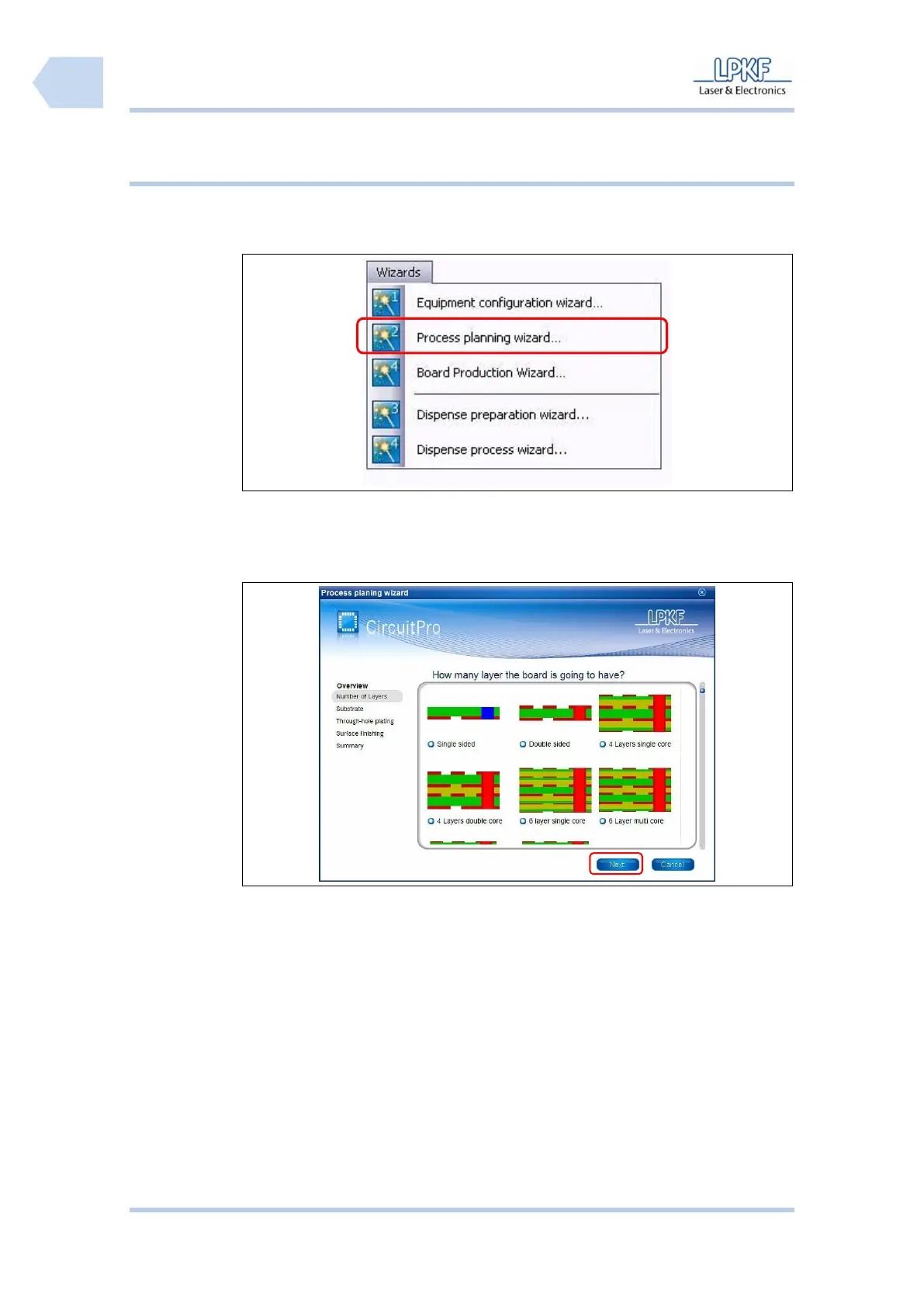
Production data is assembled using the “Process planning wizard“.
■ Generate production data
1. Click Wizards>Process planning wizard….
➨ The following window is shown:
Fig. 56: Process
planning wizard
2. Edit the required setting for the production process and click [Next].
3. Follow the instructions of the assistant.
➨ If all settings have been made the following window is shown:



 To Next Page