68 HB V2.0/Dez-11 © 2011 LPKF AG
6.4.2 Vacuum table
■ Fix the production material
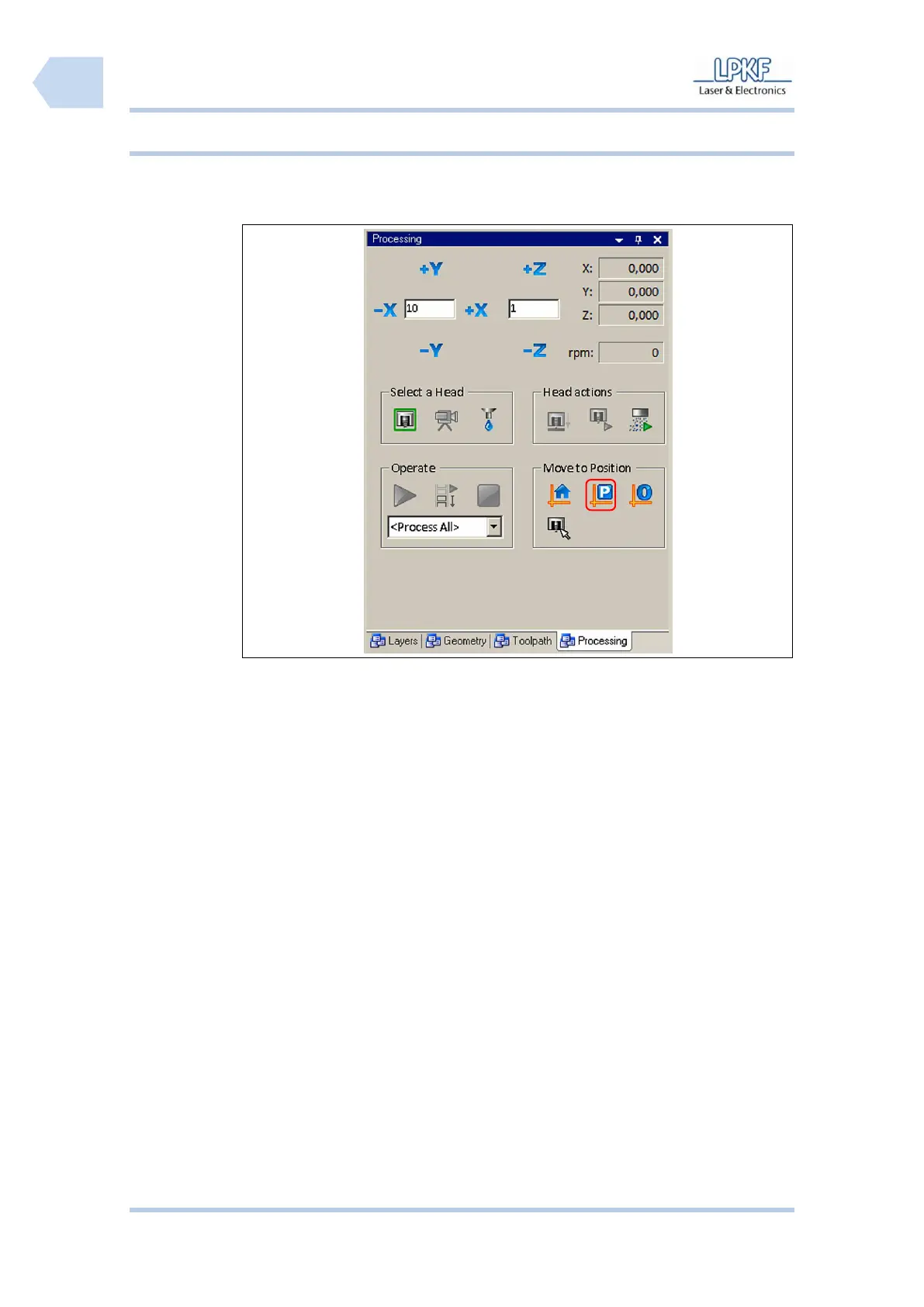
1. Click on [Pause position].
➨ The mill/drill head moves to pause position.
2. Open the soundproof hood.
3. Clean the vacuum table and remove material rests with a smooth paint
brush or a slightly damp cloth.
4. Place the underlay on the working table so that the pivots fit into the
reference holes.
5. Place the production material on the vacuum table.
♦ The production material is placed on the vacuum table and will be fixed when
the production process starts.



 To Next Page