© 2011 LPKF AG HB V2.0/Dez-11 51
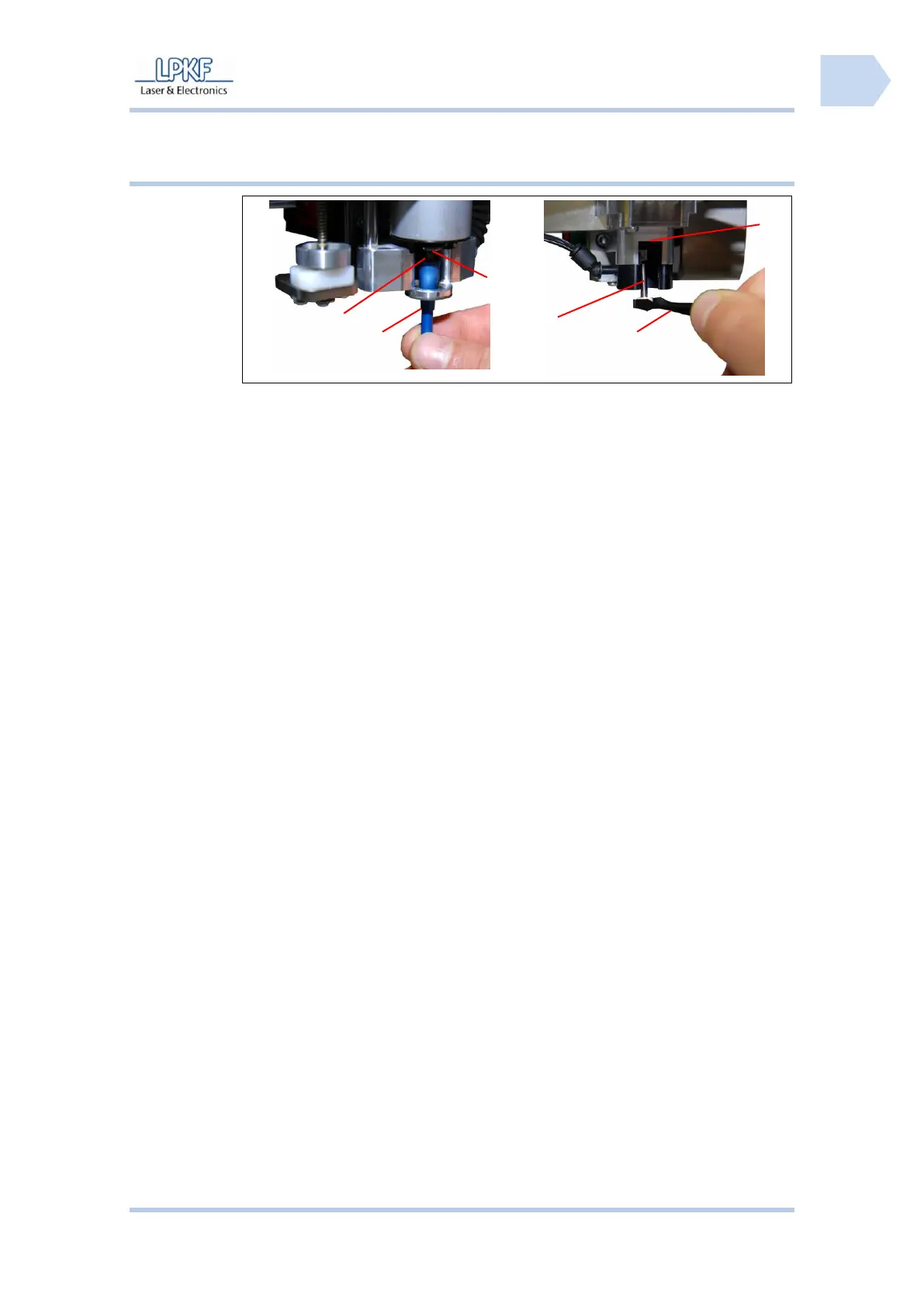
5.3.3 Remove the dummy tool
/2/ Tool gripper or tweezers
■ Remove the dummy tool
1. Take a tool gripper or tweezers and fix the dummy tool.
2. For machines with mechanically tool change machanism:
- Turn the adjustment screw of the collet chuck.
For machines with automatically tool change machanism:
- The software open the collet chuck automatically.
➨ The collet chuck release the dummy tool.
3. Remove the dummy tool from the collet chuck.
♦ Now the circuit board plotter is ready for operation.



 To Next Page